
10 Claude Cloud Routines Every CRE Professional Should Build
Claude just shipped one of the most important features for automation in commercial real estate, and this Claude cloud routines CRE workflows guide breaks down exactly how to use it. Cloud Routines are scheduled tasks that run on Claude’s servers, meaning they execute whether your computer is on or off. For CRE professionals, this unlocks a completely new level of automation that previously required tools like Manus, Zapier, or custom-built systems.
Instead of juggling multiple platforms, you can now build, schedule, and run workflows directly inside Claude. That means less setup, fewer tools, and faster execution across your entire deal pipeline.
What Are Claude Cloud Routines?
Claude Cloud Routines are remote, scheduled workflows that:
-
Run on Claude’s servers
-
Execute at specific times or triggers
-
Pull data from connected tools
-
Deliver structured outputs automatically
Unlike local automations, they don’t depend on your laptop being active.
Why Cloud Routines Matter for CRE
Before this feature, automation required:
-
Leaving your system running
-
Using third-party tools
-
Building complex integrations
Now, everything happens inside one environment.
Key Benefits
-
Eliminate manual daily tasks
-
Automate deal flow analysis
-
Improve consistency in reporting
-
Reduce reliance on multiple tools
High-ROI Claude Cloud Routines for CRE
Below are 10 routines ranked by real-world impact.
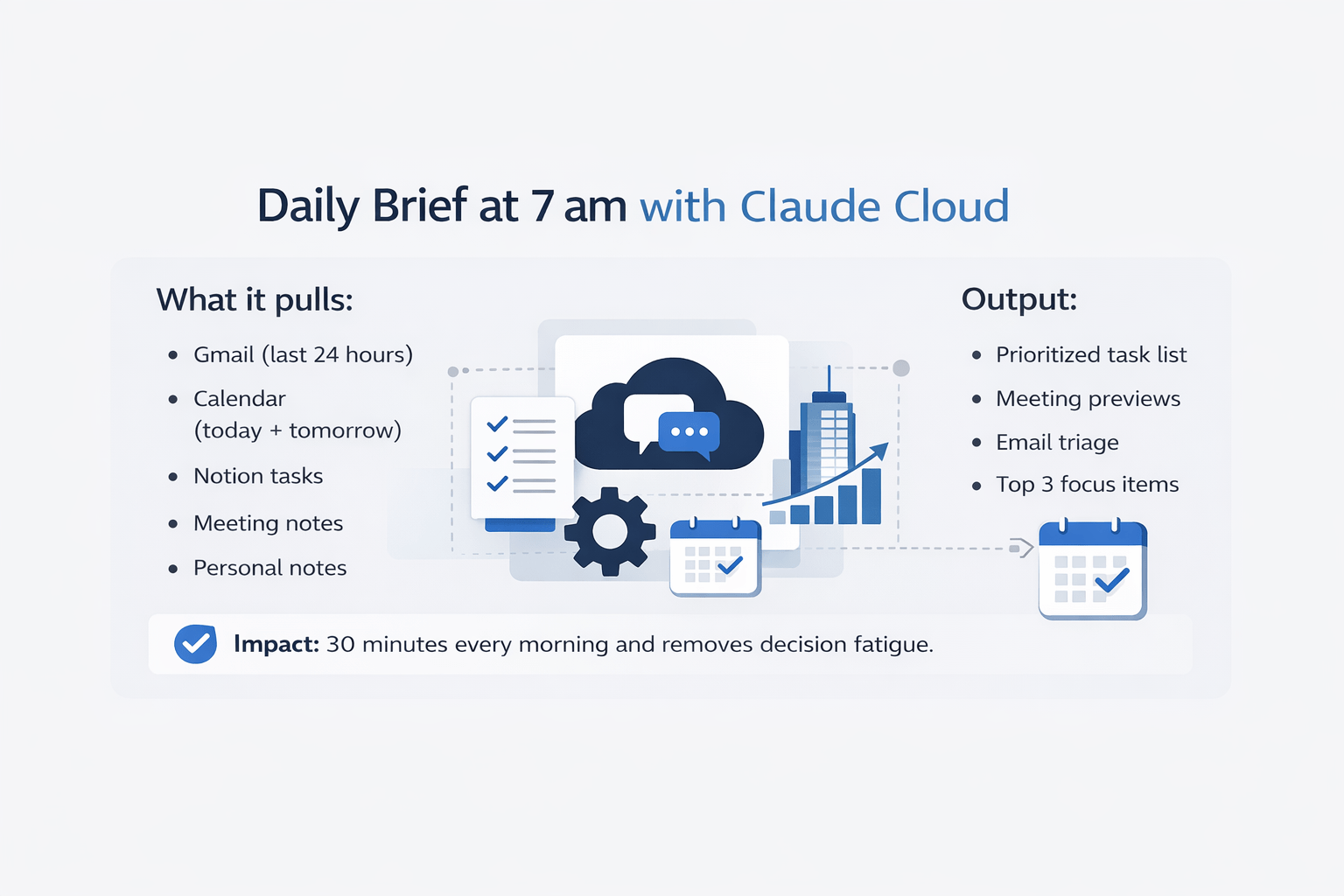
1. Daily Brief at 7 am
This routine consolidates your day before it starts.
What it pulls:
-
Gmail (last 24 hours)
-
Calendar (today + tomorrow)
-
Notion tasks
-
Meeting notes
-
Personal notes
Output:
-
Prioritized task list
-
Meeting previews
-
Email triage
-
Top 3 focus items
Impact:
Saves ~30 minutes every morning and removes decision fatigue.
2. Overnight OM Intake Automation
This is one of the highest ROI workflows in the Claude cloud routines CRE workflows guide.
How it works:
-
Scans Gmail label: “New OMs.”
-
Runs deal screening criteria
-
Pulls comps
-
Builds underwriting scenarios
-
Outputs go/no-go summary
Impact:
Turns hours of manual analysis into a fully automated process. If you want to take this further and run underwriting across multiple deals simultaneously, you can apply parallel analysis workflows using AI.
3. Daily Crexi & LoopNet Deal Scraper
Automatically tracks new opportunities.
What it does:
-
Pulls new listings
-
Filters by buy box
-
Removes irrelevant deals
-
Sends a daily deal sheet
Key Tip:
The tighter your buy box, the better the output. See how AI agents can automatically source and rank deals in real time:
4. Yardi Actuals vs Pro Forma Variance Report
This routine tracks performance gaps.
Workflow:
-
Pull actual financials
-
Compare against underwriting
-
Flag variances above threshold
-
Send a weekly report
Workaround:
If no direct integration exists:
-
Use Google Sheets export
-
Or connect via custom setup
5. Weekly Pipeline Digest
Gives you full deal visibility.
Pulls data from:
-
CRM
-
Email
-
Meeting notes
Output:
-
Deal status
-
Next steps
-
Blockers
-
Stale opportunities
Workflow Automation Comparison
| Task Type | Manual Process | Claude Routine |
|---|---|---|
| Daily planning | 30–60 min | Automated |
| OM analysis | 1–2 hours | 5–10 minutes |
| Deal tracking | Fragmented | Centralized |
| Reporting | Manual writing | Auto-generated |
6. Automated Lender Follow-Up
Prevents deals from stalling.
What it does:
-
Detects unanswered emails
-
Flags delays
-
Drafts follow-up messages
7. Friday Weekly Recap
Summarizes your entire week.
Includes:
-
Completed meetings
-
Closed tasks
-
Deal progress
-
Key decisions
Also useful for:
-
Internal reporting
-
Personal branding content
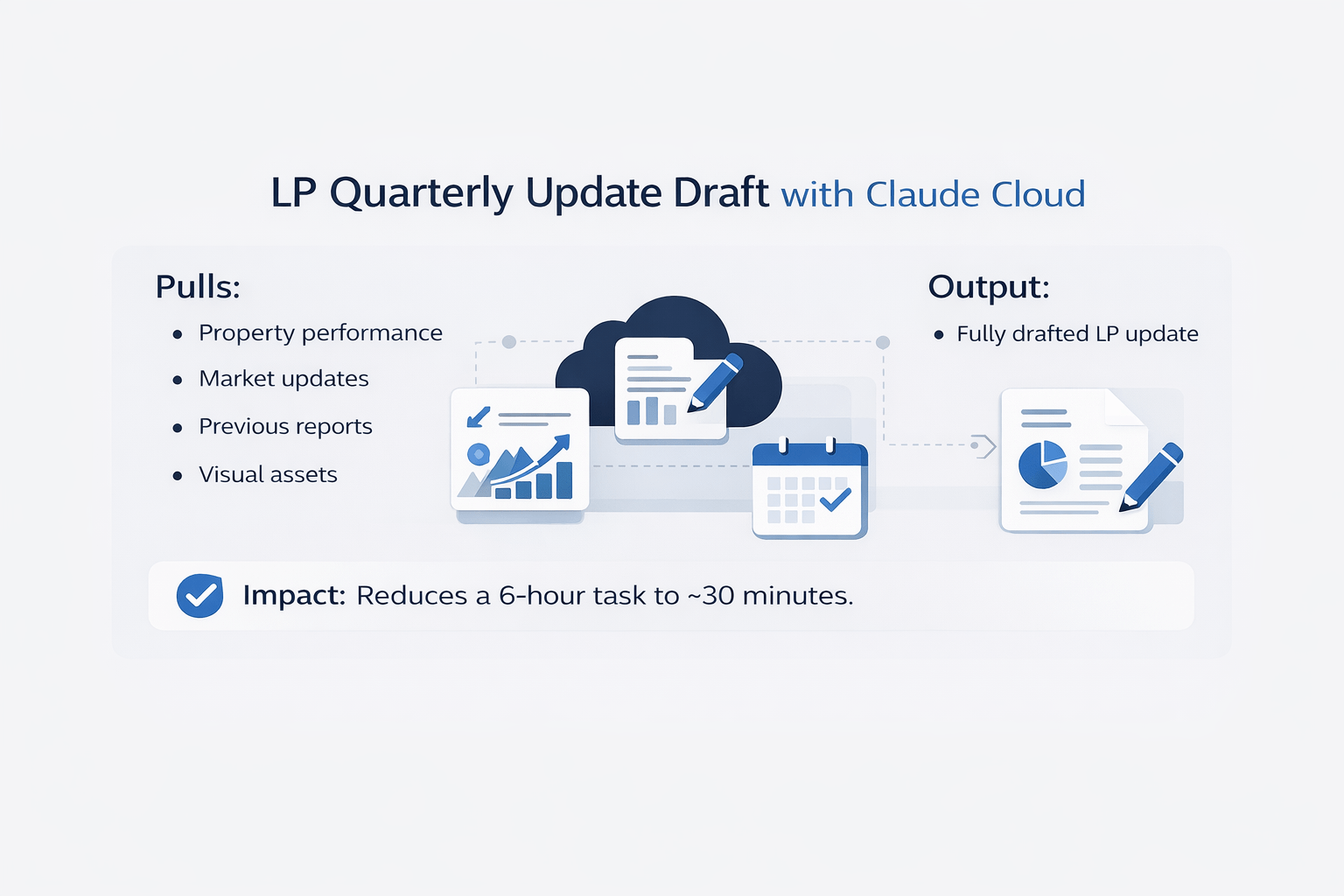
8. LP Quarterly Update Draft
This routine handles investor communication.
Pulls:
-
Property performance
-
Market updates
-
Previous reports
-
Visual assets
Output:
-
Fully drafted LP update
Impact:
Reduces a 6-hour task to ~30 minutes.
9. Market Research Alert
Keeps you informed on target markets.
Tracks:
-
Transactions
-
Development pipeline
-
Demographics
-
News
Frequency:
-
Weekly or daily
10. Deal Reminder & Alert System
Prevents missed opportunities.
Tracks:
-
Lease expirations
-
Loan maturities
-
Rent increases
-
Key deadlines
Output:
-
Proactive alerts
How to Build a Claude Cloud Routine
Every workflow in this Claude cloud routines CRE workflows guide follows the same structure.
Step-by-step:
-
Open Claude Desktop
-
Go to Routines
-
Select “Remote Routine”
-
Name the workflow
-
Write a detailed prompt
-
Connect data sources
-
Set trigger (time/event)
-
Run and test
Routine Setup Framework
| Component | What to Define |
|---|---|
| Data Source | Gmail, Sheets, CRM |
| Logic | Filters, rules, criteria |
| Output | Format + structure |
| Trigger | Time or event |
The Connector Limitation (And Fix)
Some CRE tools don’t integrate directly yet:
-
Yardi
-
AppFolio
-
Crexi
-
LoopNet
Workarounds:
-
Push data to Google Sheets
-
Use GitHub for structured data
-
Build custom connectors
Start With One Routine First
Don’t build all 10 at once.
Best starting point:
Daily Brief
Why:
-
Low risk
-
High frequency
-
Easy to test
-
Immediate value
Common Mistakes to Avoid
-
Writing vague prompts
-
Connecting too many data sources
-
Automating everything at once
-
Ignoring output formatting
Conclusion
Claude Cloud Routines are one of the most impactful upgrades for CRE professionals in recent years. This Claude cloud routines CRE workflows guide shows that many workflows that previously required multiple tools can now be handled inside Claude. From deal screening to reporting and research, automation is becoming simpler and more accessible.
The biggest advantage isn’t just saving time, it’s building a system that runs consistently, even when you’re not working.
Build Smarter CRE Automation Systems
If you’re serious about scaling your workflows, Cloud Routines are just the starting point. The real advantage comes from knowing how to structure, optimize, and combine these automations into a system that actually supports deal flow and decision-making.
Inside AI for CRE Collective, 600+ CRE professionals are already building and refining these workflows with real examples, prompts, and use cases. If you want to move beyond theory and actually implement this, subscribe to the newsletter and start building automation that saves hours every week.
FAQs Regarding Claude Cloud Routines CRE Workflows
1. What are Claude Cloud Routines in commercial real estate?
Claude Cloud Routines are scheduled automations that run on Claude’s servers without requiring your device to stay on.
-
They pull data from sources like email, calendars, and notes
-
They process that data using defined logic and prompts
-
They deliver structured outputs like reports, summaries, or alerts
Conclusion: They function as a background automation system that handles repetitive CRE workflows consistently.
2. How do Cloud Routines improve daily CRE operations?
They eliminate repetitive manual tasks that consume time every day.
-
Automate morning planning with daily briefs
-
Handle deal screening without manual review
-
Generate reports automatically
Conclusion: They allow CRE professionals to focus more on decisions and less on routine execution.
3. Can Cloud Routines replace tools like Manus or Zapier?
They can replace a large portion of those tools for standard workflows.
-
Built-in scheduling removes the need for external automation
-
Native integrations simplify setup
-
Limited for highly complex or long-running tasks
Conclusion: They reduce tool dependency significantly but may not replace advanced automation tools بالكامل.
4. What is the highest ROI Cloud Routine for CRE professionals?
The Overnight OM Intake routine delivers the highest impact.
-
Automatically scans incoming OMs
-
Applies buy-box criteria
-
Generates go/no-go summaries
Conclusion: It converts hours of manual underwriting into a fully automated decision workflow.
5. How do Cloud Routines handle deal screening?
They automate the entire intake and filtering process.
-
Pull new listings or OMs from email or sources
-
Apply predefined investment criteria
-
Output structured summaries with key metrics
Conclusion: They standardize deal evaluation and dramatically speed up initial screening.
6. What data sources can be connected to Cloud Routines?
They support both direct integrations and indirect workarounds.
-
Gmail, Google Calendar, Notion
-
Google Sheets for structured data
-
GitHub or external storage for files
Conclusion: With the right setup, most CRE data can be integrated into routines.
7. What are the limitations of Claude Cloud Routines?
Despite their power, they still have constraints.
-
Limited native integrations with CRE platforms like Yardi or LoopNet
-
Bounded execution time compared to full automation agents
-
Depends heavily on prompt quality
Conclusion: They are highly capable but require thoughtful setup and sometimes workarounds.
8. How difficult is it to set up an effective Cloud Routine?
The process is simple, but optimization takes effort.
-
The setup steps are straightforward
-
Writing detailed prompts is the key challenge
-
Output improves with iteration and refinement
Conclusion: Easy to start, but mastery comes from improving prompt quality over time.
9. How do Cloud Routines improve investor reporting and communication?
They automate the creation of structured, professional updates.
-
Pull financial and operational data
-
Summarize performance and trends
-
Draft investor-ready reports
Conclusion: They reduce reporting time significantly while improving consistency and quality.
10. What is the best way to start using Cloud Routines effectively?
Start small and focus on one high-impact workflow.
-
Begin with a Daily Brief or simple automation
-
Test outputs and refine prompts
-
Gradually expand to more complex routines
Conclusion: A focused, step-by-step approach leads to better results and faster adoption.
