
How to Set Up Your CRE Brand in Claude Design
If you’ve used Claude Design and felt like the output looked generic, you’re not alone. Most CRE professionals jump straight into building decks or offering memorandums without setting up the foundation first. The result is predictable documents that feel templated instead of tailored. That’s exactly where a CRE brand design system changes everything.
Instead of manually adjusting colors, layouts, and fonts every time, you define your brand once. From that point forward, every deck, offering memorandum, and investor update automatically reflects your identity. The difference is immediate and, more importantly, scalable.
The entire setup takes about five minutes. But the impact shows up in every deal you present. For example, you can plug this directly into an automated deal underwriting workflow to generate fully branded outputs instantly.
What Is a CRE Brand Design System?
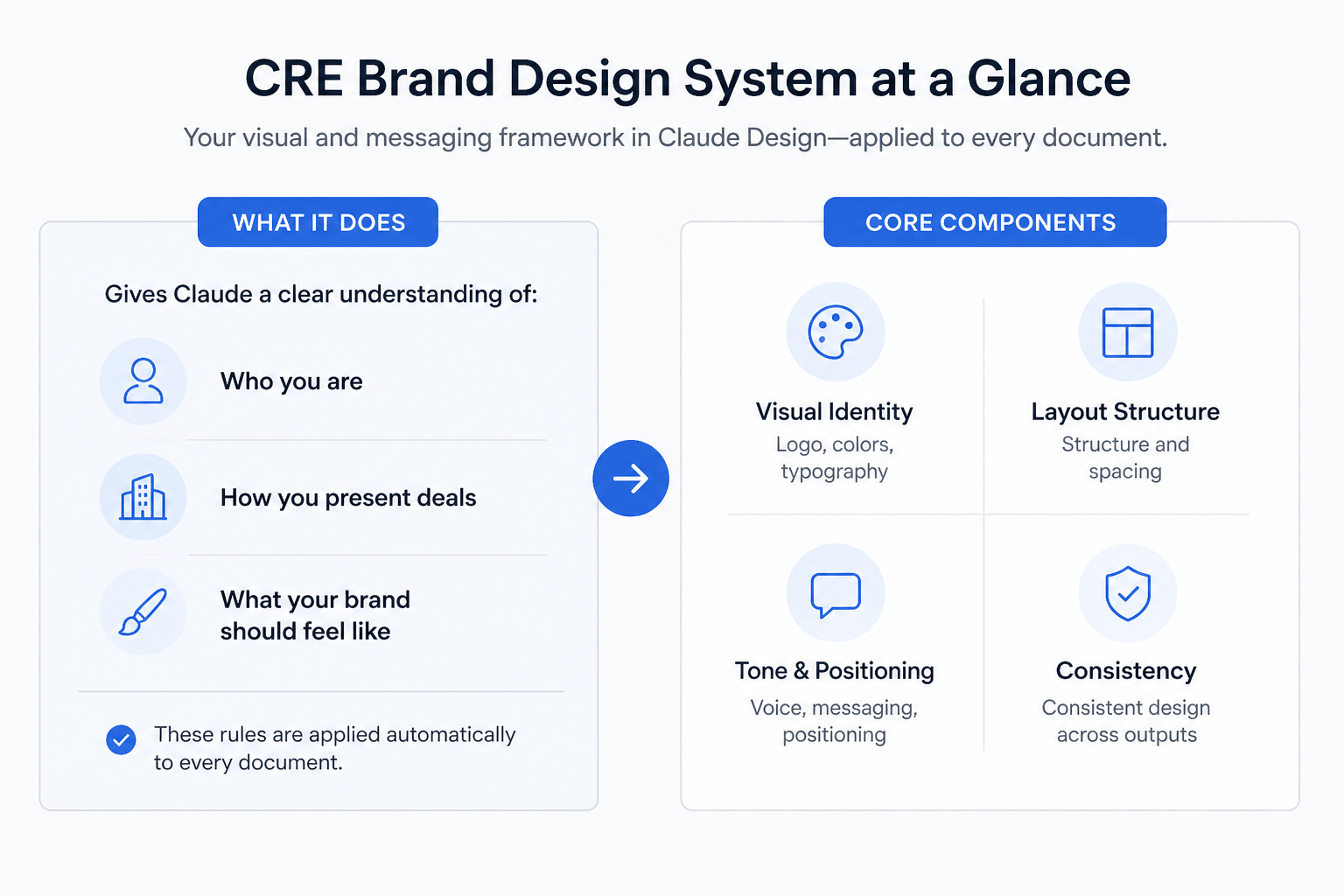
A CRE brand design system is your firm’s visual and messaging framework embedded inside Claude Design. It acts as the default structure for every document the platform generates.
Think of it as giving Claude a clear understanding of:
-
Who you are
-
How you present deals
-
What your brand should feel like
Instead of starting from scratch each time, the system applies these rules automatically.
Core Components of a Design System
-
Visual identity (logo, colors, typography)
-
Layout structure and spacing
-
Tone and positioning
-
Design consistency across outputs
Why Most CRE Outputs Look Generic
When no design system is set up, Claude falls back on default styling. While functional, it lacks identity.
Common Issues Without a Design System
-
Decks look like templates instead of branded materials
-
Colors feel inconsistent or generic
-
Fonts don’t align with your positioning
-
Visual hierarchy feels weak
These issues may seem small, but they have real consequences, especially in investor-facing materials.
Traditional Workflow vs Design System Workflow
| Task | Without Design System | With Design System |
|---|---|---|
| Deck creation | Manual formatting | Auto-branded output |
| Visual consistency | Inconsistent | Fully consistent |
| Time spent | High | Minimal |
| Professional quality | Varies | Institutional-level |
| Scalability | Low | High |
What to Prepare Before You Start
The setup itself is fast, but preparation determines the quality of your output.
Essential Inputs
-
Company logo (multiple versions if available)
-
Short brand description (2–3 sentences)
-
Color palette or general direction
-
Positioning notes
-
Website or marketing screenshots
Optional (But Valuable)
-
Previous investor decks
-
Offering memorandums
-
One-pagers
These examples give Claude a stronger reference point and improve accuracy.
Step-by-Step: Building Your CRE Brand Design System
Step 1: Create Your Design System
Start by creating a new system in Claude Design.
This is where you define your identity. Avoid vague descriptions. Instead, be precise and intentional. To see how this connects to real underwriting workflows and outputs, this walkthrough breaks it down clearly:
Example (Strong vs Weak Input)
| Weak Input | Strong Input |
|---|---|
| CRE investment firm | Multifamily investment firm focused on value-add acquisitions in coastal markets with institutional presentation standards |
The stronger your input, the better Claude understands your positioning.
Step 2: Upload Brand Assets
Upload all relevant visual materials.
Claude uses these to determine how your brand should appear across documents.
What to Include
-
Logos (horizontal, stacked, icon)
-
Website screenshots
-
Existing decks or marketing files
More context leads to more accurate outputs.
Step 3: Define Brand Notes Clearly
This is one of the most important steps and is often overlooked.
You don’t need formal guidelines. Clear language works best.
Example Inputs
-
Color direction: “Muted tones with deep navy accents.”
-
Typography: “Clean, readable, professional.”
-
Tone: “Institutional and polished.”
-
Avoid: “No bright tech-style colors.”
Claude interprets intent extremely well when you’re specific.
Step 4: Generate and Refine
Once submitted, Claude builds your design system.
You’ll see:
-
Color palettes
-
Typography systems
-
Layout examples
-
UI components
Review everything carefully. Approve what works and refine what doesn’t.
This step determines how polished your outputs will be going forward.
What You Get After Setup
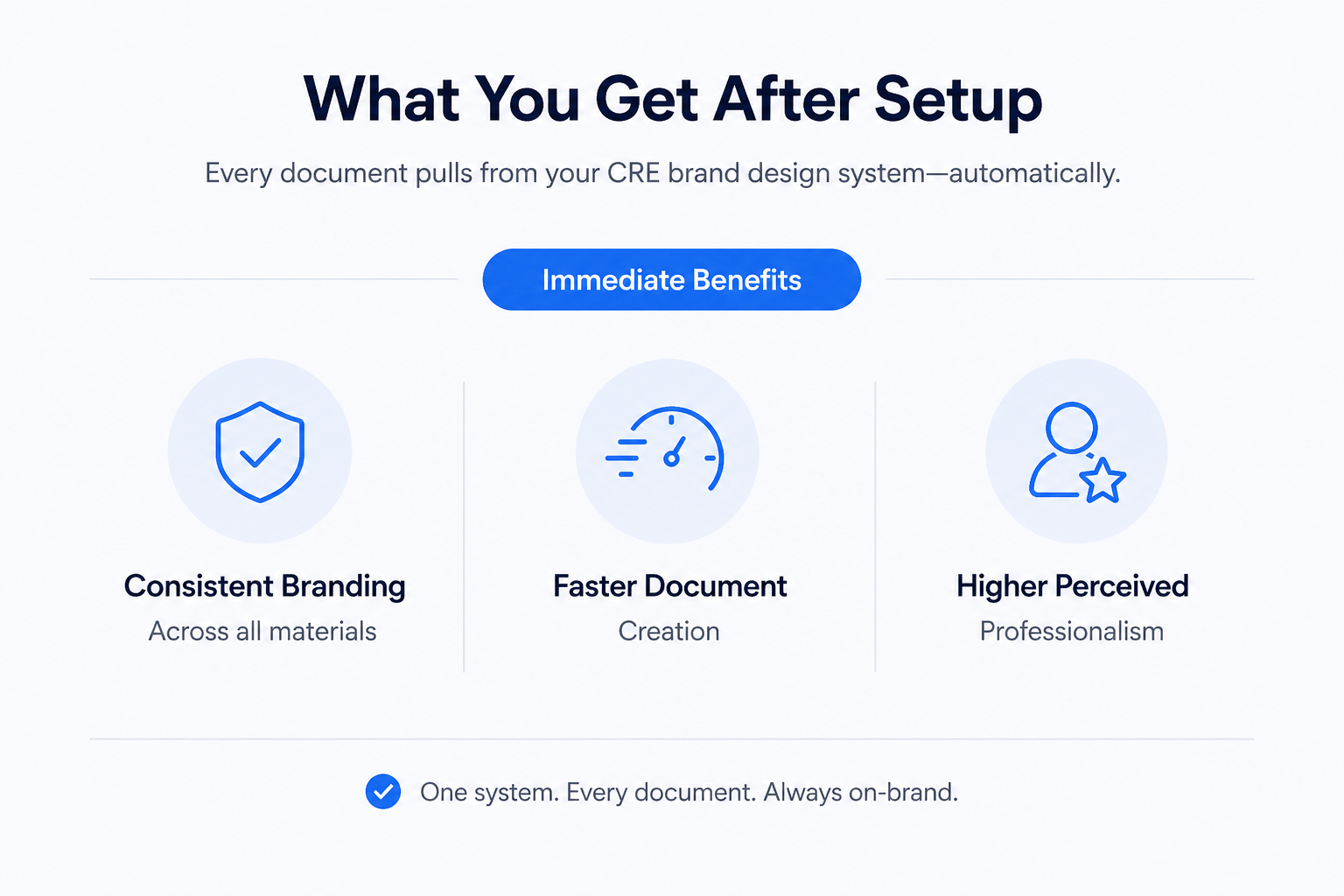
Once your CRE brand design system is live, every document pulls from it automatically.
Immediate Benefits
-
Consistent branding across all materials
-
Faster document creation
-
Higher perceived professionalism
-
Reduced need for manual editing
Where This Impacts CRE the Most
1. Offering Memorandums
Your OMs instantly reflect your brand without manual formatting.
2. Investor Decks
Consistent layouts and colors improve clarity and credibility.
3. LP Updates
Every communication feels cohesive and professional.
4. Marketing Materials
Listings and visuals align with your overall positioning.
Real Workflow Comparison
| Workflow Stage | Without System | With System |
|---|---|---|
| Start document | Blank slate | Pre-branded template |
| Formatting | Manual | Automated |
| Revisions | Time-consuming | Minimal |
| Output quality | Inconsistent | Consistent |
Advanced Strategy: Combining Design Systems + Templates
The biggest efficiency gains come from combining two elements:
1. Design System
Handles branding automatically
2. Templates
Handle structure and layout
Together, they eliminate nearly all repetitive work.
Result
-
Faster deal execution
-
Better consistency across projects
-
Scalable document creation
Common Mistakes to Avoid
Skipping the Design System
Leads to generic outputs every time.
Being Too Vague
Weak inputs produce weak results.
Ignoring the Review Step
Small refinements significantly improve quality.
Not Using Real Examples
Actual materials improve accuracy more than descriptions.
Build Once, Scale Every CRE Document
The real advantage of a CRE brand design system is leverage. Instead of rebuilding documents every time, you create a system that works for you. Inside the AI for CRE Collective, you’ll see how 600+ CRE professionals are using workflows like this to produce high-quality materials faster and more consistently.
If you want to improve how your deals are presented without increasing workload, this is where it starts. You don’t need more tools; you need better systems. The next step is simple: subscribe to the newsletter and start applying these workflows in your own process.
Conclusion
A CRE brand design system in Claude Design is one of the highest-impact improvements you can make.
It takes minutes to set up, but it transforms how every document looks and feels. From offering memorandums to investor decks, everything becomes more consistent, more professional, and easier to produce.
If you’re serious about improving your CRE workflows, this is not optional; it’s foundational.
FAQs Regarding CRE Brand Design System
1. What is a CRE brand design system in Claude Design?
A CRE brand design system is a structured setup of your company’s visual identity inside Claude Design that ensures all documents follow consistent branding.
-
Includes logos, colors, typography, and layout rules
-
Automatically applies to decks, OMs, and reports
-
Eliminates the need for manual formatting
Conclusion: It creates consistent, professional outputs across all CRE materials without extra effort.
2. Why is a CRE brand design system important for real estate professionals?
It directly impacts how your deals are perceived by investors and partners.
-
Improves credibility and professionalism
-
Ensures consistent presentation across deals
-
Strengthens brand recognition
Conclusion: A strong design system makes your materials look institutional and increases trust in your presentations.
3. How long does it take to set up a CRE brand design system?
The setup process is quick but depends on how prepared your inputs are.
-
Basic setup takes around 5–10 minutes
-
Additional refinement may take another 10–15 minutes
-
Once done, it saves hours on future work
Conclusion: A short setup time delivers long-term efficiency and consistency benefits.
4. What materials do you need before creating a CRE brand design system?
You need a few core assets to guide the system effectively.
-
Company logo in different formats
-
Brand description and positioning
-
Color direction or palette
-
Website or existing marketing materials
Conclusion: The better your inputs, the more accurate and polished your outputs will be.
5. Can a CRE brand design system replace traditional design work?
It reduces the need for repetitive design tasks but does not fully replace designers.
-
Automates standard document formatting
-
Maintains brand consistency automatically
-
Still requires review for high-stakes materials
Conclusion: It complements design work by handling routine tasks while designers focus on higher-level improvements.
6. How does a CRE brand design system improve workflow efficiency?
It removes repetitive steps from document creation.
-
No need to manually adjust colors or layouts
-
Faster turnaround for decks and reports
-
Consistent outputs across multiple deals
Conclusion: It streamlines workflows and allows teams to focus more on analysis and strategy.
7. Can you update or change your CRE brand design system later?
Yes, the system is flexible and can be adjusted at any time.
-
Update logos, colors, or brand direction
-
Changes apply to all future documents
-
Supports multiple design systems if needed
Conclusion: It evolves with your brand and adapts to changing business needs.
8. What is the biggest mistake people make when setting up a CRE brand design system?
The most common issue is being too vague or skipping key steps.
-
Using generic brand descriptions
-
Not reviewing generated outputs
-
Failing to provide real examples
Conclusion: Clear inputs and proper review are essential to get high-quality results from the system.
