
How to Create an Offering Memorandum with AI
Building an offering memorandum usually takes days of coordination. You gather rent roll data, format financials, design slides, and source market comps. However, this AI CRE offering memorandum automation guide shows how that entire process can now be reduced to minutes using AI tools.
In addition, this guide walks through a real workflow tested on a 14-unit multifamily deal in Venice, CA. While AI does not replace deal expertise, it significantly reduces repetitive work. Therefore, the focus is on helping you move faster while maintaining professional output quality.
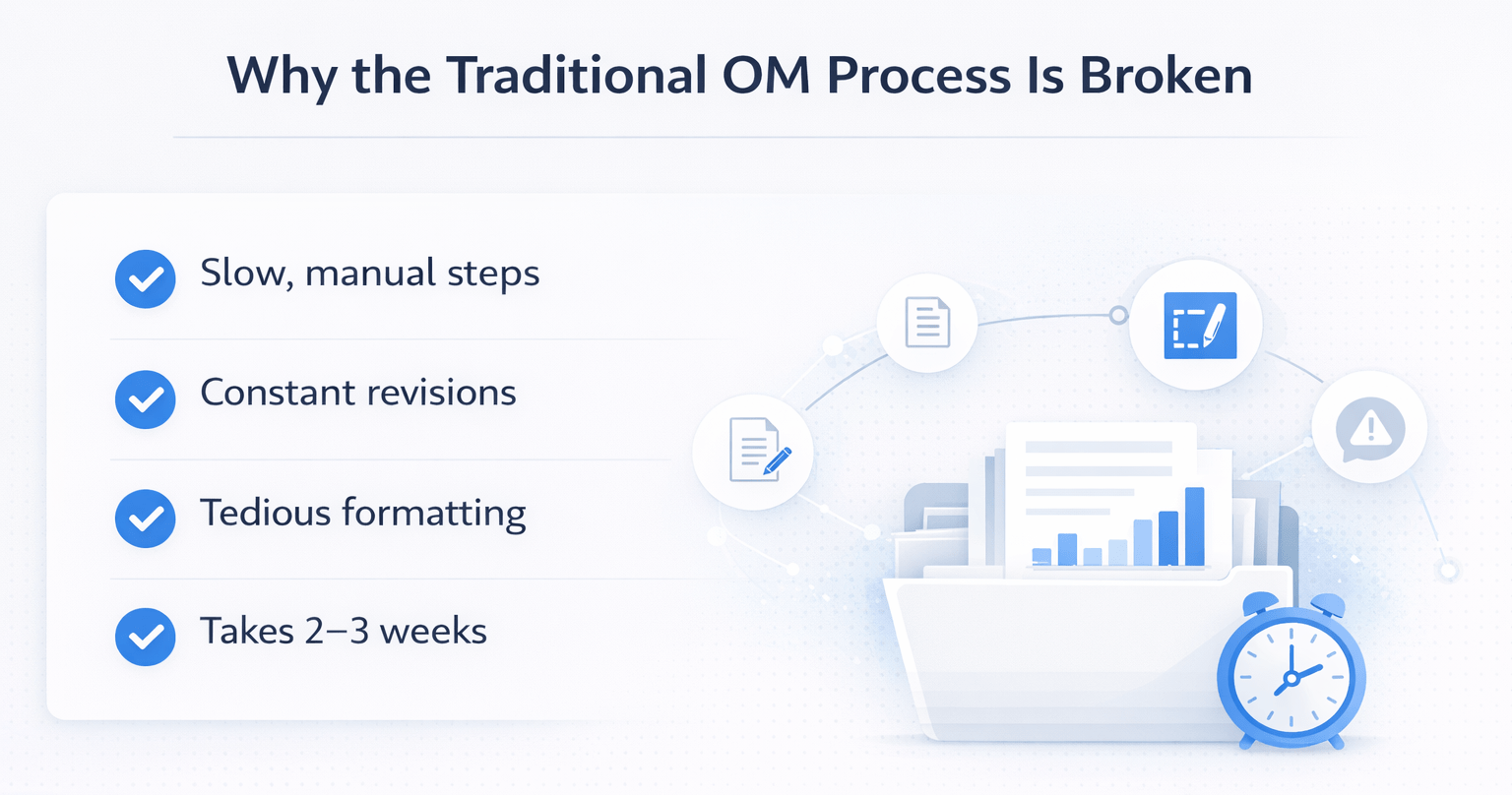
Why the Traditional OM Process Is Broken
Ask any broker about OM creation, and the response is predictable. It takes too long, requires constant revisions, and slows down deal momentum.
Typically, the process looks like this:
- Gather due diligence materials
- Send files to a designer
- Wait for drafts
- Review and correct financial errors
- Repeat revisions
As a result, the full process can take 2–3 weeks.
For smaller teams, it becomes even more time-consuming. You may end up building everything manually in PowerPoint, which adds hours of repetitive work.
However, AI now handles up to 80–90% of this process. The remaining work is mostly verification and polishing.
What You’ll Need Before You Start
Before starting your AI-powered OM workflow, prepare the following:
- NotebookLM account
- Due diligence folder (PDFs, images, reports)
- Property photos
- Brokerage website URL
Important note:
NotebookLM does not accept Excel files. Therefore, convert them to PDF first.
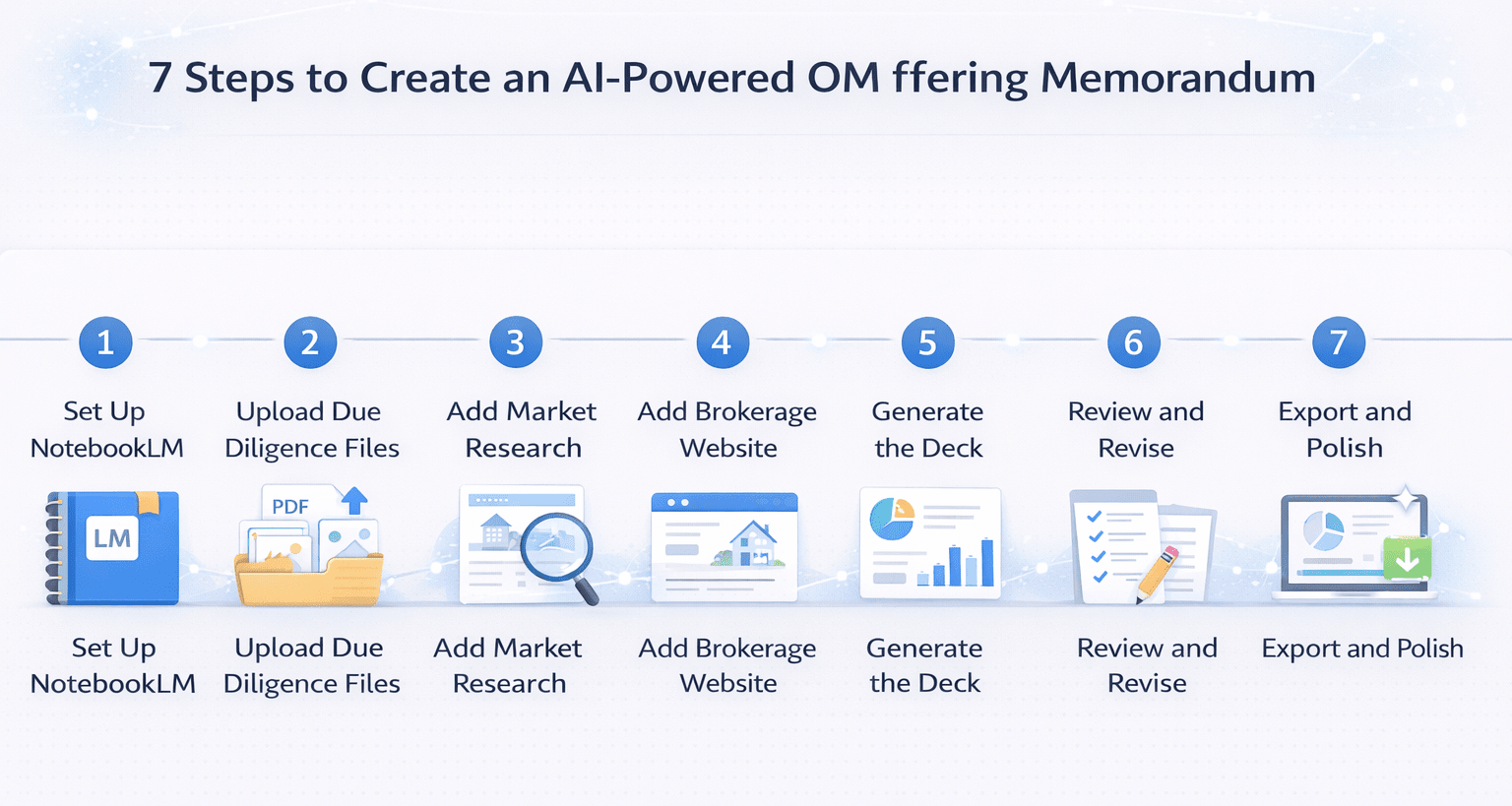
Step 1: Set Up Your NotebookLM Notebook
Start by creating a new notebook inside NotebookLM.
This acts as your project workspace where:
- All files are stored
- AI generates outputs
- Data is referenced
Naming your notebook clearly (such as the property address in Venice, CA) helps keep projects organized.
Step 2: Upload Your Due Diligence Files
Upload all relevant files, including:
- Rent roll
- P&L statements
- Property photos
- Tax documents
- Service contracts
The more data you provide, the better the output.
However, avoid uploading irrelevant files like internal notes or emails.
Step 3: Add Market Research
To improve output quality, add market data using a web search.
For example:
- “Los Angeles multifamily market report 2026.”
- “Venice, CA rent trends 2026.”
This allows AI to generate:
- Market analysis slides
- Rent comparisons
- Local insights
Therefore, using submarket-specific searches improves accuracy significantly.
Step 4: Add Your Brokerage Website
Adding your website helps AI replicate branding elements such as:
- Colors
- Style
- Layout tone
Although logos may not always transfer perfectly, the overall design improves.
Step 5: Generate the Deck
Choose between:
- Detailed deck (data-heavy)
- Presenter deck (clean, visual)
The presenter deck usually performs better for client-facing presentations.
A strong prompt should include:
- Your name and company
- Property details
- Uploaded files
- Branding instructions
As a result, the output becomes significantly more accurate.
Step 6: Review and Revise
The generated deck typically includes:
- Cover slide with property image
- Investment highlights
- Market analysis
- Financial charts
- Rent roll insights
However, revisions regenerate the entire deck. Therefore, batch your edits to save time.
Step 7: Export and Polish
After generation, export the deck and complete final adjustments:
- Verify financial data
- Replace images if needed
- Add contact details
- Adjust formatting
This final step ensures professional quality.
AI vs Traditional OM Creation Time
| Task | Traditional Time | AI Active Time | Total AI Time |
|---|---|---|---|
| OM Creation | 10+ hours | 15–30 min | 45–60 min |
| Market Research | 1–2 hours | 0 min | Included |
| Financial Charts | 2–3 hours | 0 min | Included |
| Slide Design | 2–4 hours | Minimal | Included |
Insight:
AI reduces active workload dramatically, allowing faster deal execution.
What You Get from AI Output
The final output typically includes:
- Branded cover slide
- Investment thesis
- Property images
- Financial charts
- Market analysis
- Rent comparisons
- Deal timeline
This represents 80–90% of the total work completed automatically.
Performance Breakdown
| Capability | Performance | Notes |
|---|---|---|
| Data Integration | High | Uses actual uploaded files |
| Chart Generation | High | Automated and accurate |
| Market Research | Medium-High | Needs verification |
| Design Quality | Medium | Good but not premium |
| Flexibility | Medium | Limited slide editing |
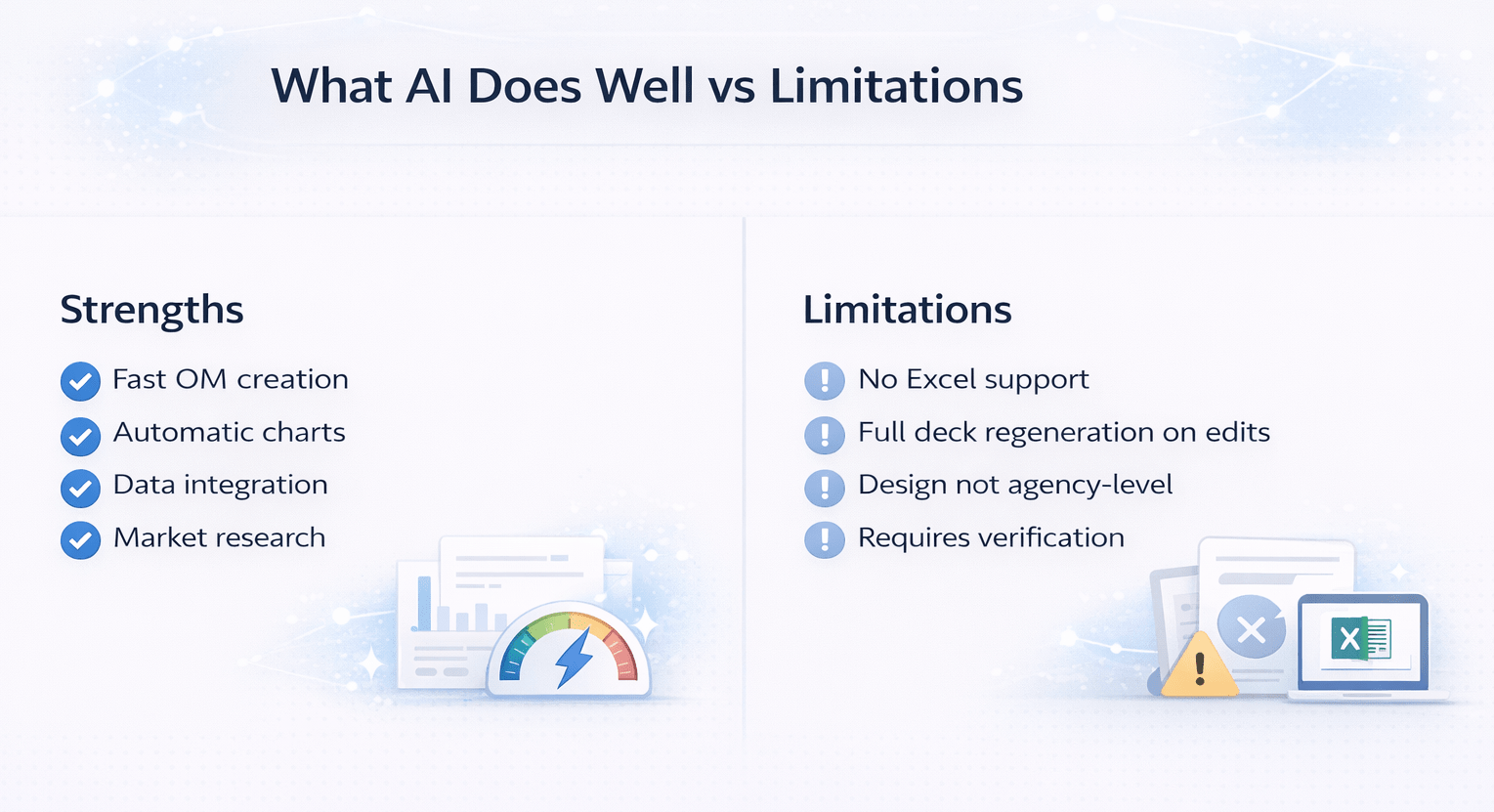
What AI Does Well vs Limitations
Strengths
- Fast OM creation
- Automatic charts
- Data integration
- Market research
Limitations
- No Excel support
- Full deck regeneration on edits
- Design not agency-level
- Requires verification
Tips for Better AI CRE Offering Memorandum Automation
- Upload as much relevant data as possible
- Use the presenter format for better visuals
- Write detailed prompts
- Focus on submarket research
- Batch revision requests
FAQs Regarding AI CRE Offering Memorandum Automation
1. Can AI create a full OM from scratch?
Yes, with strong accuracy.
- Uses uploaded data
- Generates slides automatically
- Produces charts
Conclusion: Excellent first draft tool.
2. Is NotebookLM free?
Yes, it is currently free.
- No subscription needed
- Easy to access
- Fast setup
Conclusion: Low barrier to entry.
3. Do I need to verify financial data?
Yes, always.
- AI may have minor errors
- Data must be checked
Conclusion: Human review is essential.
4. Can I use this for other asset types?
Yes.
- Office
- Retail
- Industrial
Conclusion: Works across CRE.
5. Is AI faster than manual workflows?
Significantly faster.
- Saves hours
- Reduces repetition
Conclusion: Major efficiency gain.
6. What is the biggest limitation?
Editing flexibility.
- Full deck regenerations
- Limited manual control
Conclusion: Plan revisions carefully.
7. Does AI include market research?
Yes.
- Pulls reports
- Adds local insights
Conclusion: Useful but needs validation.
8. Can AI match design agencies?
Not fully.
- Good quality
- Not premium
Conclusion: Suitable for most deals.
9. What improves output quality most?
Your inputs.
- Better data
- Clear prompts
Conclusion: Input quality matters most.
10. How long does the process take?
Typically under one hour.
- Fast generation
- Minimal active work
Conclusion: Huge time savings.
11. Can AI handle large datasets?
Yes, within limits.
- Works with multiple files
- May slow slightly
Conclusion: Scales well.
12. Should I still use designers?
Sometimes.
- For high-end deals
- For branding perfection
Conclusion: Use both when needed.
Standardize Your Offering Memorandum Workflow
Join AI for CRE, where 600+ CRE professionals are using workflows like this to streamline offering memorandum creation, eliminate inconsistent outputs, and scale their deal pipeline with confidence.
Get access to proven templates, step-by-step systems, and real deal examples—and start turning AI into a repeatable process for every deal.
