

How to Use AI to Manage Your CRE Deal Pipeline
I asked an AI one question and got a full pipeline health assessment across 434 deals worth $34.9 million. CRM queries for real estate are changing how brokers and acquisitions teams analyze pipeline data without dashboards or reports.
Instead of building reports, you simply ask a question.
“No reports, no dashboards. and No clicking through Pipedrive filters.”
“How’s my pipeline looking?”
That was the entire query. As a result, the response was more useful than any CRM report I’ve ever pulled manually.
I run the AI for CRE Collective (600+ members), and over the past few weeks, I’ve been testing natural language CRM querying workflows. So, here’s what I found and how to set it up.
Why Traditional CRM Reporting Slows Down CRE Pipelines
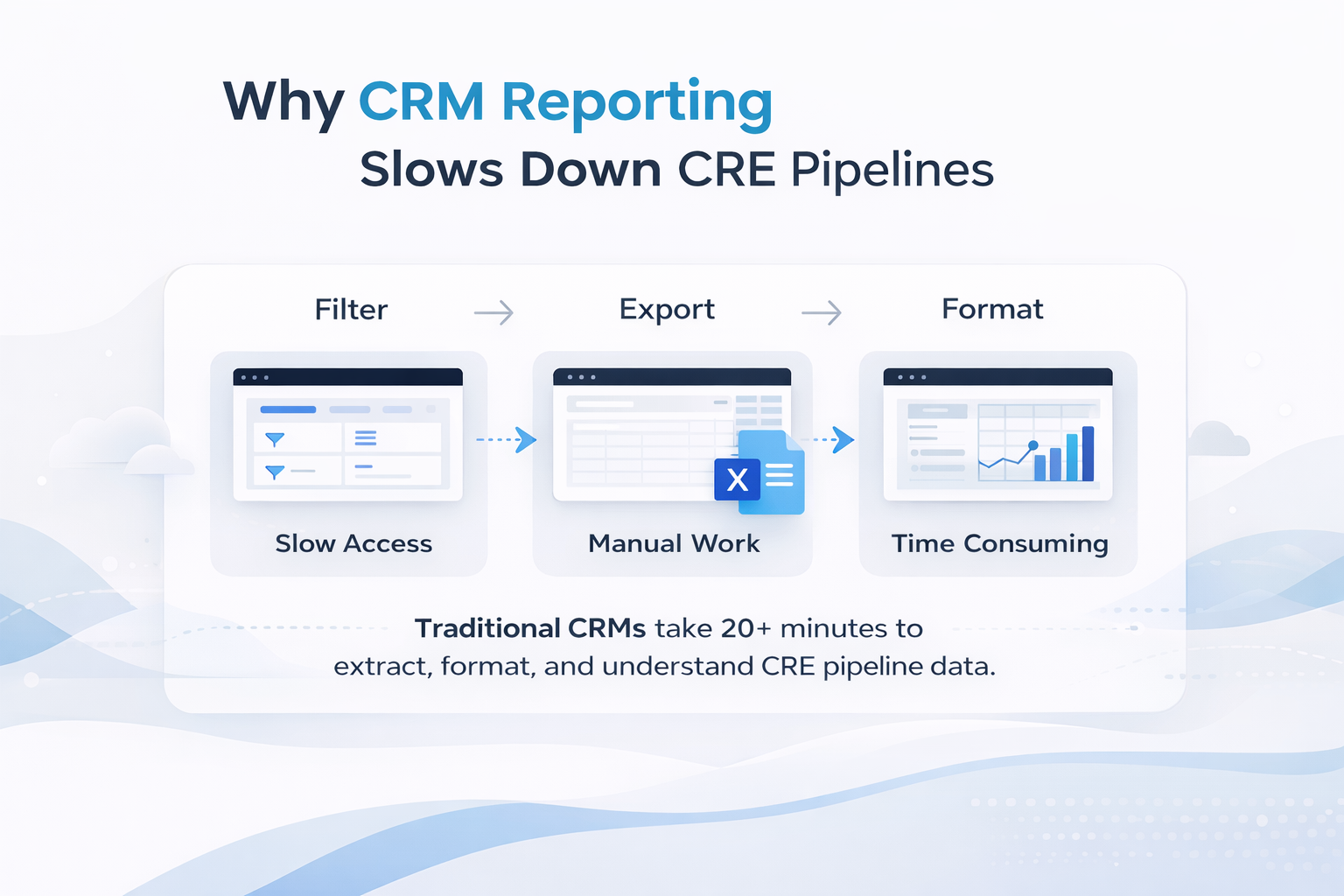
Every CRE broker and acquisitions team I talk to faces the same issue. The data exists in the CRM. However, accessing it takes time.
Typically, you log into Pipedrive, HubSpot, or Salesforce. Then, you click through filters, build views, export to Excel, and format data. However, if you need a different view, the process starts again.
For 434 deals, this takes 20–30 minutes just to get a basic snapshot. In addition, you still need to interpret the results manually.
In contrast, CRM queries for real estate eliminate this process completely.
How CRM Queries for Real Estate Work
Claude Cowork connects to your CRM through a custom MCP server. Because of this, it has read-only access, meaning it can query but not modify your data.
Once connected, you can ask questions in plain English. As a result, the system generates structured insights instantly.
Example Queries and Outputs
Query: “How’s my pipeline looking?”
The response included:
-
434 open deals totaling $34.9M
-
Pipeline health score: 22/100
-
Breakdown of issues such as stale deals and missing follow-ups
-
Deals with no activity in 30+ days
-
Recommended next steps
Query: “Which deals need follow-up this week?”
In this case, the response provided:
-
A prioritized list of deals
-
Sorting by value and probability
-
Last activity context and suggested outreach
Query: “Show me my top 10 deals by value.”
Here, the output included:
-
Ranked deals
-
Stage and last activity
-
Assigned owner
-
Probability-weighted value
Overall, each query returns results in about 15–20 seconds.
Setting Up CRM Queries for Real Estate in Pipedrive
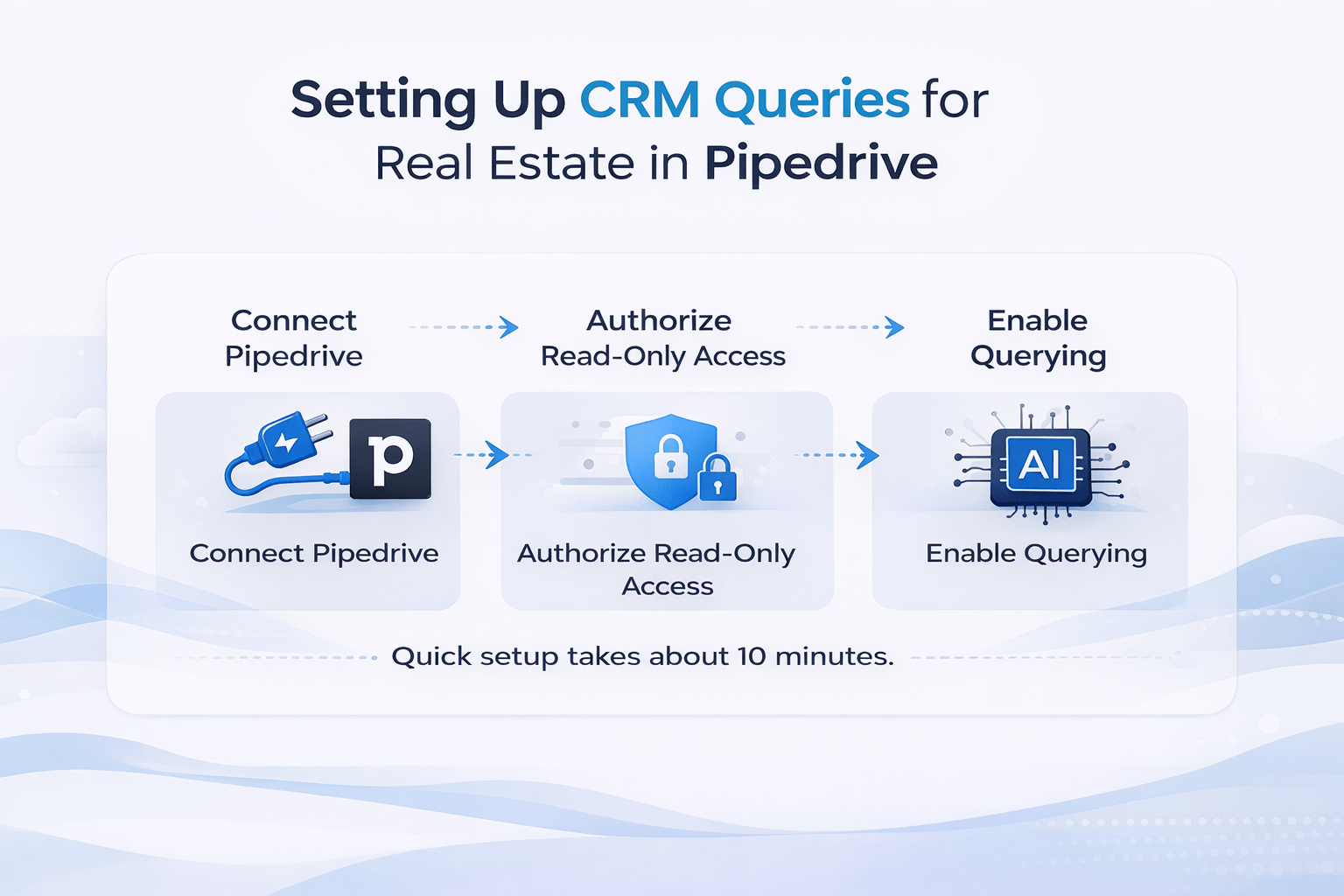
To begin, the connection runs through a custom MCP server (Model Context Protocol).
Setup Steps:
-
Authorize read-only access
-
Enable querying across deals, contacts, and activities
Importantly, read-only access ensures security. Therefore, the AI can analyze data without making changes.
In most cases, setup takes about 10 minutes.
Cross-Tool Intelligence for CRE Pipelines
Beyond CRM queries, the real advantage comes from connecting multiple tools.
For example, I connected:
As a result, a single query can pull insights across all platforms.
Example Query
“What are my action items from today’s meetings?”
In response, the system:
-
Extracted commitments from 13 meetings
-
Listed deadlines and follow-ups
-
Identified required documents
Another Query
“Any revenue ideas from past meetings?”
Similarly, the output:
-
Identified missed opportunities
-
Highlighted relevant discussions
-
Suggested follow-up actions
Therefore, this setup turns your CRM into a real-time intelligence system.
Building a Daily CRM Briefing
One of the most practical use cases is a daily briefing.
Daily Query:
“Give me my daily briefing. Calendar, pipeline priorities, overdue tasks, and urgent emails.”
Output Includes:
-
Daily schedule with context
-
Top 5 deals requiring attention
-
Overdue tasks
-
Important emails
Previously, this required switching between multiple tools. Now, however, it takes about 30 seconds.
Pipeline Health Scoring in Real Estate
Another powerful feature is pipeline health scoring.
In my case, the score was 22/100.
Key Issues Identified:
-
Too many deals are stuck in the early stages
-
Deals past expected close dates
-
Low conversion rates
-
Missing critical data
Although this analysis is possible manually, it typically requires multiple reports and exports.
In contrast, CRM queries for real estate generate this instantly.
Limitations of CRM Queries for Real Estate
Despite the benefits, there are some limitations to consider.
-
Data accuracy depends on CRM updates
-
Complex deal structures are harder to evaluate
-
Historical analysis is limited
-
Custom fields may require adjusted queries
Therefore, while the system is powerful, it works best for daily operations rather than deep reporting.
Time Comparison: Traditional vs AI CRM Queries
| Task | Traditional CRM | AI Query |
|---|---|---|
| Data extraction | 20–30 min | Instant |
| Pipeline analysis | 10–20 min | Instant |
| Reporting | Manual | Automatic |
| Insights generation | Manual | AI-generated |
| Total time | 30–60 min | 15–30 seconds |
As a result, this approach saves significant time across your workflow.
How to Start Using CRM Queries for Real Estate
To get started, begin with simple queries.
-
“How’s my pipeline looking?”
-
“Which deals haven’t been touched in 14+ days?”
-
“What are my top 5 deals by probability-weighted value?”
Then, refine based on your workflow.
Within a few days, you will notice faster analysis and better decision-making.
FAQs Regarding CRM Queries for Real Estate
What are CRM queries for real estate?
CRM queries for real estate allow you to ask questions about your pipeline using plain language instead of filters and reports.
-
You can analyze deals without building dashboards
-
You can retrieve insights instantly from your CRM
-
You can prioritize deals based on real-time data
-
You can reduce manual reporting time significantly
In short, this approach simplifies pipeline analysis and improves decision-making speed. Learn more about CRM systems: https://www.salesforce.com/crm/
How do CRM queries for real estate work?
CRM queries for real estate work by connecting AI tools to your CRM data and enabling natural language interaction.
-
The AI connects through secure integrations
-
It reads deal, contact, and activity data
-
It processes questions written in plain English
-
It returns structured insights in seconds
As a result, you can replace manual reporting workflows with instant analysis. Explore automation tools: https://zapier.com/
Which CRM platforms support AI querying?
Many modern CRM platforms support AI integrations for querying and analysis.
-
Pipedrive supports integrations through APIs
-
HubSpot offers built-in automation features
-
Salesforce includes AI tools like Einstein
-
Custom setups allow deeper AI workflows
Therefore, most major CRM platforms can be adapted for AI-powered queries. Platform overview: https://www.hubspot.com/products/crm
What are the benefits of CRM queries for real estate?
CRM queries for real estate provide faster and more actionable insights compared to traditional reporting.
-
They reduce the time spent on filtering and exporting data
-
They improve visibility across your pipeline
-
They highlight risks and opportunities instantly
-
They help prioritize high-value deals
Overall, they make pipeline management more efficient and responsive. Industry insights: https://www.mckinsey.com/capabilities/growth-marketing-and-sales/our-insights
Can CRM queries replace traditional reporting?
CRM queries can reduce the need for traditional reporting, but they do not fully replace it.
-
They handle daily pipeline analysis effectively
-
They provide quick answers for operational decisions
-
They are less suited for long-term trend analysis
-
They still depend on accurate CRM data
Therefore, they complement reporting rather than completely replacing it. Learn more: https://www.gartner.com/en/sales
How accurate are CRM queries for real estate?
CRM queries are accurate when your CRM data is clean and up to date.
-
They rely entirely on your stored data
-
They reflect recent activity and deal updates
-
They may miss insights if the data is incomplete
-
They improve with consistent CRM usage
In summary, accuracy depends on data quality and team discipline. Data best practices: https://hbr.org/
What types of questions can you ask your CRM?
You can ask a wide range of questions using CRM queries for real estate.
-
“How’s my pipeline looking?”
-
“Which deals need follow-up?”
-
“What are my top deals by value?”
-
“Which deals are at risk?”
As a result, you can quickly understand your pipeline without manual analysis. CRM examples: https://www.pipedrive.com/
How do you get started with CRM queries for real estate?
Getting started with CRM queries for real estate requires a simple setup process.
-
Connect your CRM to an AI tool
-
Enable read-only access for safety
-
Test basic queries
-
Refine your questions over time
Therefore, starting small and iterating helps you build an effective workflow. Setup guide: https://www.notion.so/
Final Thoughts
Overall, CRM queries for real estate are changing how pipeline analysis works.
Instead of building reports, you ask questions. Instead of exporting data, you receive insights instantly.
As a result, CRE professionals can focus more on closing deals and less on managing data.
Want More CRE AI Workflows?
I share full workflows, prompts, and demos inside the AI for CRE Collective.
-
600+ CRE professionals
-
Weekly insights
-
Real-world examples
If you want access to templates and setups, this is where to start.
