
I Used Gemini AI to Create a Subdivision Site Plan in 5 Minutes
I had an aerial photo of 40 acres of vacant land in Victorville, California. I uploaded it to Gemini and asked for a residential subdivision site plan. Within minutes, I had a full concept. This AI site planning workflow produced lot layouts, access points, drainage features, and even a community center.
Then, I pushed it further by adding retail, and the model re-engineered the entire plan. Here’s exactly what happened and how you can apply the same process.
The Setup: Testing an AI Site Planning Workflow
The site was straightforward:
-
40 acres of vacant land
-
Located in a secondary market
-
Ideal for a residential subdivision
However, the goal wasn’t just to generate a layout. Instead, I wanted to test whether AI could think like a seasoned civil engineer.
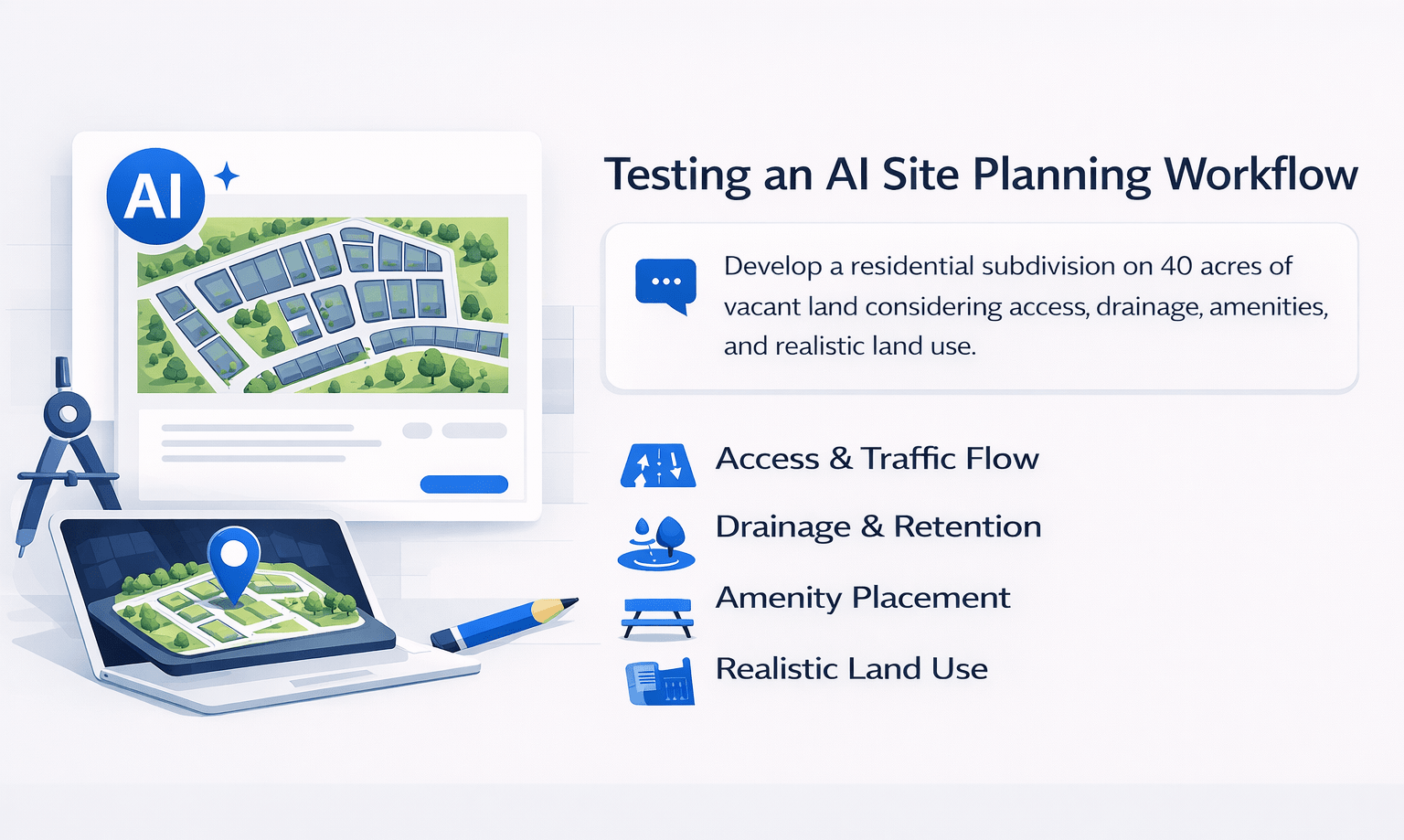
Specifically, I wanted it to consider:
-
Access and traffic flow
-
Drainage and retention
-
Amenity placement
-
Realistic land use planning
The Prompt Used
“We’re buying this site to develop a residential subdivision in Victorville, California. Please prepare a site plan for us. Assuming 5,000 square foot lots and four homes to the acre, the site is 40 acres. You’re a 30-year engineer who has done this a thousand times. Please only use the green outline site.”
What the AI Site Planning Workflow Produced
The output was surprisingly detailed. While it wasn’t perfect, it demonstrated strong conceptual planning logic.
Key Elements Included
-
Ingress/Egress Points
-
Two access points for fire code compliance
-
Improved traffic flow without prompting
-
-
Emergency Access Lane
-
Separate from primary entries
-
Reflects real-world planning standards
-
-
Lot Layouts
-
Grid-based configuration
-
Consistent with density assumptions
-
-
Community Center
-
Centrally located for accessibility
-
-
Retention Basin
-
Positioned logically for drainage
-
-
Street Dedications
-
Incorporated into the overall layout
-
Was It Perfect?
Not quite. A licensed engineer would refine:
-
Grading details
-
Utility layouts
-
Stormwater calculations
However, as a conceptual feasibility tool, it performed exceptionally well.
Conceptual Layout Breakdown
| Component | AI Output Quality | Real-World Accuracy | Notes |
|---|---|---|---|
| Access Points | High | High | Correct placement without prompting |
| Lot Configuration | High | Moderate | Needs refinement for topography |
| Drainage Planning | Moderate | Moderate | Conceptually correct, lacks calculations |
| Amenities Placement | High | High | Logical central positioning |
| Street Layout | Moderate | Moderate | Would need engineering validation |
Adding Retail: Where It Gets Interesting
Next, I tested flexibility.
The Follow-Up Prompt
“Can we put a retail site in the corner, on the corner location of Bellflower and Palmdale, and re-engineer our subdivision?”
What Happened
The system:
-
Reorganized the entire site
-
Placed retail on the corner (high visibility location)
-
Adjusted residential lots accordingly
As a result, it produced a mixed-use development concept—something that typically requires multiple design iterations.
Why This Matters
Retail placement is not random. Instead, it depends on:
-
Traffic exposure
-
Corner visibility
-
Accessibility
The AI correctly prioritized these factors, which is typically learned through experience.
Mixed-Use Development Potential
This is where the AI site planning workflow becomes powerful.
If you’re evaluating land, you can:
-
Test multiple configurations quickly
-
Visualize residential + commercial integration
-
Explore density trade-offs
Example Mixed-Use Allocation
| Land Use Type | Approx. Allocation | Purpose |
|---|---|---|
| Residential Lots | 70–80% | Primary development |
| Retail Corner | 5–10% | Visibility + revenue |
| Roads & Access | 10–15% | Infrastructure |
| Amenities | 5–10% | Community value |
Where This Fits in Your Workflow
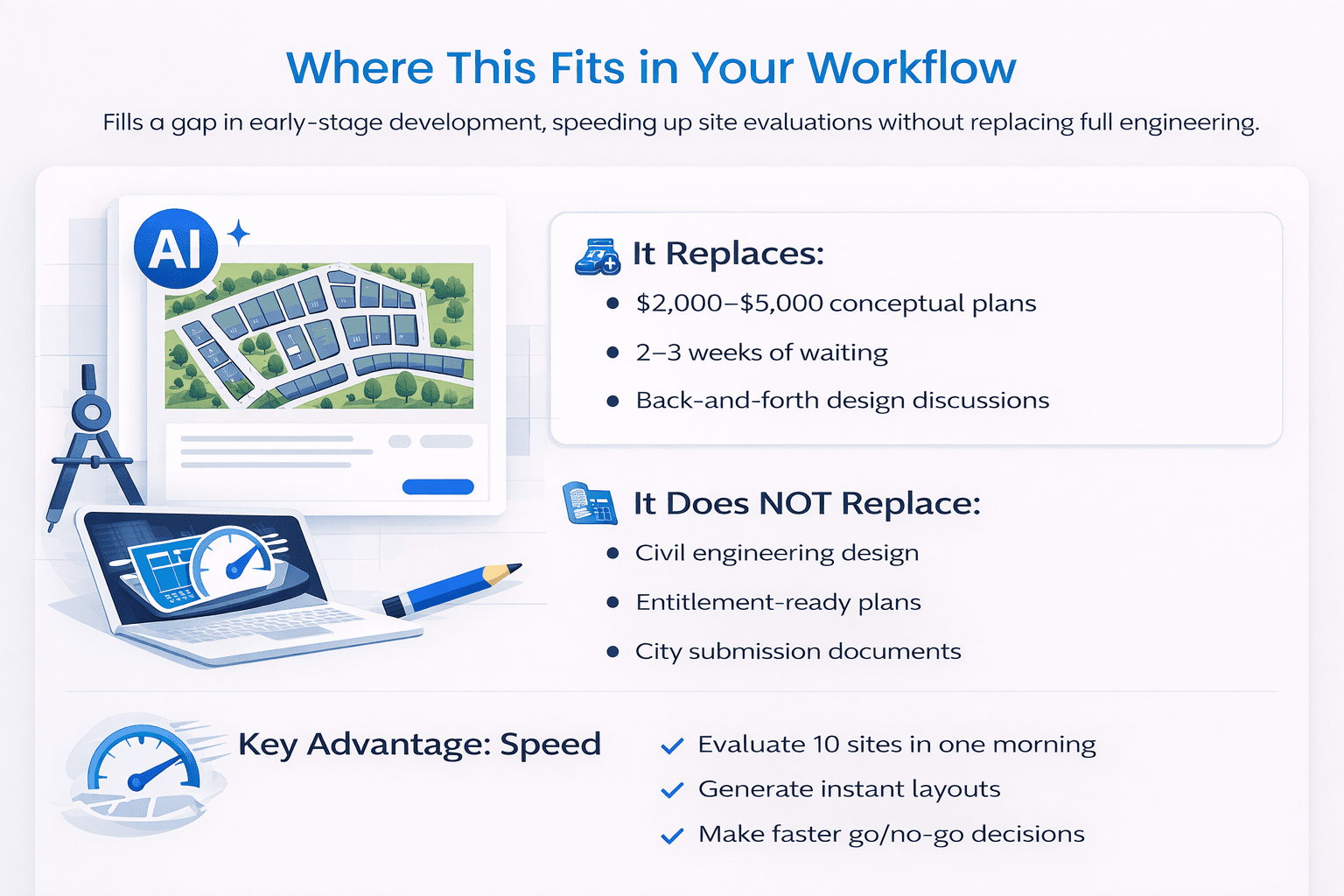
This tool is not a replacement for engineering. Instead, it fills a critical gap in early-stage development.
It Replaces:
-
$2,000–$5,000 conceptual plans
-
2–3 weeks of waiting
-
Back-and-forth design discussions
It Does NOT Replace:
-
Civil engineering design
-
Entitlement-ready plans
-
City submission documents
Key Advantage: Speed
You can:
-
Evaluate 10 sites in one morning
-
Generate instant layouts
-
Make faster go/no-go decisions
How to Run This AI Site Planning Workflow
Follow these steps:
-
Get an aerial image
-
Google Earth
-
County GIS
-
Listing photos
-
-
Open Gemini (2.5 Pro model)
-
Upload the image
-
Use a structured prompt
-
Include:
-
Site size
-
Location
-
Density
-
Lot size
-
Development type
-
-
-
Iterate quickly
-
Add retail
-
Adjust density
-
Modify access points
-
Pro Tip
The more specific your inputs, the better the output.
The Bottom Line
AI won’t replace your engineer. However, this AI site planning workflow gives you something new:
-
Instant conceptual layouts
-
Faster feasibility analysis
-
Clearer communication with stakeholders
Why It Matters
-
Cost: $0
-
Time: ~5 minutes
-
Value: Immediate decision-making clarity
Ultimately, it allows you to move faster without committing capital upfront.
FAQs Regarding AI Site Planning Workflow
Can AI replace civil engineers in site planning?
No, AI supports early-stage planning but cannot replace licensed engineers.
-
Helps generate conceptual layouts
-
Speeds up feasibility analysis
-
Lacks technical precision
-
Cannot produce permit-ready plans
To better understand engineering standards, you can refer to the American Society of Civil Engineers (https://www.asce.org/).
How accurate are AI-generated site plans?
They are conceptually accurate but not technically complete.
-
Good for layouts and logic
-
Missing grading details
-
No engineering calculations
-
Requires professional validation
For industry benchmarks, the National Association of Home Builders (https://www.nahb.org/) offers helpful guidance.
What type of projects benefit most from this workflow?
Residential and mixed-use developments benefit the most.
-
Subdivisions
-
Master-planned communities
-
Mixed-use sites
-
Land feasibility studies
The Urban Land Institute provides strong insights into these development types.
Can AI handle zoning and regulations?
No, zoning must still be verified manually.
-
AI does not access local codes
-
Cannot interpret municipal rules
-
May produce non-compliant layouts
For zoning fundamentals, review resources from the American Planning Association (https://www.planning.org/).
How fast can this workflow evaluate a site?
Typically within 5–10 minutes per site.
-
Upload image
-
Input prompt
-
Generate layout
-
Iterate quickly
Mapping tools like Esri (https://www.esri.com/) can further support your analysis.
What inputs improve AI output quality?
Specific and detailed prompts produce better results.
-
Lot size
-
Density
-
Street names
-
Development type
Google Cloud AI (https://cloud.google.com/) explains how structured inputs improve outputs.
Can AI design mixed-use developments effectively?
Yes, especially at a conceptual level.
-
Identifies retail placement
-
Adjusts residential layouts
-
Balances land use
-
Improves visualization
For broader market insights, see McKinsey’s real estate research (https://www.mckinsey.com/).
Is this workflow suitable for investor presentations?
Yes, it helps visualize concepts quickly.
-
Creates clear layouts
-
Supports deal discussions
-
Enhances communication
-
Improves pitch clarity
Harvard Business Review (https://hbr.org/) shares useful perspectives on effective presentations.
Start Using This Today
Access prompts, demo workflows, and real outputs inside the AI for CRE Collective — where 540+ CRE professionals test workflows weekly.
Get the 12-month free Perplexity Pro access and start applying this to your deals immediately.
