
How to Use Gemini AI for CRE Renovation Renderings Based on Budget
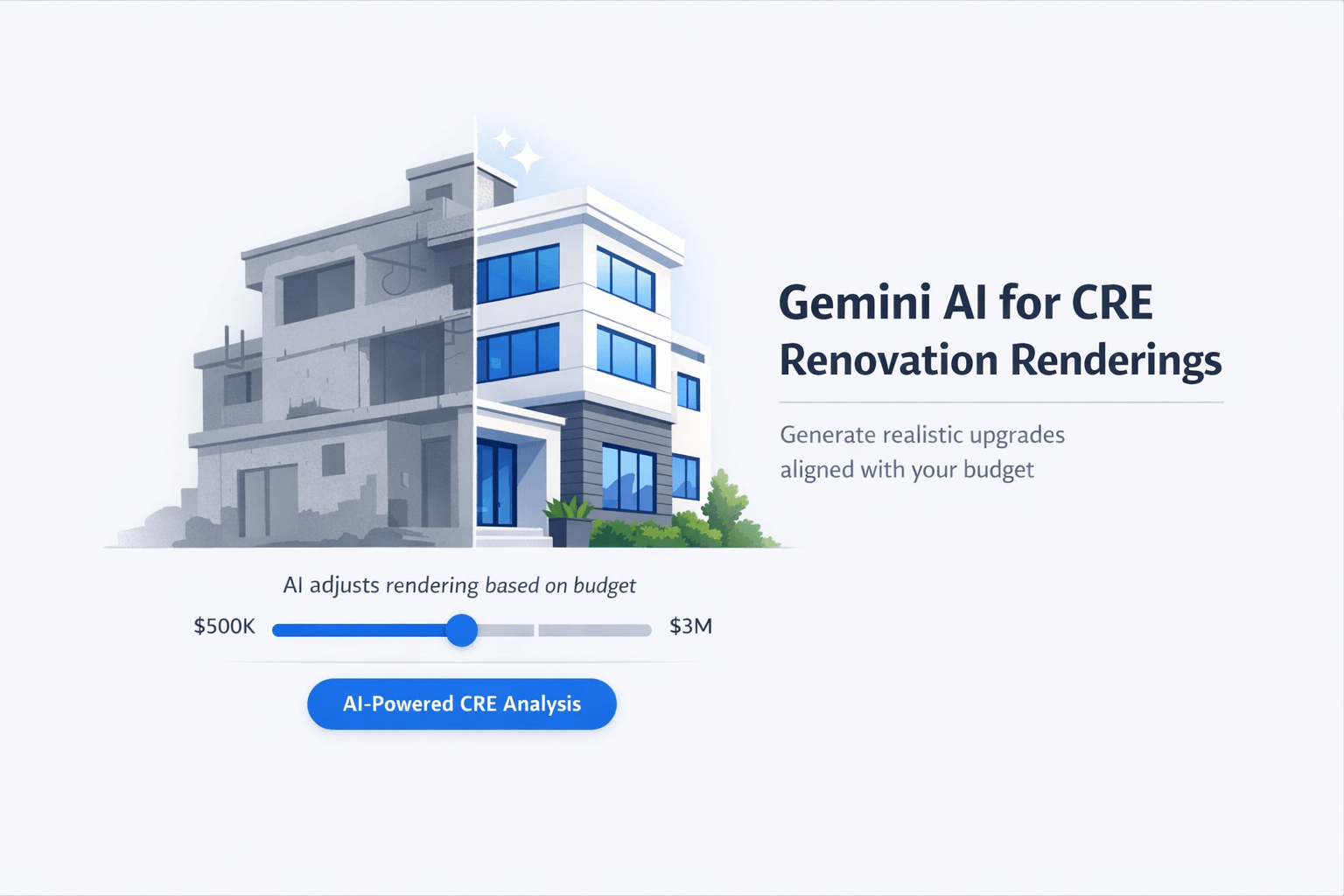
Gemini’s latest model just made something possible that didn’t exist six months ago: upload a photo of your apartment building, tell it your renovation budget, and get a visual rendering of what that budget actually gets you. AI renovation renderings for real estate are now changing how investors visualize capex before underwriting.
I tested this over the weekend with a standard apartment building exterior. Using two different budgets, I got two completely different outputs. Overall, the whole process took about 4 minutes.
So, here’s the exact workflow and what I learned.
Why Budget-Based Renderings Matter for Real Estate Investors
Every value-add deal starts with a capex estimate. Typically, you evaluate the building, estimate improvements, and align that with your target rents.
However, the challenge is visualizing what that budget actually delivers.
Traditionally, you either:
-
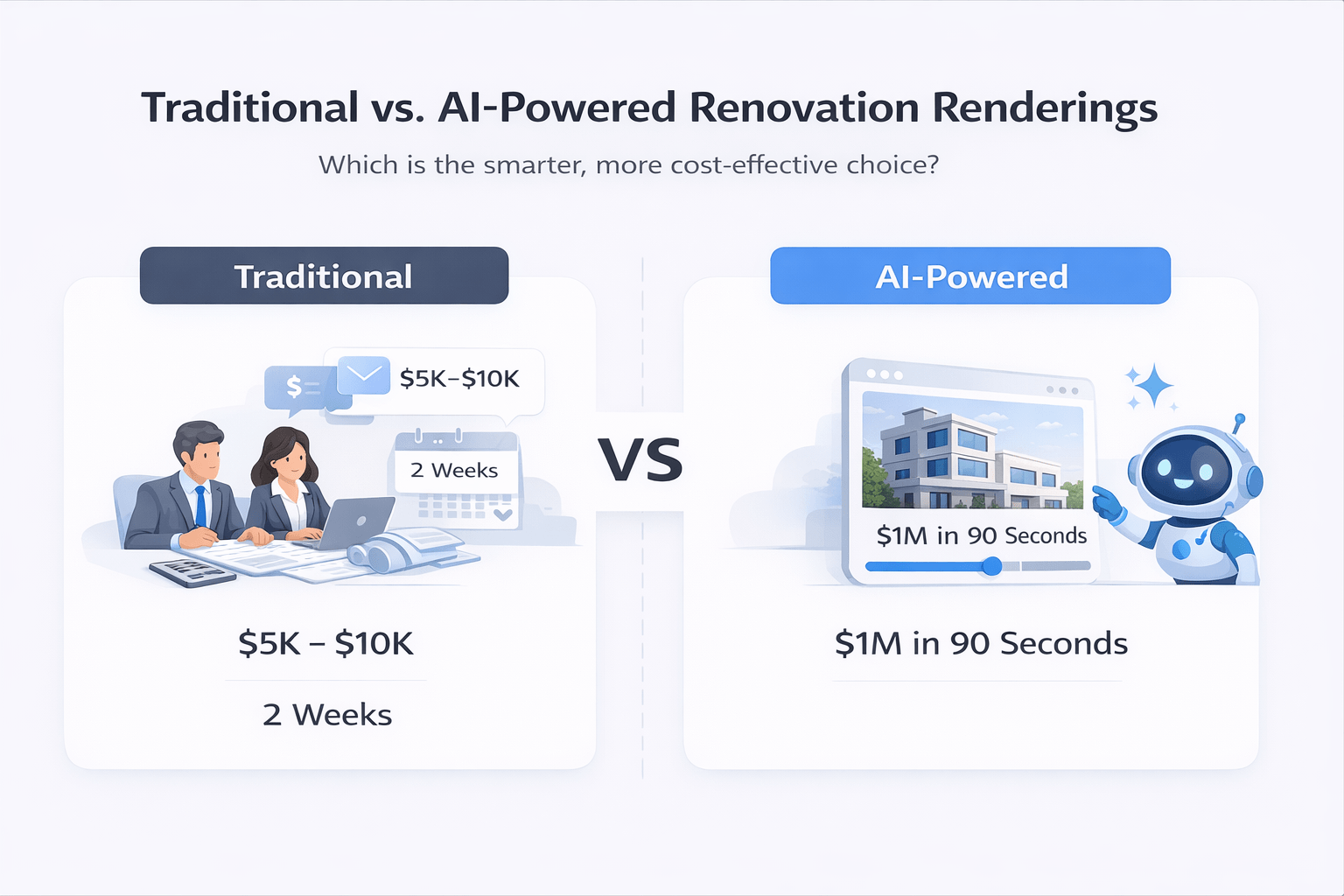
Hire a rendering firm ($5K–$10K, two-week turnaround)
-
Or estimate based on past renovations
Now, there is a third option. With AI renovation renderings for real estate, you can upload a photo, enter a budget, and generate a visual in under 90 seconds.
The $20K Renovation Rendering Test
To begin, I uploaded a standard apartment building exterior and used this prompt:
“I only have $20,000 to spend on the exterior renovation of this apartment building. Can you show me what that looks like?”
Output Included:
-
Exterior repaint
-
Updated signage
-
Central feature upgrade
-
Landscaping improvements
-
New railings
As expected, the rendering looked realistic for a $20K scope. While it wasn’t high-end, it clearly improved the building’s appearance.
| Category | Upgrade Type | Scope Level | Estimated Impact |
|---|---|---|---|
| Exterior Paint | Full repaint | Basic | Fresh, clean look |
| Signage | Replacement | Basic | Improved branding |
| Central Feature | Minor update | Moderate | Better focal point |
| Landscaping | Light overhaul | Moderate | Enhanced curb appeal |
| Railings | Replacement | Moderate | Safer, updated finish |
The $50K Renovation Rendering Test
Next, I tested the same building with a higher budget.
Prompt:
“Now what if we had a $50K budget?”
The output changed significantly.
Key Differences:
-
Higher-end materials
-
More detailed landscaping
-
Upgraded finishes
-
Better overall visual appeal
| Budget Range | Scope Level | Typical Upgrades | Visual Impact |
|---|---|---|---|
| $10K–$20K | Light | Paint, signage, minor landscaping | Basic improvement |
| $20K–$40K | Moderate | Railings, facade touch-ups, landscaping | Noticeable upgrade |
| $40K–$60K | Heavy | Materials upgrade, full exterior refresh | Strong transformation |
| $60K+ | Premium | Full redesign, high-end finishes | Major repositioning |
As a result, the difference between $20K and $50K was immediately visible. This is where AI renovation renderings for real estate become valuable. You can compare renovation levels before committing to a capex strategy.
How to Generate AI Renovation Renderings for Real Estate (Step-by-Step)
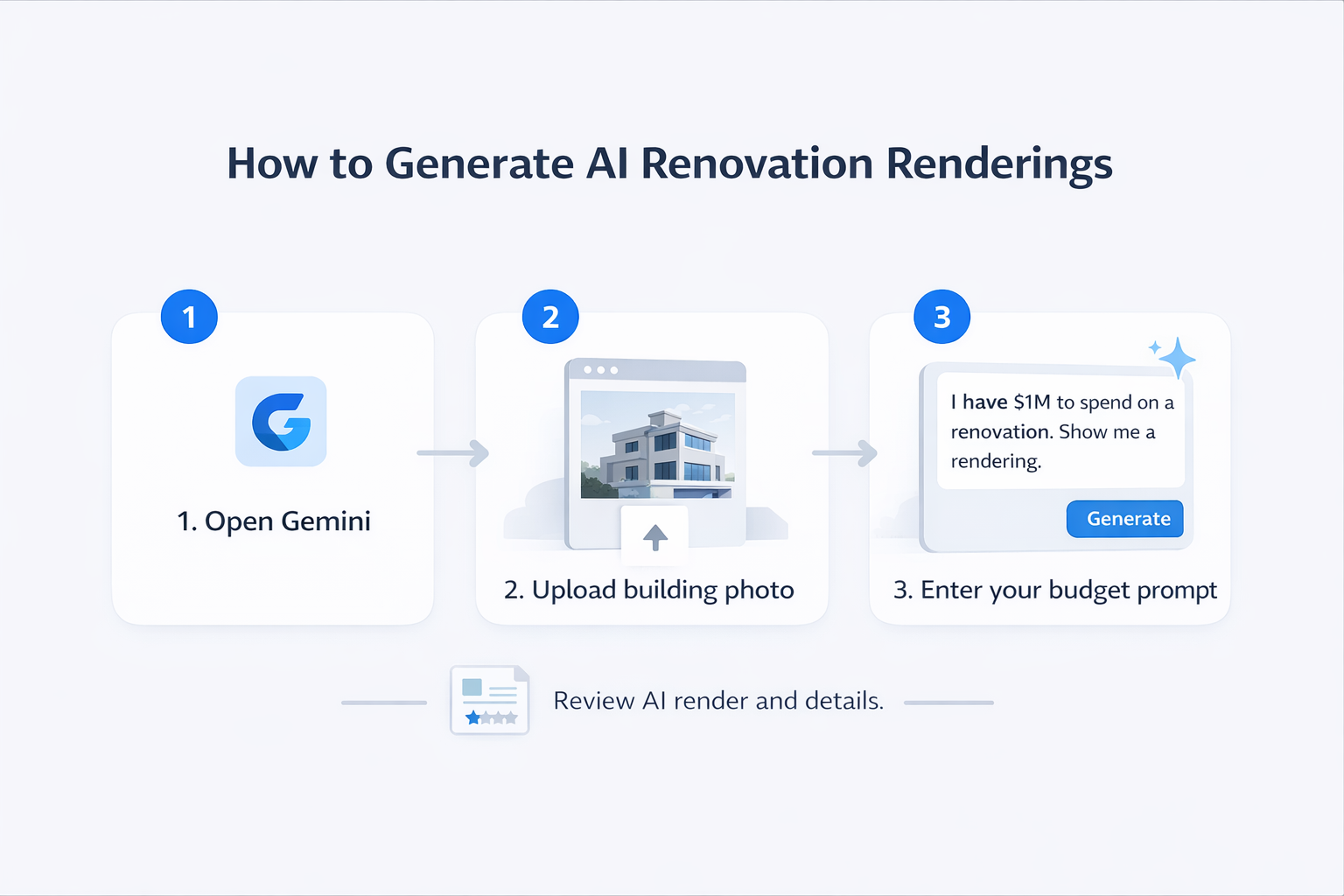
If you want to run this workflow yourself, follow these steps:
-
Open Gemini
-
Select the latest model (2.5 Pro)
-
Upload a clear exterior building photo
-
Use this prompt format:
“I have [$ amount] to spend on the exterior renovation of this apartment building. Show me a rendering.” -
Review both the image and the included breakdown
-
Test multiple budgets for comparison
The key is being specific with your budget. Therefore, the AI aligns the output directly with your investment assumptions.
What AI Renovation Renderings for Real Estate Replace (and What They Don’t)
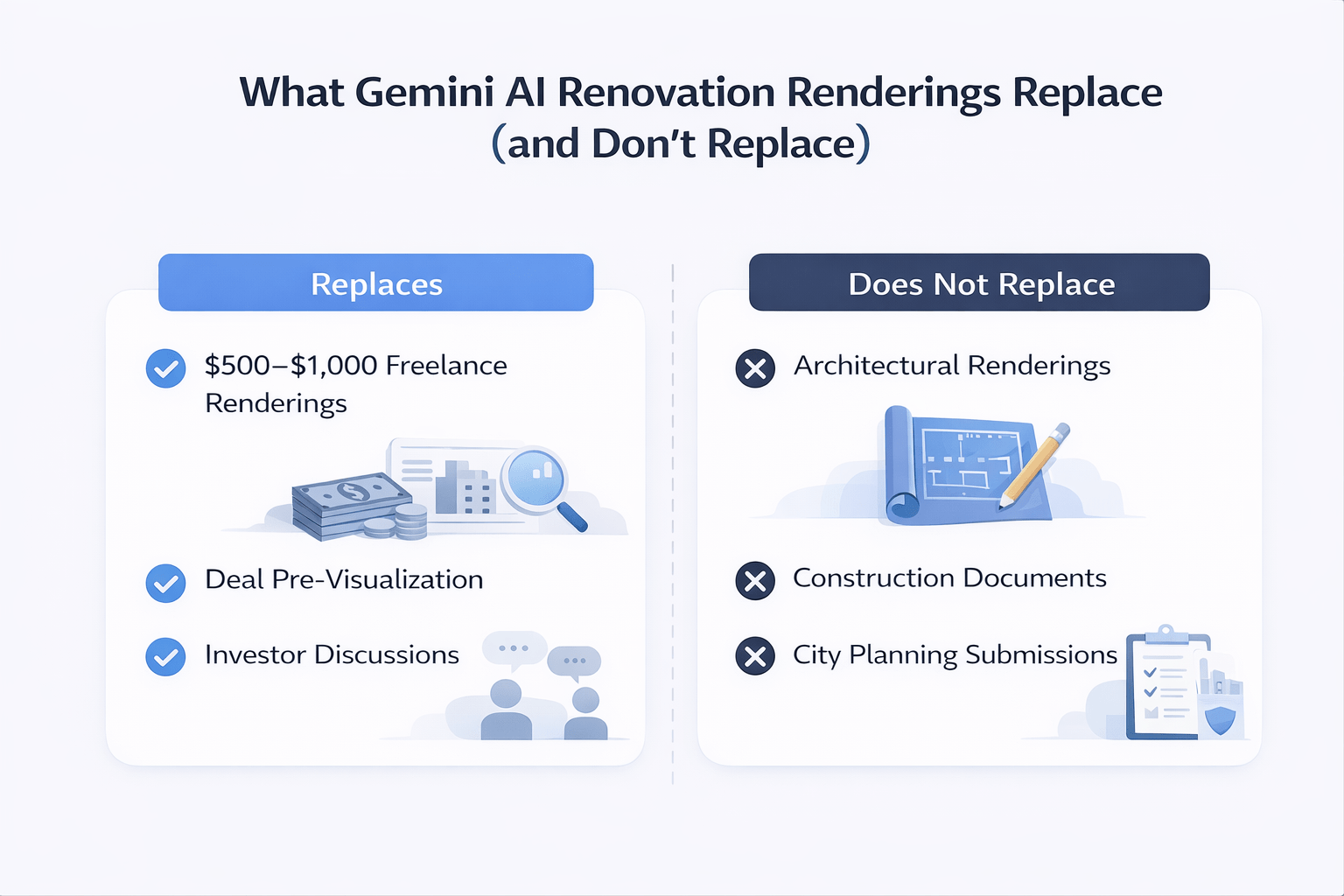
This workflow replaces early-stage conceptual rendering costs.
What It Replaces:
-
$500–$1,000 freelance renderings
-
Early visualization for deal screening
-
Internal or investor discussions
What It Does NOT Replace:
-
Architectural renderings
-
Construction documents
-
City planning submissions
In other words, this is a conceptual tool.
Think of it as a visual version of a quick underwriting model. It’s useful for decisions, but not for execution.
Budget-Friendly Renovation Concepts
I also tested a different approach by asking for a “budget-friendly renovation concept” without specifying a number.
The result was a clean, minimal upgrade concept.
Use Case:
-
Class C properties
-
Light value-add strategies
-
Curb appeal improvements
Therefore, this approach helps define the minimum viable renovation before modeling costs.
What’s Next for AI Renovation Renderings for Real Estate
Gemini’s image generation improved significantly with the 2.5 Pro model.
As a result:
-
Other tools using Gemini’s API will adopt similar features
-
More advanced workflows will become available
-
Visual underwriting will become standard
Currently, Gemini is free and accessible directly in the chat interface.
FAQs Regarding AI Renovation Renderings for Real Estate
What are AI renovation renderings for real estate?
AI renovation renderings for real estate are visual simulations that show how a property could look after renovations based on a defined budget.
-
They convert property images into upgraded versions
-
They align improvements with capex inputs
-
They help investors visualize value-add strategies
-
They support faster deal evaluation
In short, they bridge the gap between financial assumptions and real-world outcomes. You can try this using Gemini: https://gemini.google.com/
How do AI renovation renderings for real estate work?
AI renovation renderings work by combining image input with budget-based prompts.
-
You upload a building photo
-
You define a renovation budget
-
The AI generates a visual output
-
It includes a breakdown of upgrades
As a result, investors can instantly compare renovation scenarios without manual design work. Learn more about Google AI tools: https://ai.google/
How accurate are AI renovation renderings for real estate?
AI renovation renderings are directionally accurate but not construction-ready.
-
They reflect realistic design upgrades
-
They approximate cost-based improvements
-
They may not match the exact material pricing
-
They require validation before execution
Therefore, they are best used for early-stage analysis rather than final planning. Industry insights: https://www.mckinsey.com/capabilities/operations/our-insights
Can AI renovation renderings replace architects or designers?
AI renovation renderings cannot replace architects or professional designers.
-
They provide conceptual visuals only
-
They do not include structural details
-
They are not suitable for permits
-
They lack engineering precision
However, they significantly improve early-stage planning and communication. Architecture trends: https://www.archdaily.com/
What budgets work best with AI renovation renderings?
AI renovation renderings can adapt to different budget levels.
-
Lower budgets show cosmetic improvements
-
Mid-range budgets show functional upgrades
-
Higher budgets show full transformations
-
Multiple budgets can be tested instantly
As a result, investors can evaluate multiple capex strategies quickly.
Are AI renovation renderings useful for value-add real estate deals?
Yes, AI renovation renderings are highly effective for value-add investing.
-
They visualize rent-driving improvements
-
They support underwriting decisions
-
They improve investor communication
-
They reduce uncertainty in planning
In short, they help investors move from assumptions to visuals faster.
What are the limitations of AI renovation renderings?
AI renovation renderings have limitations that should be considered.
-
They depend on image quality
-
They may generalize design features
-
They lack construction-level detail
-
They do not account for local building codes
Therefore, they should be combined with professional expertise. Research overview: https://www.bcg.com/publications
How will AI renovation renderings impact real estate investing?
AI renovation renderings are expected to reshape how investors plan renovations.
-
Faster deal screening
-
Improved visualization of capex
-
Better communication with stakeholders
-
Reduced reliance on manual rendering
As a result, they will become a standard tool in real estate workflows. Tech trends: https://hbr.org/
Final Thoughts
Overall, AI renovation renderings for real estate represent a major shift for value-add investors.
Instead of guessing renovation outcomes, you can now visualize them instantly.
As a result, this improves decision-making, speeds up deal analysis, and reduces early-stage costs.
Want More CRE AI Workflows?
I share real workflows, prompts, and tests inside the AI for CRE Collective.
-
600+ CRE professionals
-
Weekly insights
-
Real deal examples
If you want to stay ahead, this is where to start.
