
How to Compare Lender Term Sheets with AI in Minutes
If you’ve ever stared at multiple lender term sheets trying to figure out which one actually works best for your deal, you know how painful it is. With an AI lender term sheet comparison, you can analyze different rate structures, fees, reserves, and prepayment terms in minutes instead of spending hours manually reviewing documents.
As a result, you avoid tedious spreadsheet work and reduce the risk of missing critical details. I tested a workflow using an AI agent inside Excel that compared five lender term sheets for a live deal and produced a full analysis with recommendations in minutes instead of hours.
The Problem with Manual Term Sheet Comparisons
When going to market for financing, you often receive multiple term sheets. However, comparing them is where the real work begins.
Each lender structures deals differently:
- Fixed vs floating rates
- Reserve requirements
- Fee structures
- Prepayment terms
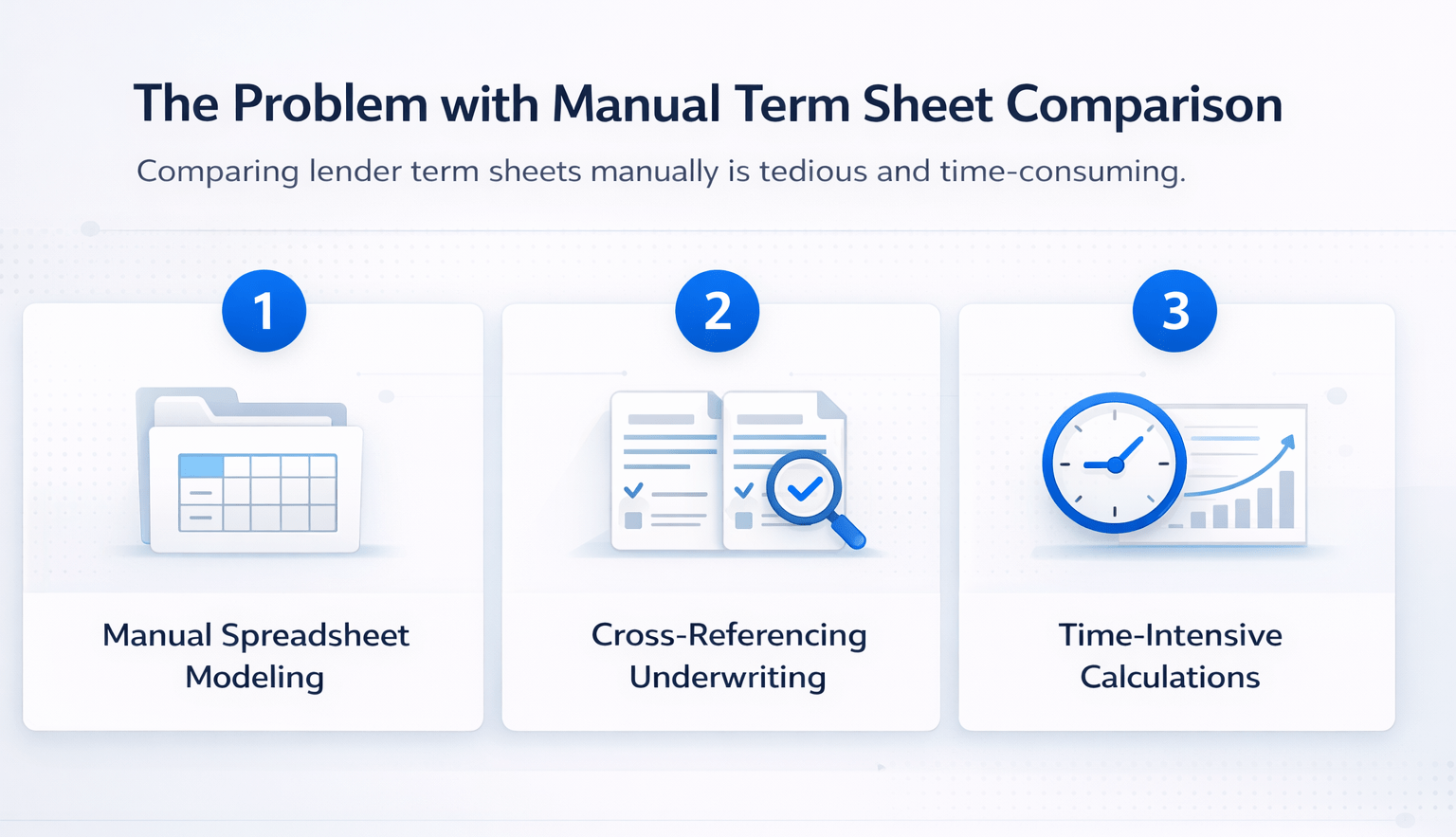
Therefore, comparing them requires:
- Manual spreadsheet modeling
- Cross-referencing underwriting
- Time-intensive calculations
Key Challenge
The lowest rate does not always mean the best deal.
- Business plan matters
- Occupancy impacts feasibility
- Timeline affects financing structure
As a result, important strategic insights are often missed.
The AI Workflow for Lender Term Sheet Comparison
I used Shortcut AI to automate this process.
This AI agent:
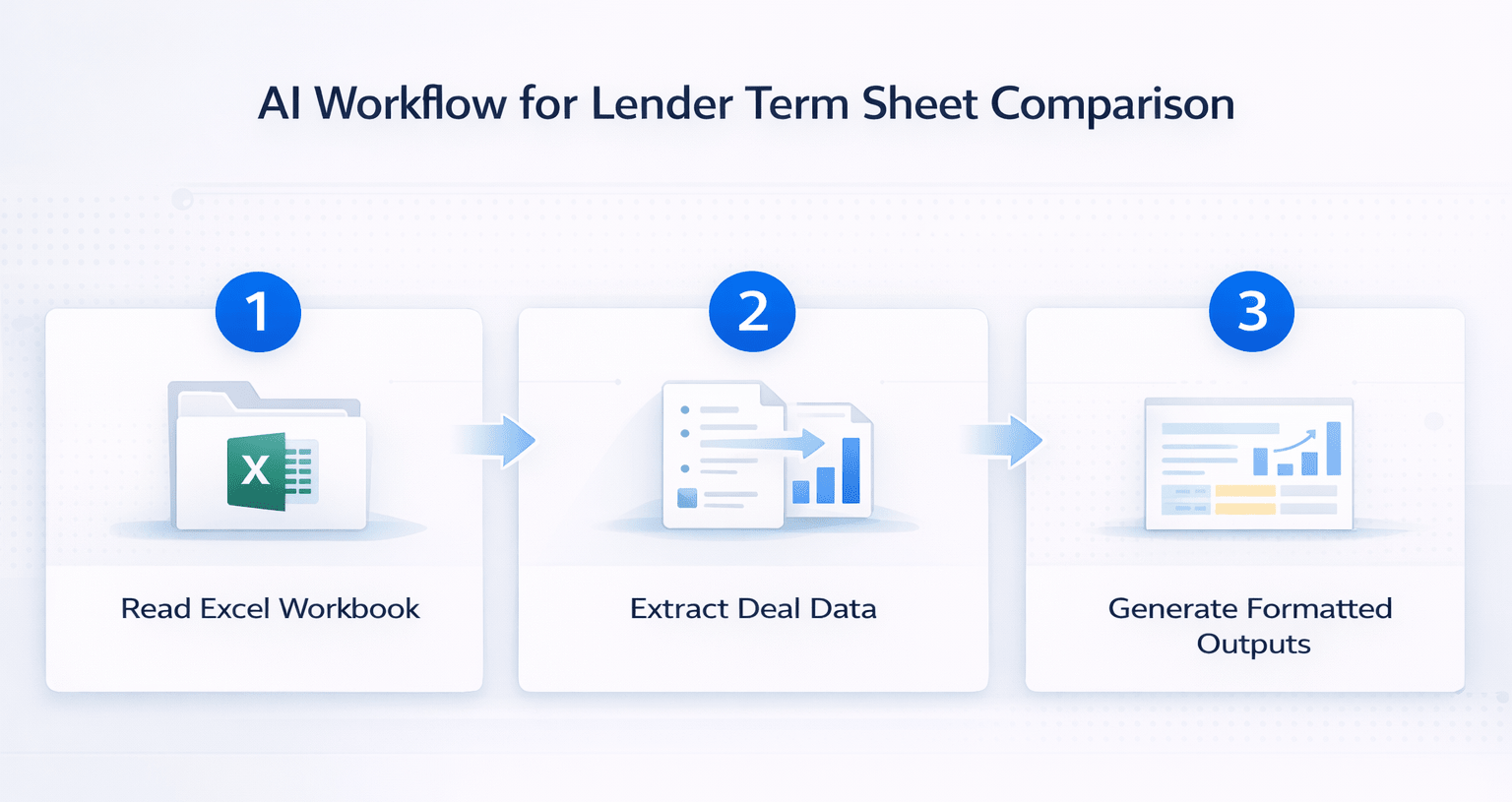
- Reads your Excel workbook
- Extracts data from documents
- Builds analysis inside your model
- Creates formatted outputs automatically
How It Works
You interact with it like a chat tool, but it operates directly within Excel.
The Deal Used for Testing
To test this workflow, I analyzed:
- 7-unit multifamily property
- Located in Long Beach, California
- Purchase price: $3.9M
- 100% vacant
- Fully underwritten with:
- Deal summary
- Pro forma
- Cash flow model
- Rent comps
This made it a strong test case for financing analysis.
Step-by-Step AI Lender Term Sheet Comparison Workflow
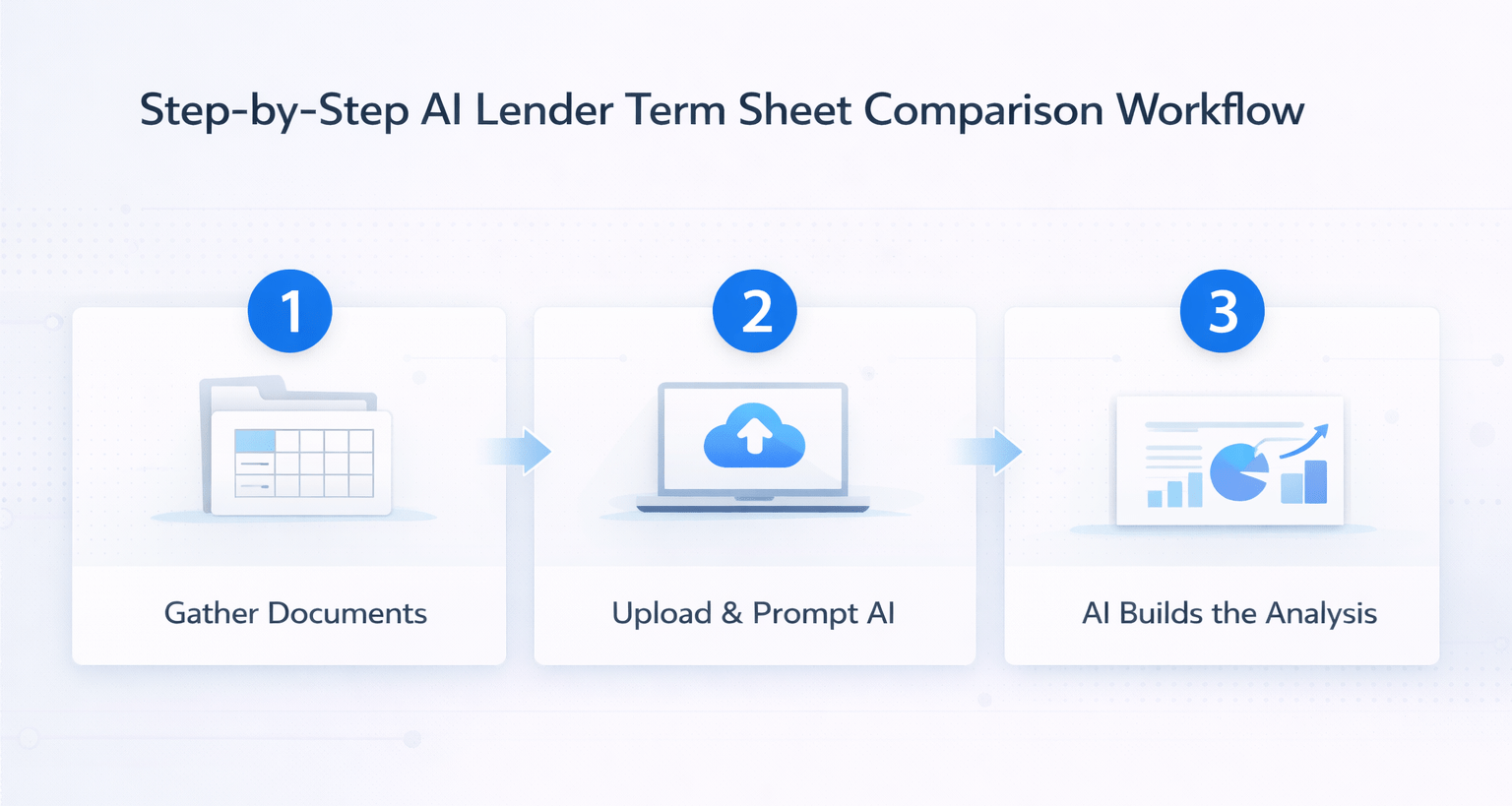
1. Gather All Documents
Prepare:
- Lender term sheets (multiple)
- Offering memorandum (OM)
Including the OM is critical for context.
2. Upload Files into Shortcut AI
- Drag and drop all files into Excel
- Ensure everything is uploaded before prompting
Important:
You cannot add files after starting the process.
3. Use a Detailed Prompt
Define:
- Role (debt analyst)
- Deal details
- Key evaluation metrics
Ask for:
- Comparison table
- Ranking of lenders
- Risk analysis
- Strategic recommendation
Also, request:
- Bridge vs permanent loan evaluation
4. Let AI Build the Analysis
Shortcut AI:
- Extracts lender terms
- Reads the underwriting model
- Builds analysis inside Excel
Additionally, it:
- Requests approval before changes
- Logs all actions
What the AI Output Includes
The generated analysis was highly detailed and structured.
Key Outputs
- Lender comparison table
- Cost of capital breakdown
- Cash-to-close requirements
- Reserve analysis
- Risk and feasibility assessment
- Strategic recommendations
Lender Comparison Overview
| Lender Type | Strength | Weakness | Best Use Case |
|---|---|---|---|
| Credit Union | Low fixed rate | Higher equity requirement | Stabilized assets |
| Bridge Lender | High leverage | Higher cost | Value-add / lease-up |
| Bank Financing | Faster closing | Conservative underwriting | Low-risk deals |
| Non-Recourse Lender | Limited liability | Higher fees | Risk mitigation |
Why the Lowest Rate Was Not the Best Option
One lender offered:
- Lowest rate (5.95%)
- Strong long-term terms
However, it was not the best choice.
Reason
The property was 100% vacant.
- Permanent debt requires payments immediately
- No rental income to support debt
- Increased financial risk
Better Strategy
The AI recommended a bridge loan:
- Interest-only payments
- Lease-up flexibility
- Renovation funding
Then:
- Refinance into permanent debt after stabilization
This aligned financing with the business plan.
Time Savings Comparison
| Task | Manual Process | AI Workflow |
|---|---|---|
| Term sheet comparison | 1–2 hours | Automated |
| Model adjustments | 1 hour | Automated |
| Recommendation building | 30–60 mins | Automated |
| Total time | 2–4 hours | ~5 minutes |
This dramatically improves efficiency and accuracy.
Who Should Use This Workflow
This workflow is ideal for:
- Acquisitions teams
- Asset managers
- Investors
- Developers
Key Benefits
- Faster decision-making
- Better deal analysis
- Reduced manual work
- Improved accuracy
Tips for Better Results
- Include the OM from the start
- Be highly specific in prompts
- Ask for strategic recommendations
- Request comparison tables
- Evaluate financing structure, not just rates
In addition, always review outputs before final decisions.
FAQs Regarding AI Lender Term Sheet Comparison
What is an AI lender term sheet comparison?
It uses AI to analyze and compare multiple financing options.
- Evaluates rates and fees
- Compares structures
- Provides recommendations
It simplifies financing decisions and reduces manual work.
How does Shortcut AI work in Excel?
It acts as an AI assistant inside Excel.
- Reads documents
- Builds formulas
- Creates analysis
It automates complex financial workflows.
Why isn’t the lowest rate always best?
Financing must match the deal strategy.
- Occupancy impacts feasibility
- Cash flow affects sustainability
- Structure matters more than rate
The right structure leads to better outcomes.
What documents are required?
You need:
- Lender term sheets
- Offering memorandum
- Underwriting model
These provide full context for analysis.
Can this workflow handle multiple lenders?
Yes, it scales easily.
- Compare multiple term sheets
- Rank options
- Identify the best fit
It works well for competitive financing scenarios.
Is manual review still necessary?
Yes, always validate outputs.
- Check assumptions
- Verify calculations
- Confirm strategy
AI speeds up analysis but does not replace judgment.
How long does the process take?
Only a few minutes.
- Upload files
- Add prompt
- Generate output
It replaces hours of manual work.
What is the biggest benefit?
The biggest benefit is speed with better insights.
- Faster comparisons
- Smarter decisions
- Reduced workload
It transforms how financing decisions are made.
Build Smarter Financing Decisions
Join the AI for CRE Collective, where 600+ CRE professionals are using workflows like this to analyze lender term sheets faster, eliminate manual comparison work, and make smarter financing decisions backed by data.
Get access to real prompts, step-by-step AI workflows, and 12-month Perplexity Pro access so you can turn complex financing options into clear, actionable decisions in minutes.
