
AI Agents in Excel for CRE: Complete Guide for Brokers, Investors, and Analysts
If you’re still manually building underwriting models, consolidating P&Ls, or copying deal data into spreadsheets, you’re spending hours on work that AI can now complete in minutes. This AI CRE Excel agents guide explains how modern tools are transforming spreadsheet workflows for commercial real estate professionals.
In addition, this guide is based on real testing across multiple tools and use cases with 600+ CRE professionals. While AI agents do not replace financial judgment, they significantly improve efficiency. Therefore, the goal is to help you understand how these tools work, where they add value, and how to use them effectively.
Understanding AI Agents in Excel
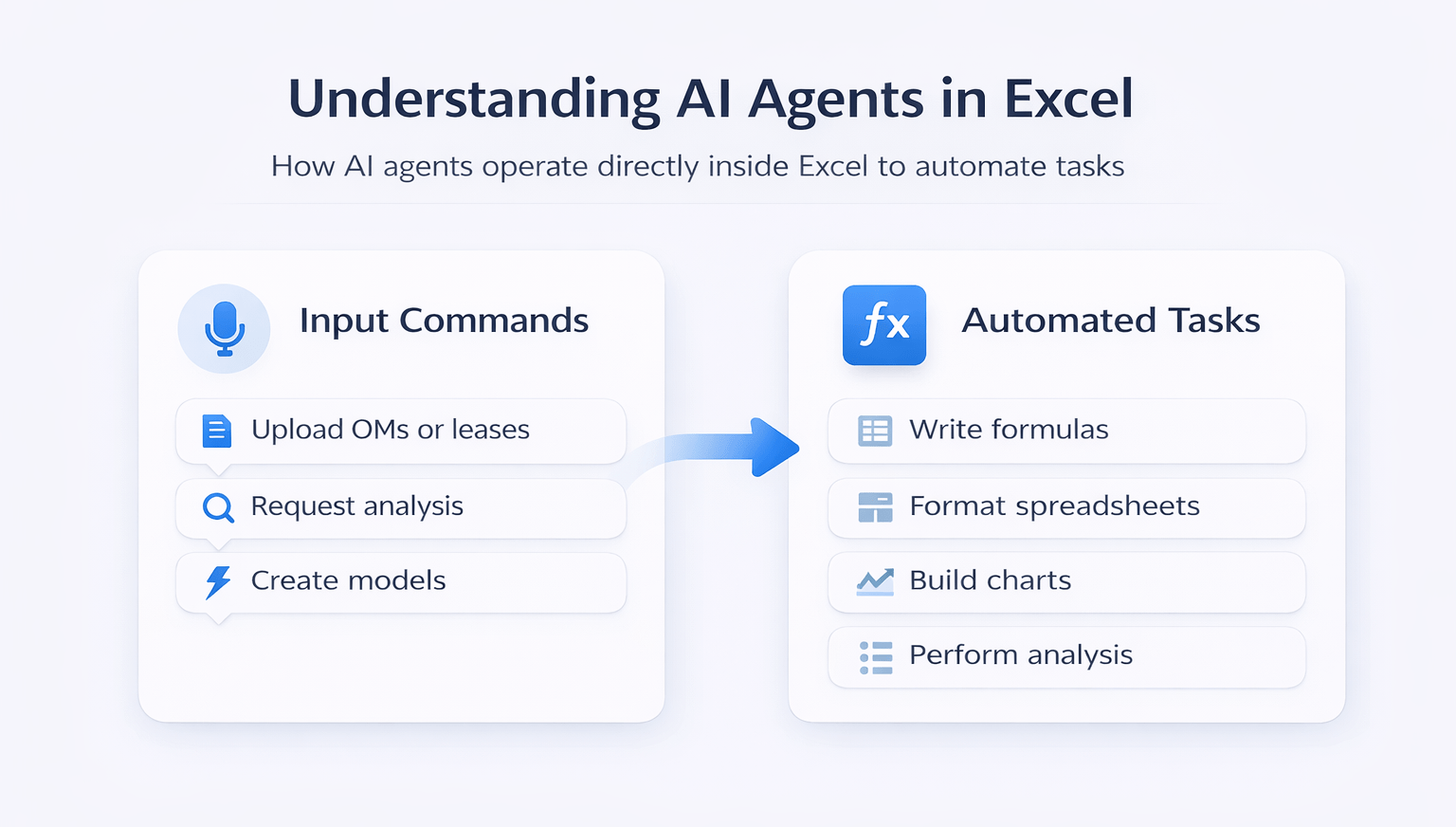
AI agents in Excel operate directly inside spreadsheets and execute tasks through natural language commands.
Instead of manually entering data, you can:
- Upload OMs, leases, or P&Ls
- Request analysis using plain instructions
- Generate models and outputs automatically
Unlike browser-based AI tools, these agents:
- Write formulas directly in cells
- Format spreadsheets
- Build charts and tables
- Perform multi-step analysis
As a result, repetitive spreadsheet work becomes significantly faster.
Current Tools in AI CRE Excel Workflows
Several tools are leading this category:
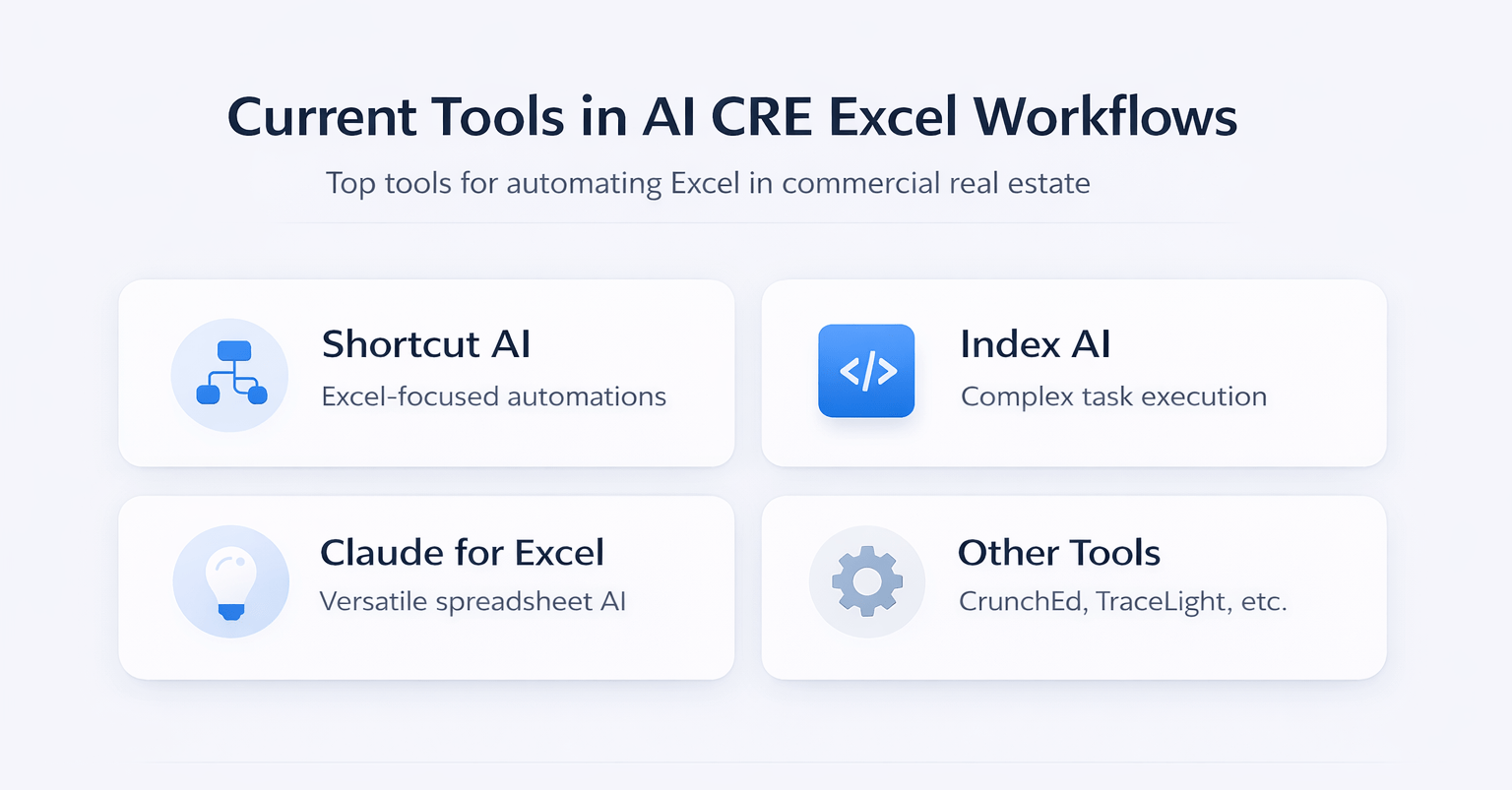
Shortcut AI
- Designed specifically for Excel
- Supports repeatable workflows
- Generates PowerPoint and PDF outputs
Index AI
- Strong execution for complex tasks
- Reliable and structured outputs
Claude for Excel
- General-purpose AI adapted for spreadsheets
- Useful if already subscribed
Other Tools
- Crunched
- Trace Light
Each tool serves a slightly different workflow depending on your needs.
Use Case 1: Underwriting Deals from OMs
AI agents can build underwriting models directly from offering memorandums.
Typical workflow:
- Upload OM
- Define return targets
- Let AI extract and model data
Results include:
- Loan assumptions
- Growth projections
- Exit calculations
- Purchase price estimates
This process typically takes minutes instead of hours.
Use Case 2: Reviewing GP Models as an LP
AI agents can analyze sponsor models and identify issues.
They can:
- Detect formula errors
- Highlight inconsistencies
- Flag aggressive assumptions
- Generate investor questions
This creates a structured review process before investor discussions.
Use Case 3: Due Diligence Checklists
AI generates deal-specific checklists instead of generic templates.
Outputs include:
- Legal requirements
- Financial checks
- Construction considerations
- Market-specific items
These checklists are tailored to each deal.
AI vs Manual Excel Workflow Efficiency
| Task | Manual Time | AI Active Time | Total AI Time |
|---|---|---|---|
| Underwriting Model | 2–4 hours | 5–10 min | 15–20 min |
| GP Model Review | 3–5 hours | 10–15 min | 20–30 min |
| DD Checklist | 1–2 hours | 5–10 min | 15 min |
| P&L Consolidation | 2–3 hours | 5 min | 10–15 min |
Insight:
AI significantly reduces manual effort while maintaining strong first-pass accuracy.
Use Case 4: P&L Consolidation
AI agents combine multiple financial statements into one structured view.
Benefits include:
- Consistent formatting
- Faster consolidation
- Reduced manual errors
This is especially useful for lenders and portfolio analysis.
Use Case 5: Lease Abstract Creation
AI extracts lease terms and summarizes them clearly.
Outputs include:
- Key financial terms
- Lease duration
- Renewal options
- Page references
This reduces time spent reviewing long documents.
Repeatable Workflows and Skills
One of the most important features in this AI CRE Excel agents guide is workflow standardization.
AI tools allow you to:
- Define repeatable processes
- Use templates consistently
- Automate recurring tasks
This improves consistency across deals.
Tool Comparison Overview
| Feature | Shortcut AI | Index AI | Claude for Excel |
|---|---|---|---|
| Excel Optimization | High | High | Medium |
| Workflow Automation | Strong | Strong | Limited |
| Output Consistency | High | High | Medium |
| Ease of Use | Medium | High | High |
| Cost Efficiency | Medium | Medium | High |
Insight:
Purpose-built tools offer better consistency, while general tools provide flexibility.
Choosing the Right Tool
Selection depends on your workflow:
- Choose Shortcut for repeatable processes
- Choose Index for complex execution
- Choose Claude for flexibility and cost efficiency
Each option serves a specific use case.
Settings and Modes That Matter
Certain configurations improve results significantly:
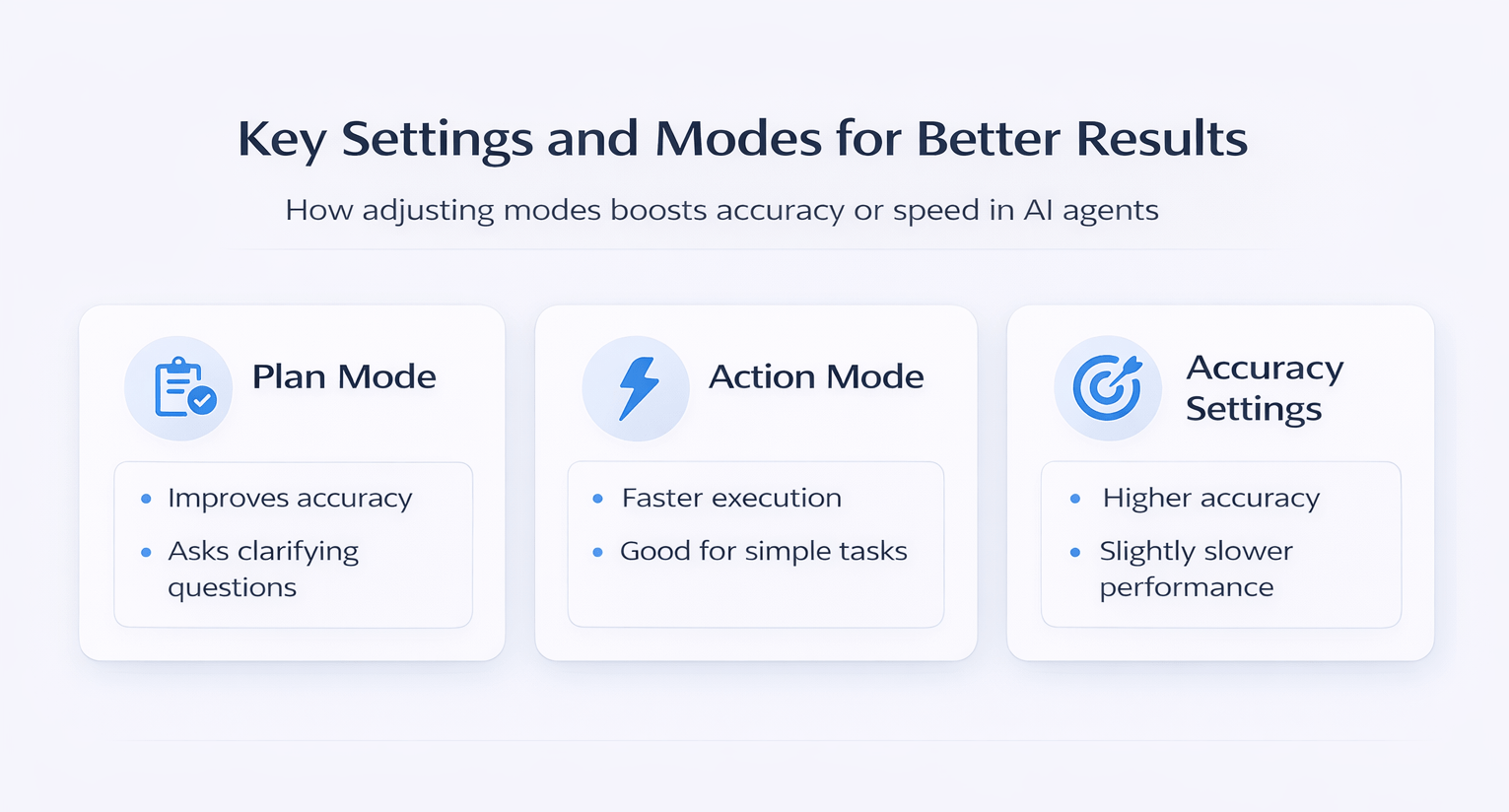
Plan Mode
- Improves accuracy
- Asks clarifying questions
Action Mode
- Faster execution
- Suitable for simple tasks
Accuracy Settings
- Higher accuracy increases reliability
- Slightly slower performance
Using the right mode enhances output quality.
Common Mistakes to Avoid
- Not verifying formulas
- Using vague prompts
- Ignoring AI assumptions
- Skipping workflow refinement
- Trusting outputs without review
Avoiding these mistakes improves reliability.
Future of AI in Excel for CRE
AI tools are evolving rapidly.
Expected developments include:
- More consistent workflows
- Better integrations
- Improved automation
- Stronger data connectivity
As a result, AI will become a standard part of CRE workflows.
FAQs Regarding AI CRE Excel Agents Guide
1. Do AI agents require advanced Excel skills?
AI agents reduce the need for advanced Excel expertise but still require a basic understanding.
- Users should understand formulas and structure
- AI handles calculations and formatting
- Review skills remain essential
Conclusion: Basic Excel knowledge is sufficient for effective use.
2. How accurate are AI-generated models?
AI models are reliable for first-pass analysis but require validation.
- Detects patterns and builds models quickly
- May include incorrect assumptions
- Needs manual verification
Conclusion: Always review before presenting results.
3. Can AI handle complex underwriting models?
AI can manage moderately complex models but struggles with advanced structures.
- Works well for standard deals
- Limited for layered financing
- Requires human adjustments
Conclusion: Use AI as a starting point.
4. Are these tools suitable for all property types?
Yes, AI agents can adapt to different asset classes.
- Multifamily
- Industrial
- Office
- Retail
Conclusion: Works across CRE sectors with proper inputs.
5. How much time can AI save in Excel workflows?
AI can reduce hours of work to minutes.
- Faster data extraction
- Automated calculations
- Reduced manual input
Conclusion: Significant productivity gains.
6. Do AI agents replace financial analysts?
AI enhances analysts rather than replacing them.
- Handles repetitive tasks
- Supports decision-making
- Improves efficiency
Conclusion: AI complements human expertise.
7. What improves AI output quality the most?
Clear instructions and structured inputs are critical.
- Detailed prompts
- Clean data
- Defined assumptions
Conclusion: Better inputs lead to better outputs.
8. Can AI generate presentations from Excel data?
Yes, some tools convert spreadsheet outputs into presentations.
- Automates reporting
- Saves preparation time
Conclusion: Useful for investor communication.
9. Are AI-generated formulas always reliable?
Not always, and they should be tested.
- Some formulas may be hard-coded
- Recalculation issues may occur
Conclusion: Always validate formulas.
10. Is workflow automation possible with AI tools?
Yes, repeatable workflows are a key feature.
- Standardizes outputs
- Improves consistency
- Saves time
Conclusion: One of the biggest advantages of AI.
11. How do I start using AI in Excel?
Begin with simple tasks and expand gradually.
- Start with P&L consolidation
- Move to underwriting
- Build workflows
Conclusion: Start small and scale usage.
12. What determines success with AI tools?
Preparation and usage approach are critical.
- Quality inputs
- Proper settings
- Continuous refinement
Conclusion: Effective use depends on process quality.
Standardize Your Excel Workflow
Join AI for CRE, where 600+ CRE professionals are using tools like this to automate underwriting, streamline analysis, and scale their deal workflows with confidence.
Get access to proven templates, real workflows, and tested systems—and start turning AI into a repeatable process across every deal.
