

How to Redline an LOI in Microsoft Word with Claude (Step-by-Step)
If you work in commercial real estate, you already know how LOIs usually go. A buyer sends terms. You review them quickly, flag a few obvious issues, and then send everything to your attorney. After that, you wait and pay for feedback that often arrives days later. That delay creates friction in a process where speed and clarity matter. It also means you’re often reacting instead of negotiating proactively. This is exactly where LOI redlining with Claude changes the workflow.
Instead of waiting days, you can now generate a full redline with track changes, detailed comments, and a negotiation summary in under 10 minutes. The result is not just faster execution, but stronger positioning before the deal even reaches legal review.
Why Redlining an LOI Matters More Than You Think
LOIs are technically non-binding, but in practice, they set the tone for the entire deal.
Every concession you allow at the LOI stage becomes harder to reverse later. By the time you reach the PSA, most of the leverage is already shaped.
Key Terms That Get Locked Early
-
Earnest money structure
-
Inspection timelines
-
Financing contingencies
-
Closing flexibility
-
Default and remedies
If these are not negotiated properly up front, you’re playing defense later.

The Reality
Most operators skip deep LOI review because:
-
It feels premature
-
It takes too long
-
It requires legal involvement
That’s exactly the gap Claude fills.
Traditional LOI Workflow vs AI-Driven Workflow
| Stage | Traditional Process | LOI Redlining with Claude |
|---|---|---|
| Initial review | Manual read-through | AI-assisted analysis |
| Legal input | Sent to the attorney | Pre-reviewed before attorney |
| Turnaround time | 2–3 days | Under 10 minutes |
| Cost | High legal fees | Reduced legal dependency |
| Negotiation position | Reactive | Proactive |
Key Insight
Claude doesn’t replace legal counsel, but it dramatically improves how prepared you are before involving them. For example, once you move beyond manual review, an automated deal underwriting workflow can help you generate faster and more consistent deal analysis alongside your LOI redlining process.
What You Need Before You Start
The setup is simple and requires minimal tools.
Requirements
-
Microsoft Word (Microsoft 365)
-
Claude’s account (Pro recommended)
-
LOI in Word format (convert PDF if needed)
That’s it. No additional software or technical setup required.
Step-by-Step: LOI Redlining with Claude in Word
If you want to see how Claude actually applies structured reasoning in real CRE workflows, this walkthrough gives a clear, practical example.
Step 1: Install the Claude Add-in
Open Microsoft Word and go to the Add-ins section in the top ribbon. Search for Claude, install it, and sign in.
Within seconds, the Claude panel will appear on the right side of your document.
Step 2: Open Your LOI and Select the Model
Upload or open your LOI document. Inside the Claude panel, select the appropriate model.
For legal-style reasoning and structured analysis, choose a higher-capability model like Opus.
Step 3: Turn On “Ask Before Edit”
This setting is critical.
Claude operates in two modes:
-
Ask before editing (recommended initially)
-
Accept all edits (for speed later)
Start with “ask before edit” so you can review every change before it’s applied.
Step 4: Use a Structured Prompt
Use a clear, role-based prompt.
Example Prompt
“You are my real estate attorney representing the seller. Review this LOI line by line and redline it in my favor.”
You can adjust for:
-
Asset type (multifamily, retail, office, etc.)
-
Buyer/seller positioning
-
Specific negotiation priorities
The structure stays consistent.
Step 5: Let Claude Execute the Redline
Once you run the prompt, Claude follows a structured workflow:
-
Requests permission to enable track changes
-
Builds a checklist of issues
-
Provides a summary of edits before making changes
-
Applies redlines section-by-section
-
Adds comments explaining every adjustment
-
Finishes with a negotiation strategy summary
On a typical LOI, this process completes in under 10 minutes.
What Claude Actually Changes in an LOI
The real value comes from how Claude identifies and strengthens weak terms.
Common Redline Areas
-
Increasing earnest money and reducing refundability
-
Tightening inspection timelines
-
Removing or limiting financing contingencies
-
Eliminating free extensions
-
Strengthening default clauses
-
Tightening “as-is” language
Each edit is accompanied by a comment explaining:
-
Buyer intent
-
Risk to the seller
-
Strategic reasoning
Example Output Comparison
| Element | Before Claude | After Claude |
|---|---|---|
| Earnest money | Low, refundable | Higher, non-refundable sooner |
| Inspection period | Broad, flexible | Tight and defined |
| Financing clause | Buyer-friendly | Reduced or removed |
| Closing extensions | Free and repeatable | Restricted or removed |
| Risk exposure | High | Controlled |
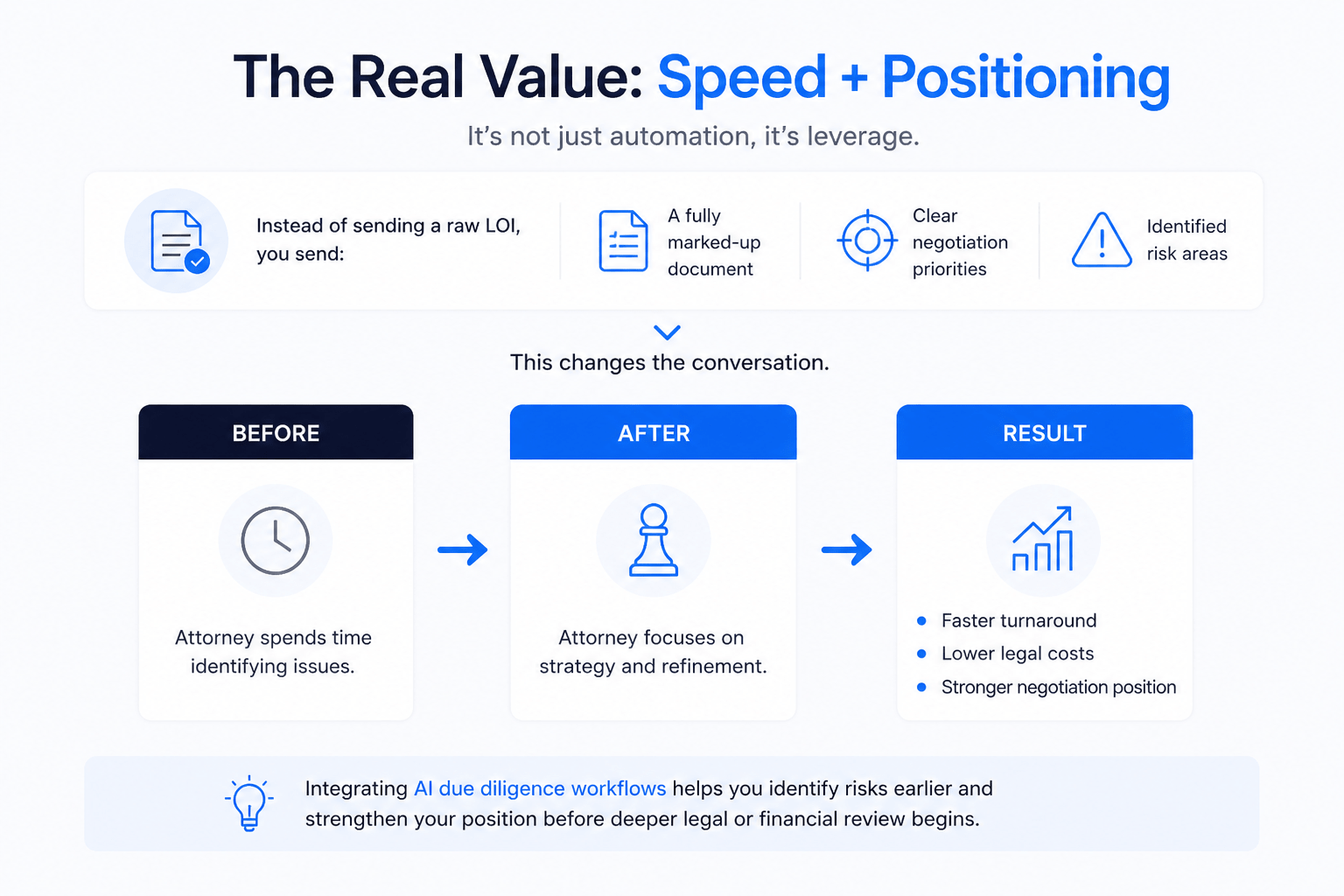
The Real Value: Speed + Positioning
The biggest advantage is not just automation, it’s leverage.
Instead of sending a raw LOI to your attorney, you send:
-
A fully marked-up document
-
Clear negotiation priorities
-
Identified risk areas
This changes the conversation.
Before
Attorney spends time identifying issues.
After
Attorney focuses on strategy and refinement.
Result
-
Faster turnaround
-
Lower legal costs
-
Stronger negotiation position
Similarly, integrating AI due diligence workflows allows you to identify risks earlier and strengthen your position before deeper legal or financial review begins.
When to Use Claude (And When Not To)
Ideal Use Cases
-
LOIs
-
NDAs
-
Early-stage deal documents
Not Recommended For
-
Purchase and Sale Agreements (PSAs)
-
Loan agreements
-
Joint venture documents
Claude is a first-pass tool, not a final authority.
Common Mistakes to Avoid
Treating AI as Final Legal Review
Always involve an attorney before signing binding documents.
Using Weak Prompts
Specific instructions produce better results.
Skipping the Review Step
Even strong outputs need validation.
Over-Automating Too Early
Start with “ask before edit” before switching to automation.
Close Deals Faster with Smarter LOI Workflows
The real advantage of LOI redlining with Claude is not just speed, it’s control. Inside the AI for CRE Collective, you’ll find how 600+ CRE professionals are already using workflows like this to move faster, negotiate better, and reduce dependency on slow processes.
If you want to improve how you handle deals from the very first document, this is where it starts. Instead of reacting late in the process, you can take control early. The next step is simple: subscribe to the newsletter and start applying these workflows immediately.
Conclusion
LOI redlining with Claude fundamentally changes how CRE professionals approach deal negotiation.
What used to take days can now be done in minutes. What used to be reactive becomes proactive. And what used to rely heavily on external input can now start internally with clarity.
It doesn’t replace legal expertise, but it makes you far more prepared when you use it. And in CRE, preparation is leverage.
FAQs Regarding LOI Redlining with Claude
1. What is LOI redlining with Claude in Microsoft Word?
LOI redlining with Claude is the process of using AI inside Microsoft Word to review, edit, and comment on a letter of intent.
-
Generates track changes automatically
-
Adds detailed comments explaining each edit
-
Provides a strategic negotiation summary
Conclusion: It allows CRE professionals to review and strengthen LOIs quickly before sending them to legal counsel.
2. How does LOI redlining with Claude improve deal negotiations?
It helps you identify weak terms and strengthen your position early in the deal process.
-
Highlights buyer-friendly clauses
-
Suggests stronger seller protections
-
Clarifies negotiation priorities
Conclusion: By improving clarity and structure, you have a stronger starting point for negotiations.
3. Is the LOI redlining with Claude legally reliable?
It is useful for analysis but not a replacement for legal advice.
-
Provides a strong first draft
-
Identifies common legal risks
-
Requires attorney review before final decisions
Conclusion: It’s a powerful assistant, but all binding agreements should still be reviewed by a qualified attorney.
4. How fast can Claude redline an LOI?
Claude can process and redline a full LOI in minutes.
-
Typically completes within 5–10 minutes
-
Works faster than manual review
-
Allows multiple iterations instantly
Conclusion: It significantly reduces turnaround time compared to traditional workflows.
5. What types of changes does Claude make in an LOI?
Claude focuses on improving terms that impact risk and control.
-
Adjusts earnest money conditions
-
Tightens inspection timelines
-
Removes or limits contingencies
-
Strengthens default and remedy clauses
Conclusion: It systematically improves key deal terms to favor your position.
6. When should you use LOI redlining with Claude in a deal?
It is most effective at the early negotiation stage.
-
When you first receive an LOI
-
Before sending documents to your attorney
-
During initial deal structuring
Conclusion: Using it early allows you to negotiate from a stronger and more informed position.
7. Can LOI redlining with Claude reduce legal costs?
Yes, it can lower the amount of time attorneys spend on basic review.
-
Pre-identifies issues before legal review
-
Reduces back-and-forth revisions
-
Improves efficiency in legal discussions
Conclusion: It helps streamline legal work, which can reduce overall legal expenses.
8. What are the biggest mistakes to avoid when using Claude for LOI redlining?
Users often misuse the tool by skipping important steps.
-
Treating AI output as final without review
-
Using vague or unclear prompts
-
Ignoring suggested comments and explanations
Conclusion: Proper use and validation are essential to get reliable and effective results.
