
Top Virtual Tour Tools for Commercial Property Compared
In today’s competitive real estate market, static images are no longer enough. Buyers expect immersive, interactive experiences that allow them to explore properties remotely. This shift has made the best virtual tour tools for Commercial Property an essential part of modern marketing strategies, helping agents stand out, generate more leads, and close deals faster.
However, with dozens of platforms available, choosing the right solution can feel overwhelming. Each tool offers different features, pricing models, and capabilities, making it difficult to determine which one fits your business needs.
Therefore, this guide breaks down the best virtual tour tools for Commercial Property, helping you compare options, understand use cases, and make a confident decision.
Quick Summary (Featured Snippet Optimized)
The best virtual tour tools for Commercial Property include Matterport, Zillow 3D Home, Kuula, EyeSpy360, and CloudPano. Each tool varies in pricing, features, and ease of use. Matterport offers high-end 3D tours, while Zillow 3D Home is free and beginner-friendly. The right choice depends on budget, property type, and marketing goals.
What Are Virtual Tour Tools for Commercial Property?
Virtual tour tools are software platforms that allow real estate professionals to create interactive, 360-degree property walkthroughs. These tours simulate an in-person visit, enabling buyers to explore homes from anywhere.
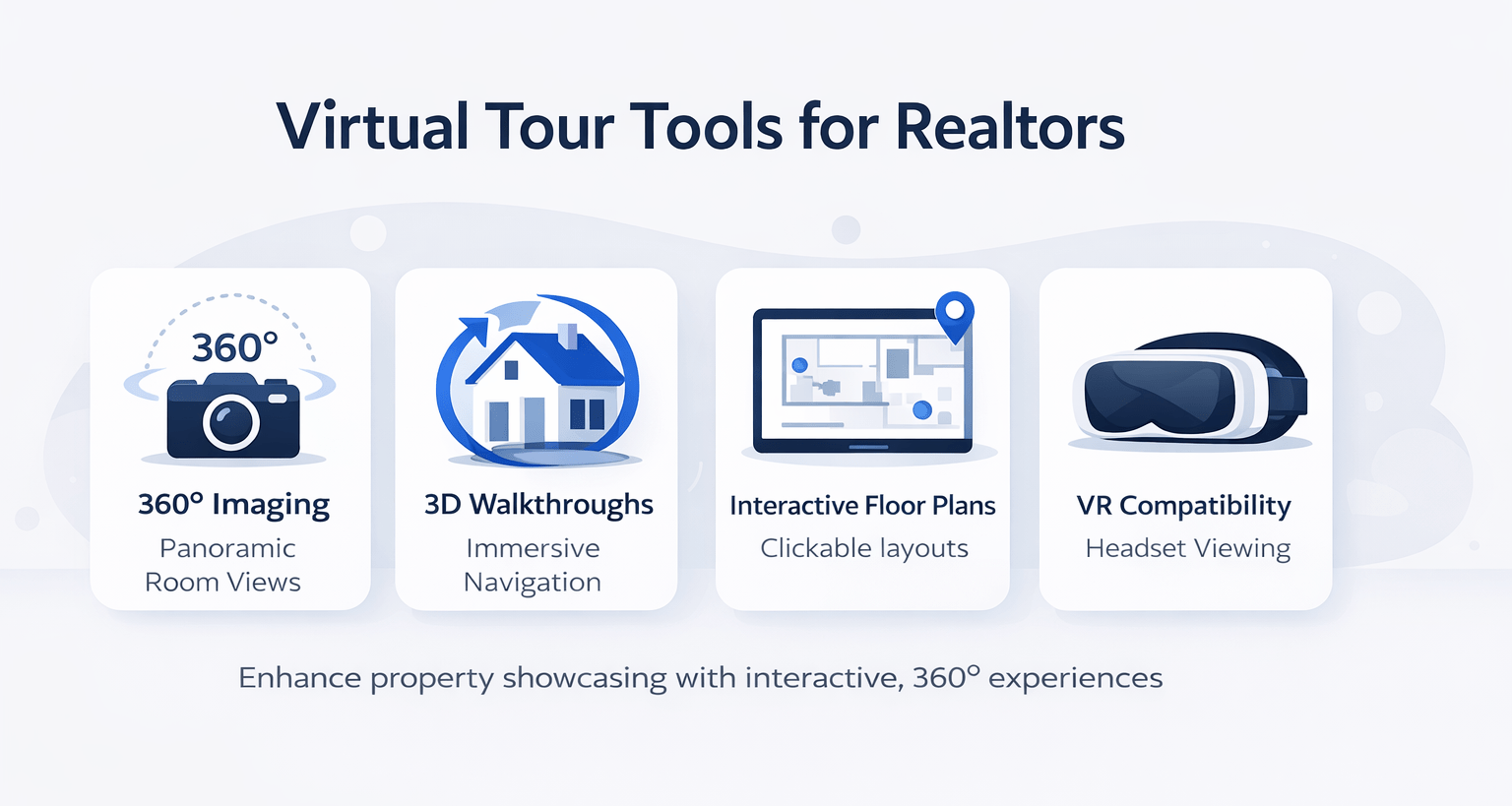
Key Features Explained
-
360° Imaging – Captures panoramic views of rooms
-
3D Walkthroughs – Creates realistic navigation experiences
-
Floor Plans – Automatically generated layouts
-
Hotspots – Clickable areas for more information
-
VR Compatibility – Supports immersive viewing with headsets
As a result, these tools significantly enhance property presentation and buyer engagement.
Why Commercial Property Needs Virtual Tour Tools
Increased Buyer Engagement
Virtual tours keep users on listings longer. Consequently, this improves conversion rates and lead quality.
Remote Accessibility
Buyers can view properties without physical visits. This is especially useful for out-of-town or international clients.
Faster Sales Cycles
Since buyers are pre-qualified through virtual tours, decision-making becomes quicker.
Competitive Advantage
Listings with virtual tours stand out compared to traditional listings.
Types of Virtual Tour Tools
1. DIY Smartphone-Based Tools
-
Easy to use
-
Low cost or free
-
Limited quality
2. Professional 3D Scanning Tools
-
High-quality output
-
Requires specialized equipment
-
Higher investment
3. Cloud-Based Tour Builders
-
Upload images manually
-
Moderate pricing
-
Flexible customization
Comparison Table: Top Virtual Tour Tools
| Tool Name | Best For | Pricing Level | Ease of Use | Output Quality |
|---|---|---|---|---|
| Matterport | High-end listings | High | Medium | Excellent |
| Zillow 3D Home | Beginners | Free | Easy | Moderate |
| Kuula | Custom tours | Medium | Easy | High |
| EyeSpy360 | Remote collaboration | Medium | Medium | High |
| CloudPano | Budget-friendly scaling | Low | Easy | Good |
Detailed Comparison of Best Virtual Tour Tools for Commercial Property
Matterport: Premium 3D Experience
Overview
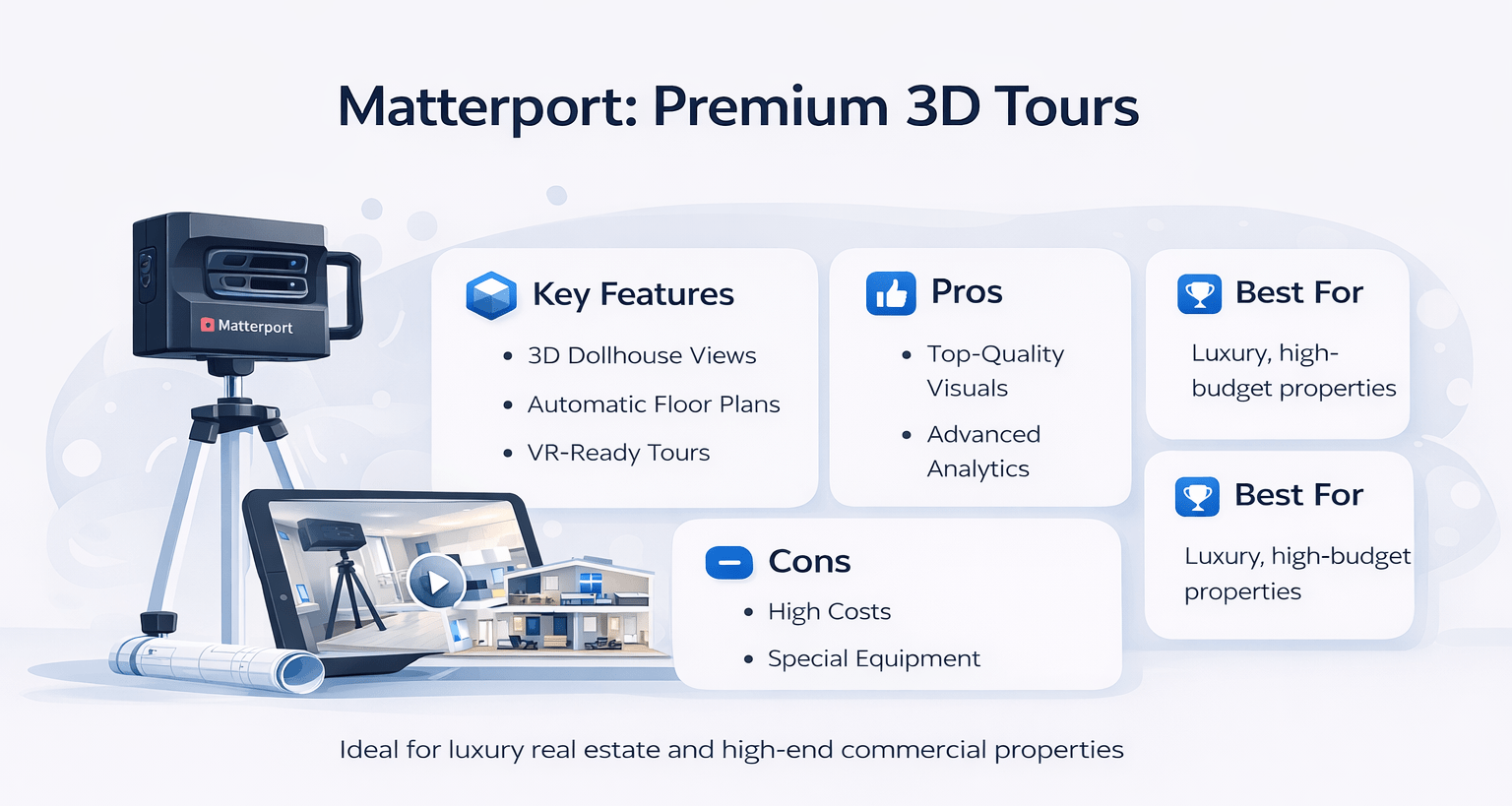
Matterport is widely considered the gold standard for virtual tours. It offers highly realistic 3D walkthroughs with dollhouse views.
Key Features
-
3D spatial mapping
-
AI-powered measurements
-
Automatic floor plans
-
VR-ready tours
Pros
-
Exceptional visual quality
-
Strong brand credibility
-
Advanced analytics
Cons
-
Expensive hardware required
-
Higher monthly costs
Best Use Case
Luxury properties, commercial real estate, and high-budget listings.
Zillow 3D Home: Best Free Option
Overview
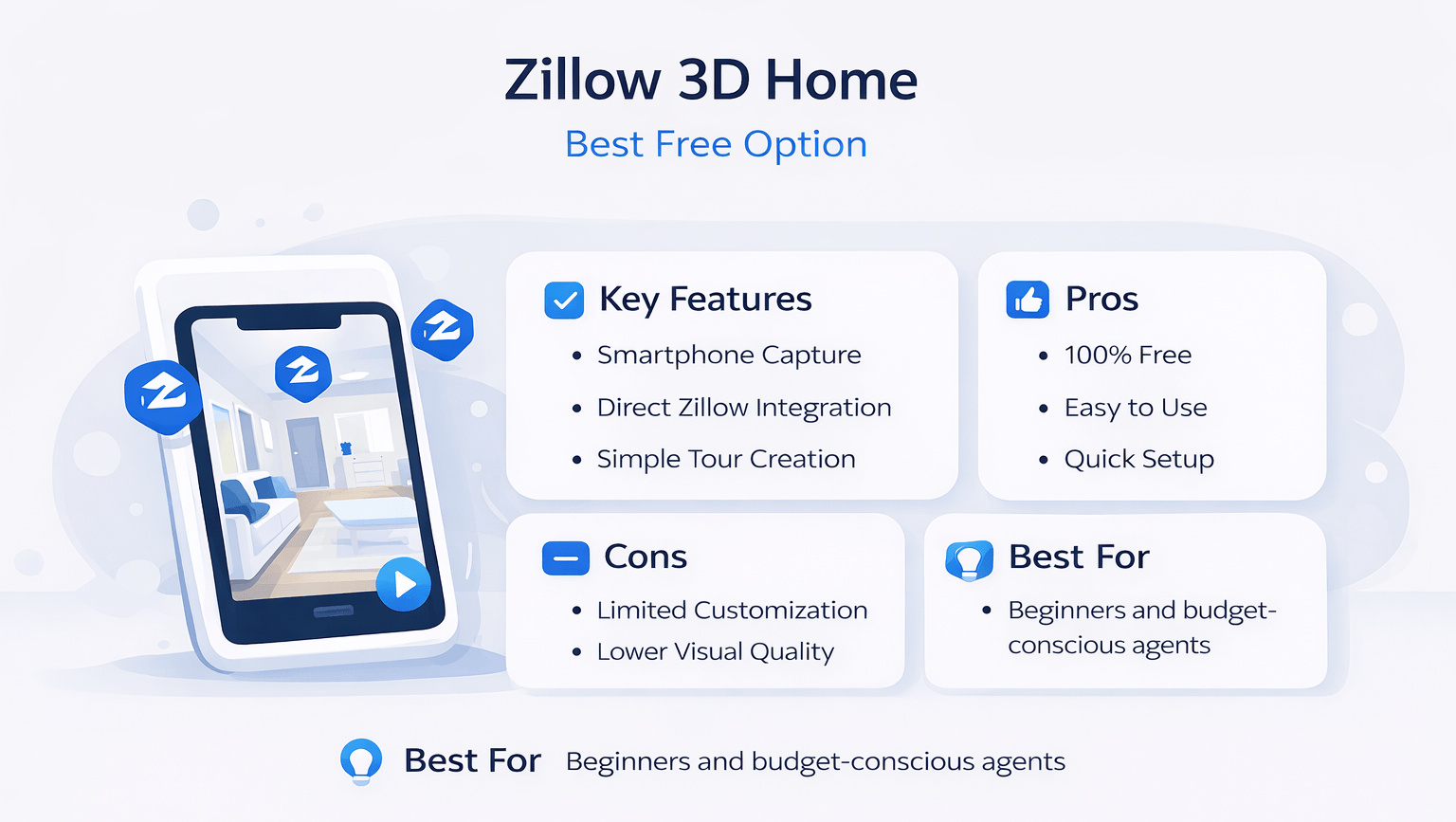
Zillow 3D Home is a free tool designed for ease of use. It integrates directly with Zillow listings.
Key Features
-
Smartphone-based capture
-
Direct Zillow integration
-
Simple tour creation
Pros
-
Completely free
-
Beginner-friendly
-
Quick setup
Cons
-
Limited customization
-
Lower visual quality
Best Use Case
New agents or low-budget marketing strategies.
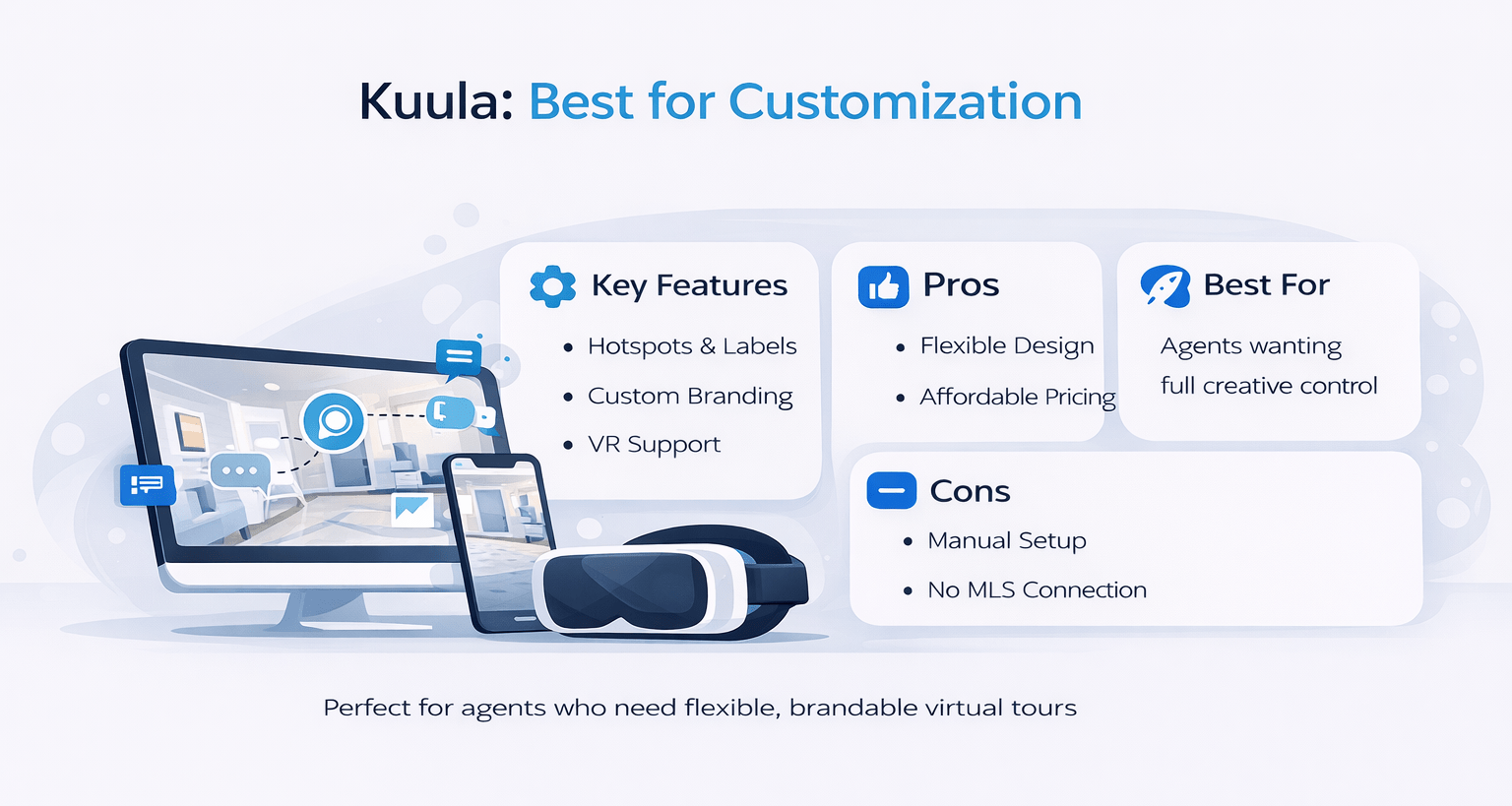
Kuula: Best for Customization
Overview
Kuula allows realtors to create highly customizable tours with interactive elements.
Key Features
-
Hotspots and labels
-
Custom branding
-
VR support
Pros
-
Flexible design options
-
Affordable pricing
-
Easy sharing
Cons
-
Requires manual setup
-
No built-in MLS integration
Best Use Case
Agents who want branding control and creative freedom.
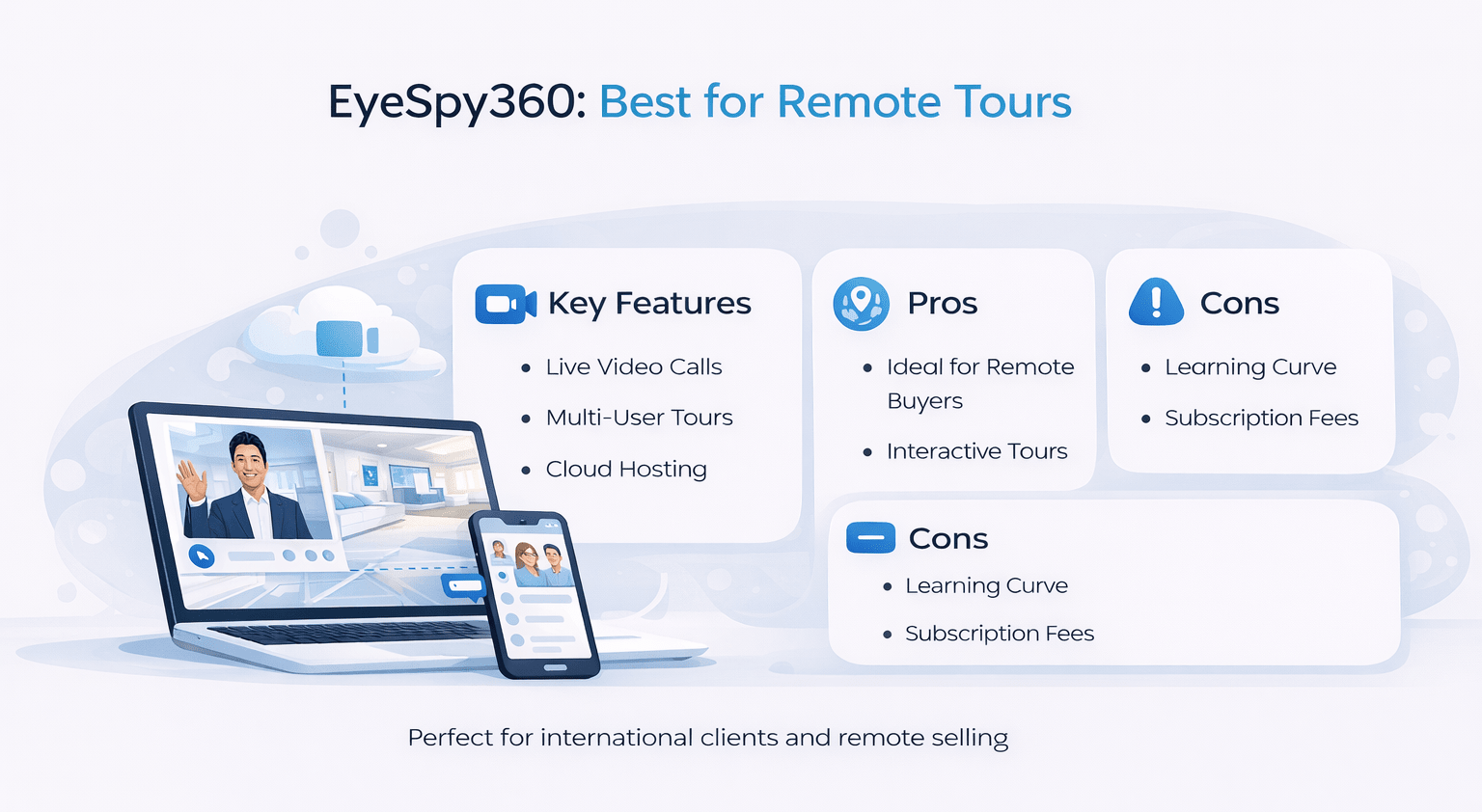
EyeSpy360: Best for Remote Tours
Overview
EyeSpy360 focuses on live guided tours and remote collaboration.
Key Features
-
Live video calls inside tours
-
Multi-user viewing
-
Cloud hosting
Pros
-
Great for remote buyers
-
Interactive experience
-
Strong support tools
Cons
-
Learning curve
-
Subscription-based
Best Use Case
International clients and remote property sales.
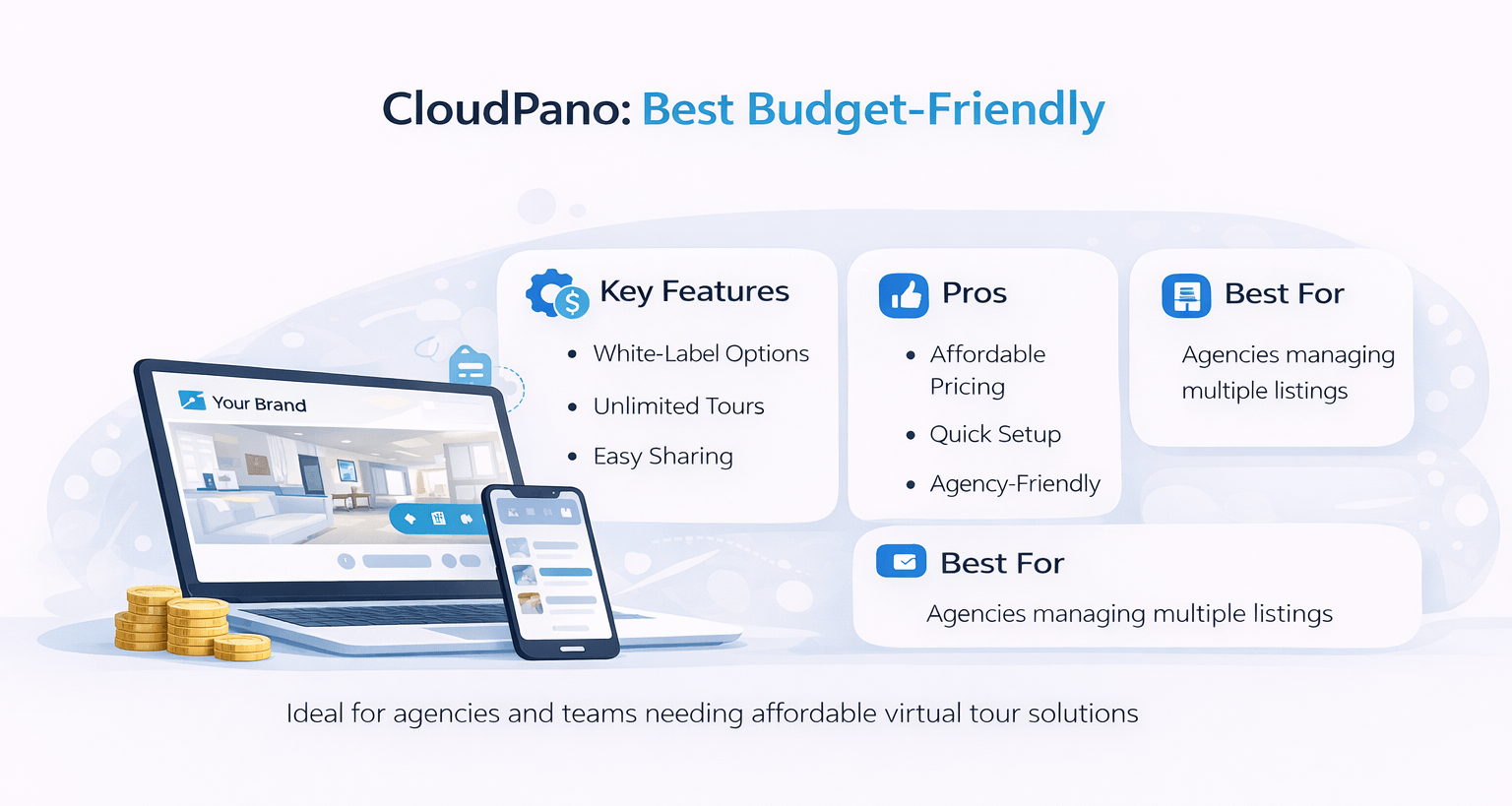
CloudPano: Best Budget-Friendly Tool
Overview
CloudPano offers scalable solutions for agents and teams.
Key Features
-
White-label options
-
Unlimited tours
-
Easy sharing
Pros
-
Cost-effective
-
Fast setup
-
Agency-friendly
Cons
-
Limited advanced features
-
Basic interface
Best Use Case
Agencies managing multiple listings.
Feature Comparison Table
| Feature | Matterport | Zillow 3D | Kuula | EyeSpy360 | CloudPano |
|---|---|---|---|---|---|
| 3D Walkthrough | Yes | No | No | Yes | No |
| VR Support | Yes | No | Yes | Yes | Limited |
| Custom Branding | Limited | No | Yes | Yes | Yes |
| Live Guided Tours | No | No | No | Yes | No |
| MLS Integration | Yes | Yes | No | No | No |
Pricing Comparison
| Tool Name | Free Plan | Paid Plan Range | Equipment Needed |
|---|---|---|---|
| Matterport | No | $$$ | Yes |
| Zillow 3D Home | Yes | Free | No |
| Kuula | Yes | $$ | No |
| EyeSpy360 | No | $$ | No |
| CloudPano | Yes | $ | No |
How to Choose the Right Virtual Tour Tool
Consider Your Budget
If you’re just starting, free or low-cost tools like Zillow 3D Home or CloudPano are ideal.
Evaluate Property Type
Luxury listings require high-end tools like Matterport.
Think About Your Audience
Remote buyers benefit from tools like EyeSpy360 with live interaction.
Assess Technical Skills
Some platforms require more setup and learning.
Workflow of Creating a Virtual Tour
| Step | Description |
|---|---|
| Capture Images | Use a camera or a smartphone |
| Upload to Platform | Import images into the software |
| Edit Tour | Add hotspots and navigation |
| Publish | Generate shareable link |
| Promote | Share on MLS and social media |
Advanced Insights: Maximizing ROI with Virtual Tours
Use Virtual Staging
Enhance empty spaces to make them more appealing.
Add Interactive Elements
Include property details, pricing, and contact info.
Optimize for SEO
Embed tours on your website to increase dwell time.
Track Analytics
Understand buyer behavior and improve listings.
Common Mistakes to Avoid
-
Poor lighting during capture
-
Overloading tours with unnecessary elements
-
Ignoring mobile optimization
-
Choosing tools without scalability
When to Use Each Tool
| Scenario | Recommended Tool |
|---|---|
| Luxury property | Matterport |
| Budget listing | Zillow 3D Home |
| Branding-focused marketing | Kuula |
| Remote international clients | EyeSpy360 |
| High-volume agencies | CloudPano |
Conclusion
Choosing the best virtual tour tools for Commercial Property depends on your business goals, budget, and target audience. While Matterport delivers unmatched quality, Zillow 3D Home provides an accessible entry point. Meanwhile, tools like Kuula, EyeSpy360, and CloudPano offer flexibility and scalability.
Ultimately, the right tool is the one that aligns with your workflow and enhances your property marketing strategy. Therefore, take time to evaluate your needs before making a decision.
FAQs Regarding Best Virtual Tour Tools for Commercial Property
Which virtual tour tool is best for beginners?
Zillow 3D Home is best for beginners due to its simplicity.
-
Free to use
-
Easy setup
-
No equipment needed
Conclusion: Ideal for new agents.
What are virtual tour tools for Commercial Property?
Virtual tour tools allow realtors to create interactive property walkthroughs online.
-
They use 360° images
-
Enable remote viewing
-
Improve listing engagement
Conclusion: They enhance digital property marketing.
Is Matterport worth the cost?
Yes, Matterport is worth it for high-end listings.
-
Premium quality
-
Advanced features
-
Strong ROI potential
Conclusion: Best for luxury properties.
Can I create virtual tours using a smartphone?
Yes, many tools support smartphone-based tours.
-
Zillow 3D Home
-
CloudPano
-
Kuula
Conclusion: No expensive equipment required.
Are virtual tours necessary in real estate?
Yes, they are becoming essential.
-
Increase engagement
-
Attract remote buyers
-
Improve conversions
Conclusion: A must-have marketing tool.
Do virtual tours help sell homes faster?
Yes, they reduce decision time for buyers.
-
Better visualization
-
Pre-qualified leads
-
Higher interest
Conclusion: Speeds up the sales process.
Which tool offers the best customization?
Kuula provides the most customization options.
-
Branding features
-
Hotspots
-
Flexible design
Conclusion: Great for creative control.
Are free virtual tour tools effective?
Yes, but with limitations.
-
Lower quality
-
Basic features
-
Limited branding
Conclusion: Good for beginners.
What equipment is needed for virtual tours?
It depends on the tool used.
-
Smartphone for basic tools
-
360 camera for advanced tools
-
Tripod recommended
Conclusion: Equipment varies by platform.
Can virtual tours be used for commercial real estate?
Yes, they are widely used in commercial listings.
-
Office spaces
-
Retail properties
-
Industrial sites
Conclusion: Highly effective for all property types.
How long does it take to create a virtual tour?
Typically 1–3 hours depending on complexity.
-
Capture time
-
Editing time
-
Upload process
Conclusion: Relatively quick setup.
Do virtual tours improve SEO?
Yes, they increase dwell time and engagement.
-
Better user experience
-
Lower bounce rates
-
Higher rankings
Conclusion: Positive SEO impact.
Can buyers view tours on mobile devices?
Yes, most tools are mobile-friendly.
-
Responsive design
-
Easy navigation
-
Fast loading
Conclusion: Accessible on all devices.
Are virtual tours compatible with VR headsets?
Some tools support VR viewing.
-
Matterport
-
Kuula
-
EyeSpy360
Conclusion: Enhances immersive experience.
What is the cost of virtual tour tools?
Costs range from free to premium subscriptions.
-
Free tools available
-
Monthly plans
-
Equipment costs
Conclusion: Flexible pricing options.
Can I embed virtual tours on my website?
Yes, most platforms provide embed codes.
-
Website integration
-
MLS compatibility
-
Social sharing
Conclusion: Easy to integrate.
What is the difference between 3D and 360 tours?
3D tours offer depth and navigation, while 360 tours are panoramic images.
-
3D is immersive
-
360 is simpler
-
Different use cases
Conclusion: Choose based on needs.
Are virtual tours secure?
Yes, most platforms offer secure hosting.
-
Password protection
-
Private links
-
Data encryption
Conclusion: Safe for sharing.
Can virtual tours replace physical showings?
They complement but don’t fully replace them.
-
Initial screening
-
Remote viewing
-
Final visits still needed
Conclusion: A powerful supplement.
How do I choose the best tool?
Evaluate your needs, budget, and audience.
-
Property type
-
Marketing goals
-
Technical skills
Conclusion: Choose strategically.
Want Smarter Real Estate Marketing Workflows?
I share practical strategies like these every week inside the AI for CRE, where 600+ CRE professionals are testing what actually works—from virtual tour tools to AI-powered listing optimization and lead generation.
For weekly breakdowns of AI tools, virtual tour platforms, and proven commercial real estate workflows, subscribe to the newsletter and stay ahead with actionable insights delivered every Thursday.
