
Manus Scheduled Tasks for CRE
AI Scheduled Tasks for CRE Research allow acquisitions teams and brokers to automate manual market research without opening multiple databases every week. Most CRE professionals research their markets manually by checking foreclosure listings, ownership records, or lease data. AI Scheduled Tasks for CRE Research can run this research on autopilot at a daily, weekly, or monthly cadence.
I run the AI for CRE Collective (540+ members testing AI tools on real workflows), and this is one of the most practical use cases I’ve come across. Here’s exactly how I set it up and what happened.
What Are Manus Scheduled Tasks?
Manus is an autonomous AI agent. It can browse the web, navigate websites, compile data, and generate reports without anything. The scheduled task feature lets you set a task to run regularly: daily, weekly, or monthly. Think of it like a research assistant who shows up at the same time every day, runs the exact search you told them to, and drops a report on your desk. The Setup Process (5 Minutes)
Here’s the exact workflow:
-
Open Manus and go to Settings
-
Click Scheduled Tasks
-
Click New Schedule
-
Give it a name (I used “Distressed Property Finder”)
-
Paste your prompt into the prompt section
-
Connect any integrations (I connected Gmail so it could email results)
-
Set the cadence — daily, weekly, or monthly
-
Pick a run time (I chose 3:15 pm)
-
Save. That’s the entire setup within five minutes, maybe less.
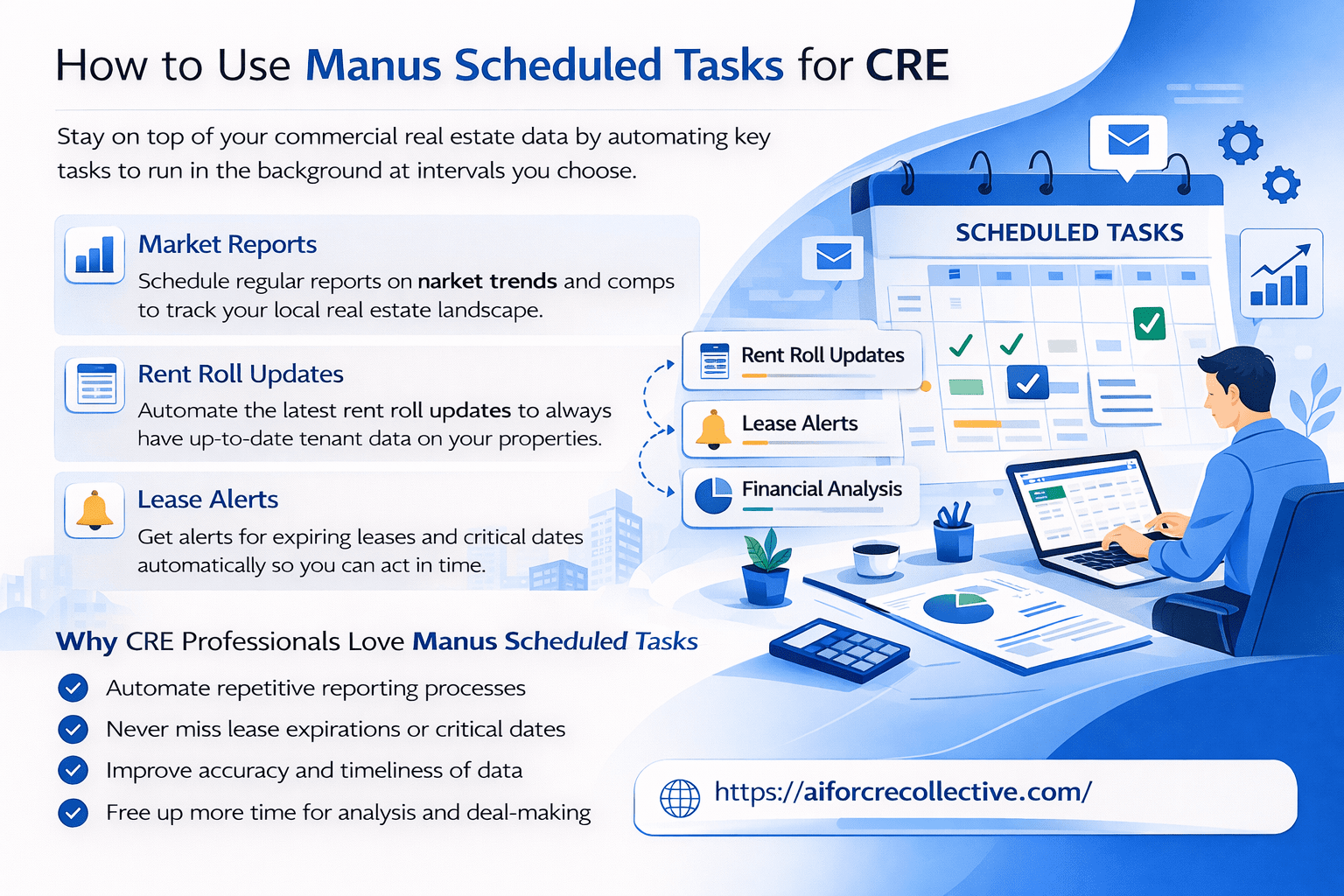
Automate your CRE workflows with Manus scheduled tasks so reports, lease alerts, and rent roll updates run on time, every time.
The Prompt That Makes It Work
I built my prompt in Claude first (I find Claude writes better research prompts from scratch). Here’s what I used:
“Research and compile a comprehensive list of apartment buildings in LA city that are currently available as distressed opportunities due to ownership changes, foreclosures, or corporate bankruptcies. Create a spreadsheet with property addresses, date registered, type of distress, key details, and the source.”
You get out what you put in. The more specific your prompt, the better your output. Tell it exactly what kind of data points you want in the spreadsheet, geographic area to cover, and types of distress to look for.
What Manus Actually Does When It Runs
I watched the first run in real time. Manus created its own to-do list and worked through each item:
-
Searched foreclosure properties and REO listings
-
Researched bankruptcy filings and court records
-
Identified distressed property sales and off-market opportunities
-
Accessed public records databases
-
Compiled everything into a research report
It opened websites, navigated databases, extracted data, and organized findings. Fully autonomous. I sat there and watched.
The Results: 88 Properties
First run pulled 88 distressed properties across four categories:
-
84 properties in the LAHD foreclosure registry with notices filed
-
2 properties in bankruptcy court liquidation
-
1 bank-owned REO for sale
-
1 probate distress sale
Manus flagged 3 as ready for immediate acquisition with specific details on each: location, build year, whether it was RSO restricted, and the distress type. It also generated a markdown report broken down by council district, key lenders involved, and priority opportunities.
AI Scheduled Tasks for CRE Research Automation Workflow
| Task Type | AI Scheduled Tasks for CRE Research Use Case | Automation Frequency | Output Generated |
|---|---|---|---|
| Foreclosure Monitoring | AI Scheduled Tasks for CRE Research identifies new distressed listings | Daily | Property Reports |
| Ownership Change Tracking | AI Scheduled Tasks for CRE Research tracks ownership filings | Weekly | Ownership Alerts |
| Lease Expiry Monitoring | AI Scheduled Tasks for CRE Research tracks expiring leases | Monthly | Lease Reports |
| Bankruptcy Filings | AI Scheduled Tasks for CRE Research monitors court filings | Daily | Distress Alerts |
The One Thing I’d Change
Add de-duplication to your prompt. Without it, you’ll see the same properties showing up every single day. Add something like: “Only surface new properties not included in prior reports.”
That single line makes the difference between a useful daily report and a repetitive list.
Who Should Use This
-
Brokers sourcing off-market or distressed deals
-
Acquisitions analysts monitoring specific markets
-
Investors looking for foreclosure and bankruptcy opportunities
-
Property managers tracking ownership changes in their area
The daily cadence is the real advantage. While most people check foreclosure registries once a month (if that), you’re getting fresh intel every single day.
Limitations of AI Scheduled Tasks for CRE Research
Manus only searches publicly available information, not private databases, no proprietary deal flow, no MLS access. But public records alone produced 88 properties in one city on one run. For most use cases, that’s more than enough to start building a pipeline.
FAQs About AI Scheduled Tasks for CRE Research
What are AI Scheduled Tasks for CRE Research?
These scheduled AI workflows allow commercial real estate professionals to automate recurring acquisition research and market monitoring without manually logging into multiple databases.
How do these scheduled AI workflows help CRE brokers?
They help CRE brokers automate time-consuming property research tasks such as monitoring distressed listings, tracking ownership filings, and reviewing lease data.
Can these scheduled AI workflows automate deal sourcing?
These tools can automate deal sourcing by scanning public data sources regularly and compiling relevant property opportunities into reports.
Are these scheduled AI workflows useful for acquisitions analysts?
They help acquisitions analysts monitor specific markets by tracking foreclosure activity, bankruptcy filings, and ownership transfers automatically.
Do these scheduled AI workflows replace manual market research?
They reduce manual research effort but still require verification before underwriting or outreach.
How accurate are AI Scheduled Tasks for CRE Research reports?
These reports rely on publicly available information and structured data sources for preliminary screening of market opportunities.
Can these tools monitor foreclosure activity automatically?
They can monitor foreclosure registries and ownership filings automatically to provide updated alerts.
How often should CRE professionals run these scheduled AI workflows?
CRE professionals can run these workflows daily, weekly, or monthly depending on their acquisition strategy.
Start Using This Today
I shared the full demo video, exact prompt, and spreadsheet output within the AI for CRE Collective. 540+ CRE pros are testing and sharing workflows like this every week.