
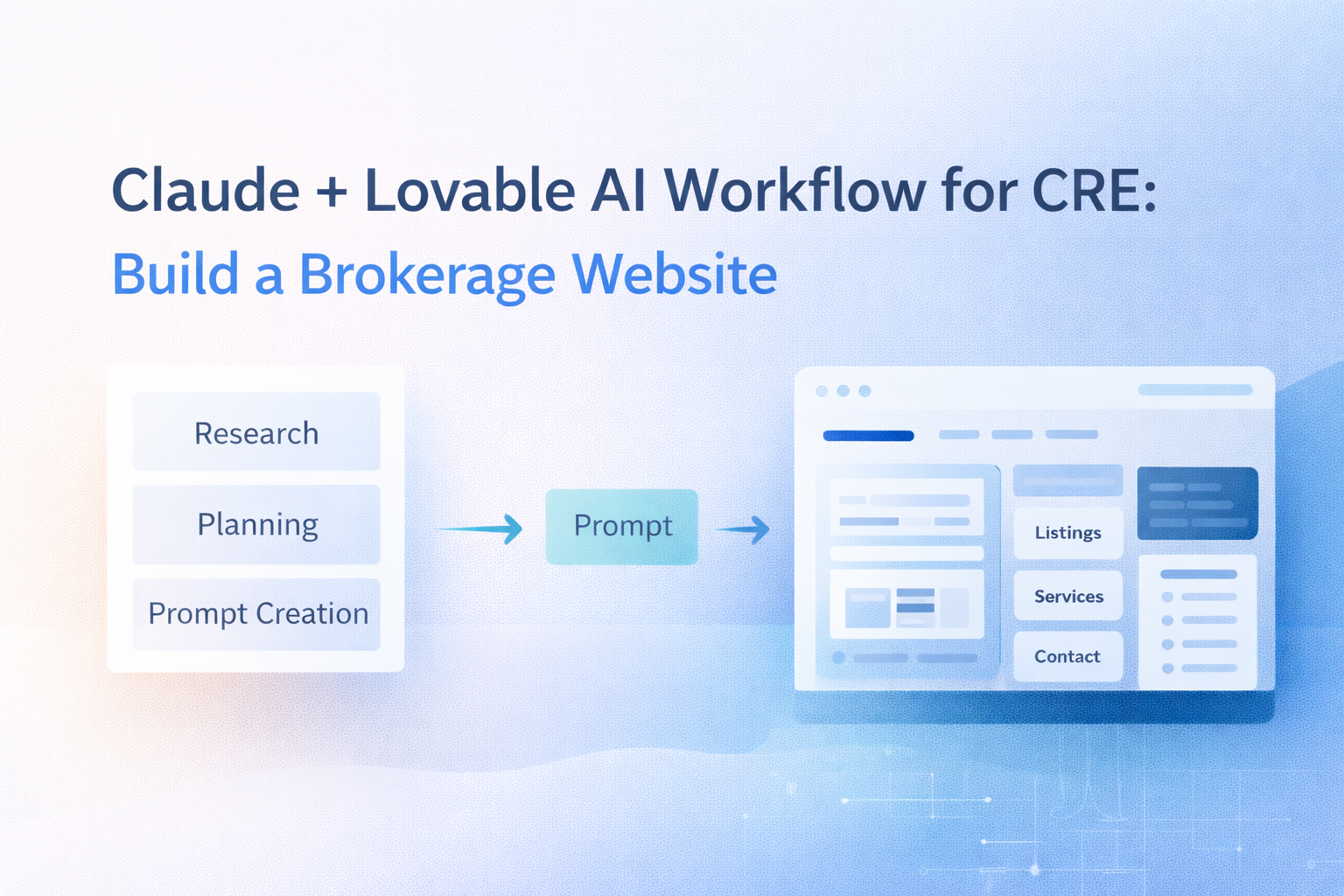
Claude + Lovable AI Workflow for CRE: Build a Brokerage Website
Here’s a pattern I keep seeing across AI tools: the best results come from using multiple tools, each doing what’s good for them. The Claude Lovable workflow is one of the clearest examples of this.
Claude is excellent at research, analysis, and writing detailed instructions. Lovable is excellent at taking instructions and building functional websites from them. Neither tool does the full job alone. Together, they built a 7-page brokerage website in about 20 minutes.
I run the AI for CRE Collective (540+ members testing AI tools), and this workflow has become one of the most requested demos we’ve done. Here’s why it works and how to apply it beyond websites.
Table of Contents
ToggleWhy the Claude Lovable Workflow Matters
In the Claude Lovable workflow, Lovable is a vibe coding platform. You describe what you want in plain English, and it writes the code and builds it. The quality of the output depends almost entirely on the prompt.And that’s the problem for most people. Writing a detailed website prompt from scratch is hard. You need to think about page structure, navigation, content for each section, design aesthetic, functionality requirements, and integrations. That’s a lot of planning before you even start building.Claude solves the planning problem. It can research your business, organize the information, and write a prompt that’s far more detailed and structured than what most people would write on their own.
Claude Lovable Workflow in Detail
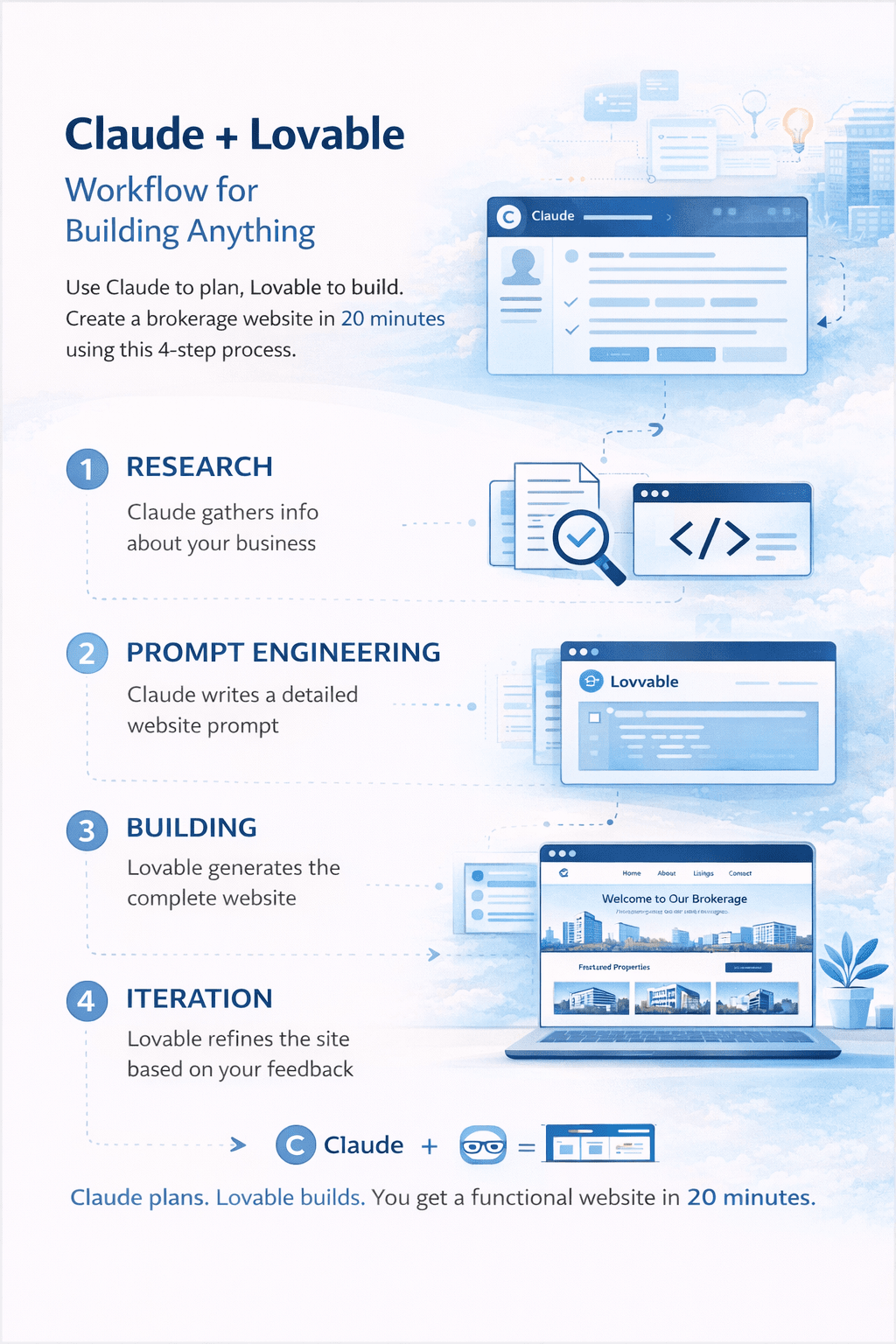
Phase 1: Research (Claude, 2-3 minutes)
Tell Claude to research you and your business. For my demo, I asked Claude to research Taylor Avakian, an LA multifamily broker. Claude found team information, deal history, podcast details, market focus, partnerships, and achievements available.
This research becomes the raw material for your website content. The more Claude finds, the more specific and authentic your website will be.
Phase 2: Prompt Engineering (Claude, 2-3 minutes)
Take all that research and ask Claude to create a detailed prompt for a website builder. Be specific about what you want: “Create a prompt for a modern, premium, multi-page website for [your brokerage]. Include homepage, about, services, listings, resources, results, and contact pages.”
Claude structures everything: brand identity guidelines, design aesthetic preferences, page-by-page content with specific sections, navigation flow, and functionality requirements.
The prompt Claude wrote for my demo was massive. Covered every page in detail with specific content, layout suggestions, and feature requests. That level of detail is what separates a generic AI website from one that actually looks like your business.
Phase 3: Building (Lovable, ~8 minutes)
Paste Claude’s prompt into Lovable. Hit send. Wait.
Lovable reads the prompt, plans the build, and starts writing code. About 8 minutes later, you have a 7-page website with working navigation, responsive design, animations, and all the sections you specified.
Phase 4: Iteration (Lovable chat mode, 10-15 minutes)
Use Lovable’s chat feature to plan improvements before implementing them. Don’t just start requesting random changes. Tell Lovable what you want to adjust and ask it to create a phased plan. Then implement phase by phase.
This prevents scope creep the single biggest time waster on coding platforms.
Where Else the Claude Lovable Workflow Works
The Claude + Lovable pattern applies to more than brokerage websites:
• Landing pages for specific listings — Claude researches the property and market, writes the prompt, and Lovable builds a dedicated landing page
• Investor portals — Claude structures the information architecture, Lovable builds the interface
• Internal tools — Need a deal tracker, a property comparison calculator, or a client CRM interface? Same workflow
• Event pages — Webinar registration, conference pages, networking event sites
The pattern is always: Claude thinks and plans, Lovable builds and codes. One tool for strategy, one for execution.
The “Ask It to Ask You Questions” Technique
The single most impactful tip from this entire workflow: tell the AI to ask YOU questions before it builds.
When Lovable (or any AI builder) makes assumptions, they’re often wrong. Sometimes slightly wrong. Sometimes completely wrong. And correcting bad assumptions takes longer than planning upfront.
Instead, say: “Before you start building, ask me questions about anything you’re unclear on.” The AI will ask targeted questions about design preferences, functionality priorities, and content specifics. Your answers make the first draft dramatically better.
This technique works with every AI tool, not just Lovable. Anytime you’re about to hand a complex task to AI, make it clarify, then execute. Five minutes of Q&A saves hours of revisions.
Claude Lovable Workflow FAQs
1. What is the Claude Lovable workflow for CRE websites?
The Claude Lovable workflow is a two-tool AI process where Claude handles research and prompt planning, while Lovable builds a fully functional brokerage website from those instructions. This allows CRE professionals to generate structured, multi-page websites without manual coding.
2. Can CRE brokers use the Claude Lovable workflow without technical experience?
Yes. The Claude Lovable workflow is designed for non-technical users. Brokers simply provide business details to Claude and paste the generated prompt into Lovable, which automatically handles the development of pages, navigation, and layouts.
3. How long does it take to build a brokerage website using the Claude Lovable workflow?
Most brokerage websites can be generated in 15–20 minutes using the Claude Lovable workflow, including planning, building, and iteration phases.
4. What types of CRE websites can be built using the Claude Lovable workflow?
This workflow can be used to create brokerage websites, listing landing pages, investor portals, deal dashboards, internal tools, and event registration pages.
5. Why is prompt engineering important in the Claude Lovable workflow?
Prompt quality directly affects the final website output. Claude improves the planning stage by structuring content, defining page layouts, and organizing functional requirements before Lovable starts coding.
6. Can the Claude Lovable workflow be used for property listing pages?
Yes. CRE professionals can use Claude to research a property and market data, then instruct Lovable to build a custom landing page for that specific listing.
7. Does the Claude Lovable workflow support website customization?
Lovable allows users to iterate using chat mode. CRE professionals can request phased updates to content, layout, and functionality after the initial build.
8. What is the biggest advantage of using the Claude Lovable workflow in CRE?
The biggest advantage is speed combined with structured planning. Claude handles strategy while Lovable executes development, reducing the need for manual coding or traditional website design timelines.
The Bottom Line
Claude thinks. Lovable is the building. You do the reviewing.20 minutes for a professional multi-page website. The workflow works because each tool handles the strongest capability, and the weaknesses of one tool are covered by the other.
I share demos and workflows like this every week at the AI for CRE Collective, 540+ CRE professionals building with AI tools.