
Claude Code for Due Diligence
Claude Code due diligence on a multifamily deal involves dozens of documents, hundreds of data points, and hours of analyst time. I took a real DD folder, fed it into Claude Code, and got a complete underwriting package in minutes. Here’s exactly how I did it, what the output looked like, and where the workflow shines versus where it falls short.
I run the AI for CRE Collective (589 members testing AI tools on real CRE workflows), and this demo was one of the most impressive things I’ve shown the community. If you’re in acquisitions, underwriting, or asset management, this workflow is directly applicable to what you do every day.
Table of Contents
ToggleClaude Code Due Diligence Setup: A Real DD Folder
I used an actual due diligence folder from a real deal (shoutout to Taylor Avakian from The Group CRE for sending the package). This wasn’t a sanitized demo. It was multiple folders with a rent roll, P&L, ADU drawings, and the full document set you’d get from a seller.
The tool: Claude Code, which runs in your terminal. It’s Claude’s coding environment, but it’s incredible at document analysis and multi-step workflows. If you haven’t used it yet, I’d recommend watching our Claude Masterclass first to get the basics down.
The Prompt: One Shot, Five Deliverables
Here’s what I asked Claude Code to do in a single prompt:
“Ingest these files, underwrite the deal, prepare a DD checklist, create a red flag report, write up seller follow-up questions, and create a budget for me.”
That’s it. prompt covering five distinct deliverables.
Why Plan Mode Changes Everything
I always use plan mode with Claude Code. Always. Here’s why.
When you tell Claude Code to use plan mode, it asks you questions before it starts working. For this deal, it asked:
• Where do you want the files saved?
These are the right questions. The fewer assumptions the AI makes, the better the output. Without the plan mode, Claude would’ve guessed on all of these. Maybe it guesses right. Maybe it builds a pro forma for 14 units when you wanted 17. Plan mode eliminates that risk.
If you take one thing away from this post, it’s this: use plan mode for any complex task. Spend 2 minutes answering questions upfront. Save yourself from rebuilding the whole thing because of a wrong assumption.
Six Agents Running in Parallel
After answering the questions, Claude launched six agents simultaneously. Six separate AI workers, each handling a different deliverable at the time.
This is the power of Claude Code that most people miss. You’re not waiting for one task to finish before the next starts. All six were running in parallel, pulling from the same source documents, each focused on its specific output.
The Output: What I Actually Got
Here’s what Claude Code produced:
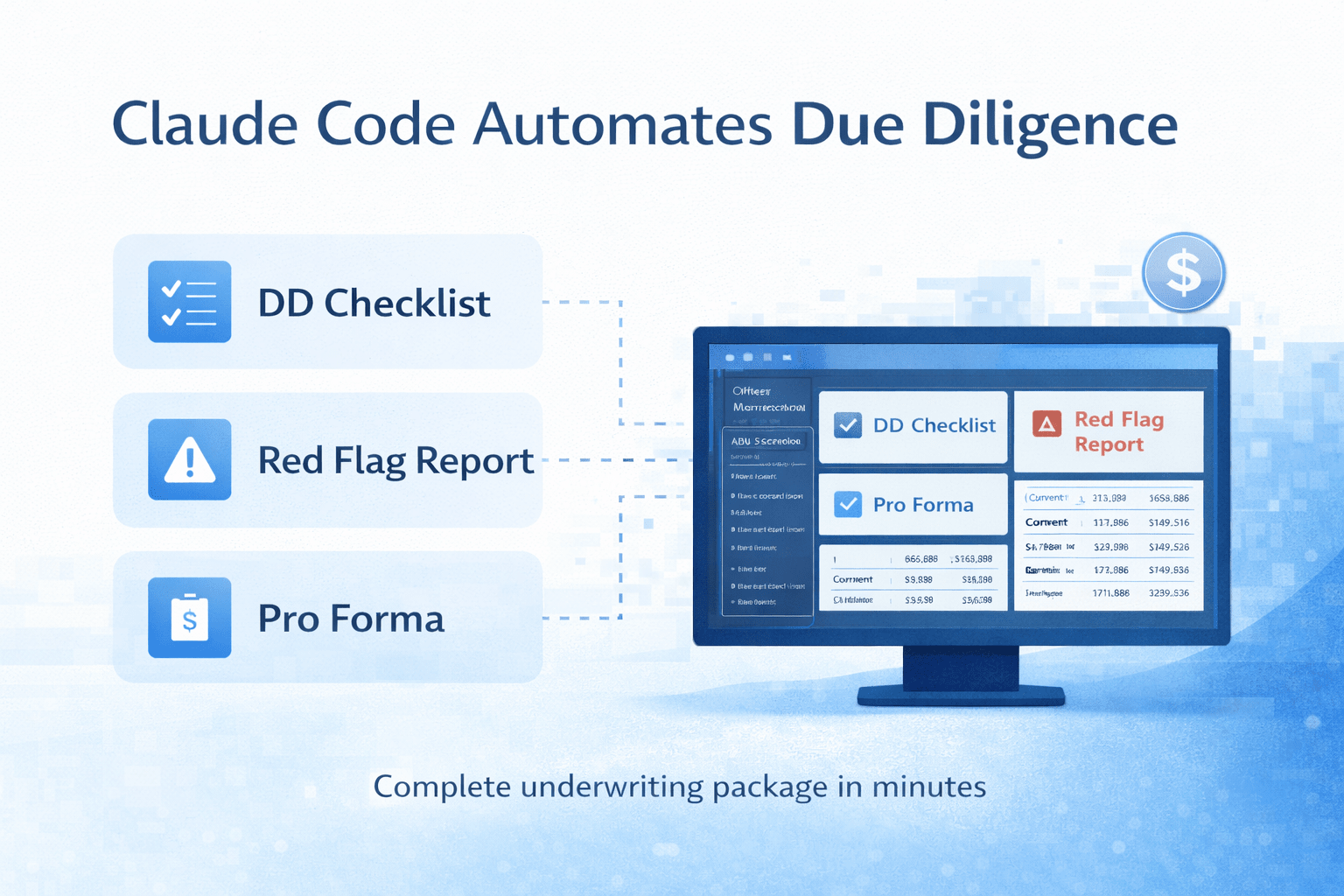
1) Excel Pro Forma with Both Scenarios
Full underwriting model for 14 units and for 14 units plus 3 ADUs. Revenue assumptions, expense projections, return calculations. Two tabs, two scenarios, one file.
2) DD Checklist in Excel with 65 Items
Every due diligence item you’d want to track, organized by category. Environmental, structural, financial, legal, operational. 65 line items with status tracking columns.
3) Red Flag Report with Priorities
Items flagged from the documents that need attention, ranked by priority. This is the kind of analysis that usually takes an experienced analyst several hours of careful document review.
4) Seller Follow-Up Questions Organized by Urgency
Questions for the seller based on what Claude found (or didn’t find) in the documents. Organized by urgency level so you know what to ask first.
5) Full CapEx Budget Including ADU Construction Estimates
Complete capital expenditure budget for the property. The ADU construction estimates came in at $250 per square foot for garage conversions, which is honestly a solid number. Legit enough, I’d use it as a starting point for budgeting.
Where This Shines
Speed. This entire process took minutes. This is where Claude Code due diligence changes the economics of underwriting. A junior analyst would spend a full day or more producing these five deliverables. The time savings are dramatic.
Comprehensiveness. 65 DD checklist items. Multiple scenarios. Prioritized red flags. Claude doesn’t forget to check things the way a tired analyst at hour 8 might.
Parallel processing. Six agents working simultaneously means you’re not waiting sequentially for each deliverable. Everything happens at once.
Where It Falls Short
You still need to verify. The pro forma numbers need human review. The red flag report needs someone who knows the market to validate. AI gives you a massive head start, but you’re still the decision-maker.
Complex deal structures need more context. For a straightforward multifamily deal, this works incredibly well. For a deal with complex partnership structures, unusual financing, or unique regulatory issues, you’d need to feed Claude more context and probably iterate on the output.
Learning curve. Claude Code runs in the terminal. If you’ve never used a terminal before, there’s a 30-minute learning curve to get comfortable. The Claude Masterclass in the community covers this step by step.
Claude Code vs Traditional Due Diligence Workflow
| Task | Traditional Analyst Workflow | Claude Code Workflow |
|---|---|---|
| Rent Roll Review | Manual spreadsheet cleanup and review | Auto-extracted and structured instantly |
| P&L Analysis | Manual line-by-line review | Key metrics are summarized automatically |
| DD Checklist | Built from templates | Generated with 60+ tracked items |
| Red Flag Identification | Analyst experience dependent | Pattern-based issue detection |
| Pro Forma Creation | Built manually in Excel | Multi-scenario model generated |
| Seller Questions | Created after document review | Organized by urgency automatically |
| Time Required | 6–12+ hours | Minutes |
| Risk of Missed Items | Depends on analyst fatigue | Structured document scan |
Comparison of traditional due diligence and Claude Code due diligence workflows in terms of speed, structure, and underwriting output quality.
How to Set This Up Yourself
-
Install Claude Code (instructions in the community’s Claude Code section)
-
Organize your DD documents in one folder
-
Open Claude Code in plan mode
-
Give it the prompt: ingest these files, underwrite the deal, prepare a DD checklist, red flag report, seller questions, and budget
-
Answer Claude’s questions carefully (this is the most important step)
-
Let it run and review the output
The whole setup takes about 10 minutes the first time. After that, you can run it on any deal by just swapping in a new DD folder.
FAQs regarding AI-Powered Due Diligence and Underwriting with Claude Code
How can AI help automate multifamily due diligence?
AI can turn a messy DD folder into structured outputs in minutes instead of days.
-
Ingest rent rolls, P&Ls, drawings, and legal documents at once
-
Extract key financial and operational data automatically
-
Generate underwriting models and scenario analysis
-
Create structured DD checklists and red flag summaries
-
Draft seller follow-up questions based on missing data
Tools like Claude are designed to handle multi-document reasoning and analysis workflows (https://www.anthropic.com/claude).
In short, AI compresses document-heavy due diligence into a structured first draft you can refine.
What is Claude Code, and how is it different from ChatGPT?
Claude Code is a terminal-based environment built for multi-step workflows and structured outputs.
-
Runs locally in your terminal
-
Handles large document sets more reliably
-
Supports plan mode for guided execution
-
Launches parallel agents for separate tasks
-
Produces files like Excel outputs and reports
You can learn more about Claude’s capabilities here:
https://www.anthropic.com/claude
Unlike chat-based tools, Claude Code behaves more like a workflow engine than a conversation tool.
What is plan mode and why should you use it?
Plan mode forces the AI to clarify assumptions before starting.
-
Asks where files should be saved
-
Confirms unit count and deal assumptions
-
Verifies output format (Excel, PDF, etc.)
-
Reduces incorrect pro forma builds
-
Prevents wasted time from wrong assumptions
This structured approach aligns with best practices in AI task planning (https://en.wikipedia.org/wiki/Intelligent_agent).
Plan mode improves accuracy by reducing guesswork before execution.
Can AI generate a complete underwriting model from a DD folder?
Yes, AI can build a structured underwriting file from raw documents.
-
Extract revenue assumptions from rent rolls
-
Pull expenses from P&L statements
-
Model multiple scenarios (e.g., with ADUs)
-
Run return metrics and projections
-
Organize outputs into Excel-ready formats
Modern AI systems are increasingly capable of financial modeling tasks (https://www.ibm.com/topics/machine-learning).
AI provides a strong first draft, but human review is still required.
How accurate are AI-generated red flag reports?
AI red flag reports are directionally strong but not final.
-
Identify missing documents
-
Flag inconsistencies in income or expenses
-
Highlight unusual lease terms
-
Detect gaps in compliance documentation
-
Rank issues by priority
Document extraction systems like Amazon Textract show how AI parses structured files (https://aws.amazon.com/textract/).
AI surfaces risks quickly, but experienced operators must validate them.
Can AI handle complex deal structures?
AI works best on straightforward deals and needs more context for complex ones.
-
Standard multifamily deals perform well
-
ADU scenarios can be modeled accurately
-
Complex partnership waterfalls need clear instructions
-
Unique financing structures require added context
-
Regulatory nuances may require iteration
Understanding AI limitations is key in structured decision systems (https://mitsloan.mit.edu/ideas-made-to-matter).
AI is powerful, but complex structuring still benefits from human judgment.
How much time does AI save in underwriting workflows?
AI dramatically reduces analysis time.
-
A full DD package can be processed in minutes
-
Parallel agents handle multiple deliverables simultaneously
-
Checklist creation is instant
-
Scenario modeling runs automatically
-
Budget drafts are generated without manual spreadsheet work
Parallel task execution is a core advantage of modern computing systems (https://en.wikipedia.org/wiki/Parallel_computing).
Time savings are the biggest immediate advantage of AI underwriting.
Should CRE professionals rely fully on AI for due diligence?
No, AI should be treated as a co-pilot, not a final authority.
-
Review underwriting numbers manually
-
Validate market assumptions
-
Confirm construction budgets
-
Cross-check flagged risks
-
Apply local market expertise
AI supports decision-making but does not replace it (https://cloud.google.com/ai).
Use AI to move faster, but keep human judgment in control.
Start Using This Today
I shared the full DD folder demo, the exact prompt, and the underwriting outputs in the AI for CRE Collective, where 589+ CRE professionals are building real AI workflows in live deal environments.
If you’re not ready to join yet, subscribe to the newsletter for weekly breakdowns of AI due diligence systems, underwriting automation, and acquisition workflows you can implement immediately.