
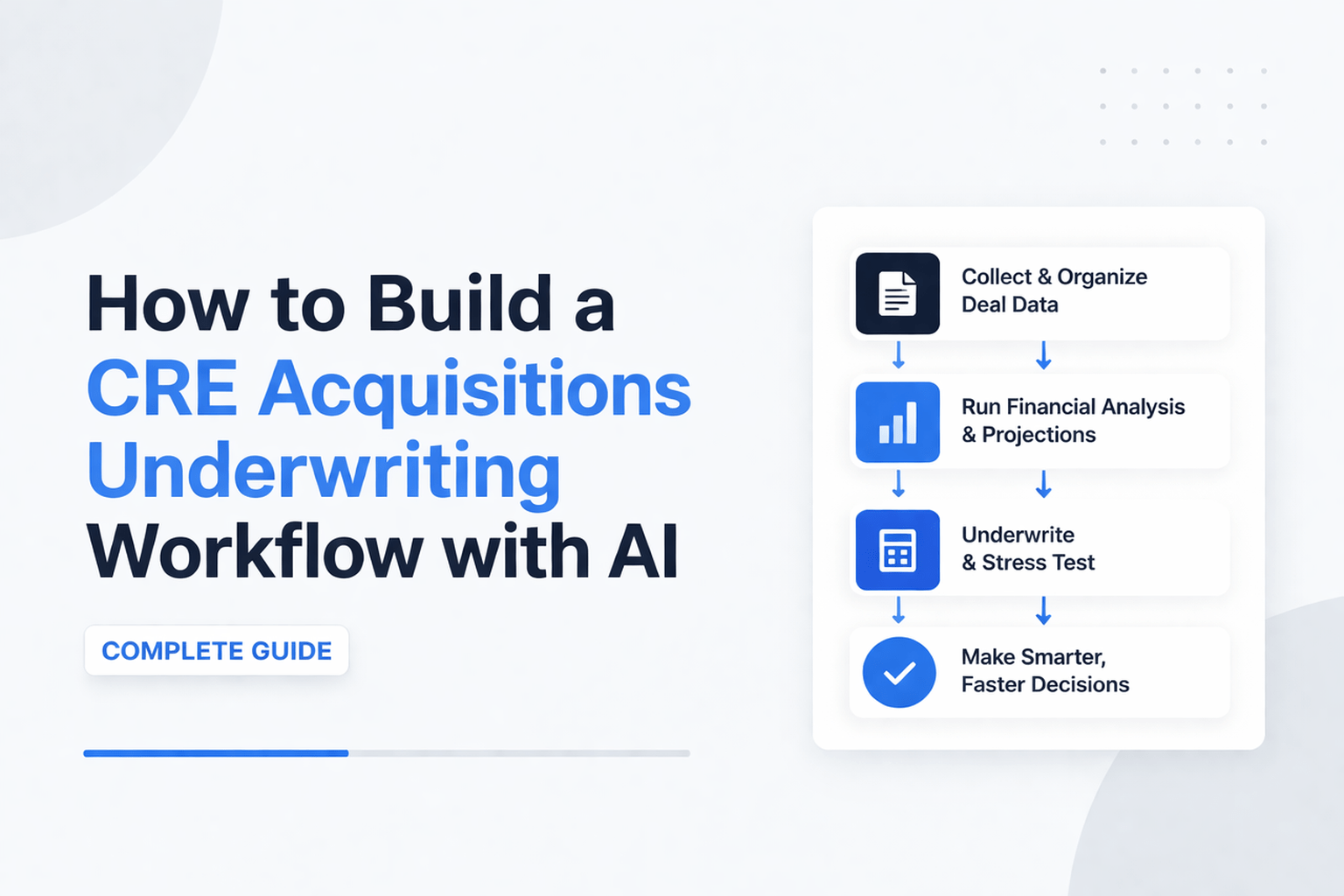
How to Build a CRE Acquisitions Underwriting Workflow with AI
I spent a full session building an automated system that takes an offering memorandum and produces a full underwriting package. This AI acquisition underwriting workflow guide explains how it works and how you can build one yourself.
The system creates:
-
A completed underwriting model
-
A recommended purchase price
-
A full investment committee memo
It runs inside Claude Cowork as a reusable workflow, and this AI acquisition underwriting workflow guide shows exactly how to implement it step by step. You simply drop in an OM, and the system handles the rest.
I’m Jake Heller, founder of the AI for CRE Collective. I test AI tools for commercial real estate full-time. This guide comes from real builds—not theory.
What You’re Building
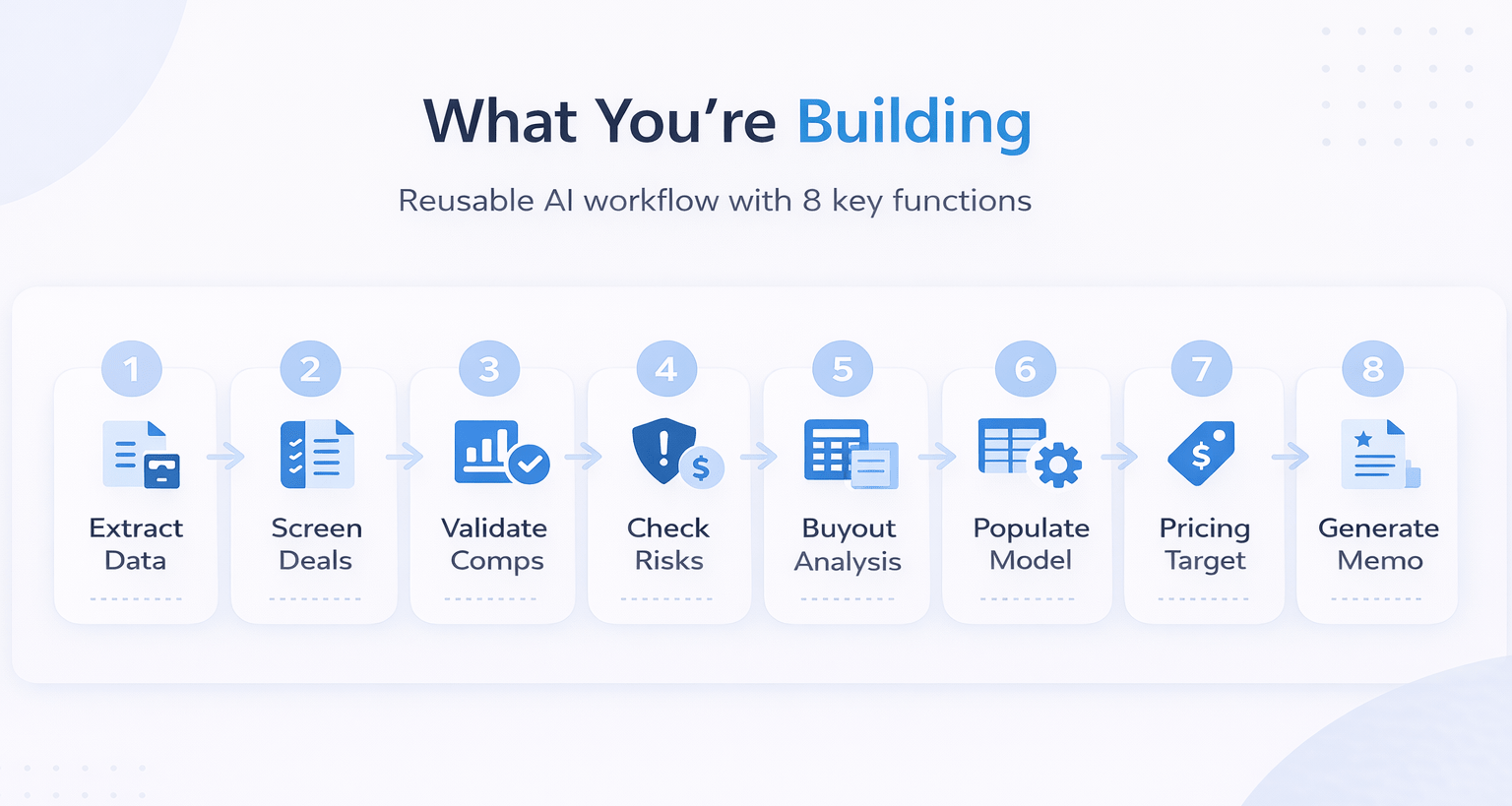
The final product is a reusable AI workflow that:
-
Extracts data from the OM
-
Screens deals against your criteria
-
Validates comps
-
Checks regulatory risks
-
Runs buyout analysis
-
Fills your underwriting model
-
Calculates a target purchase price
-
Generates an IC memo
You do not need coding skills. The system writes and maintains all scripts for you.
Prerequisites Before You Start
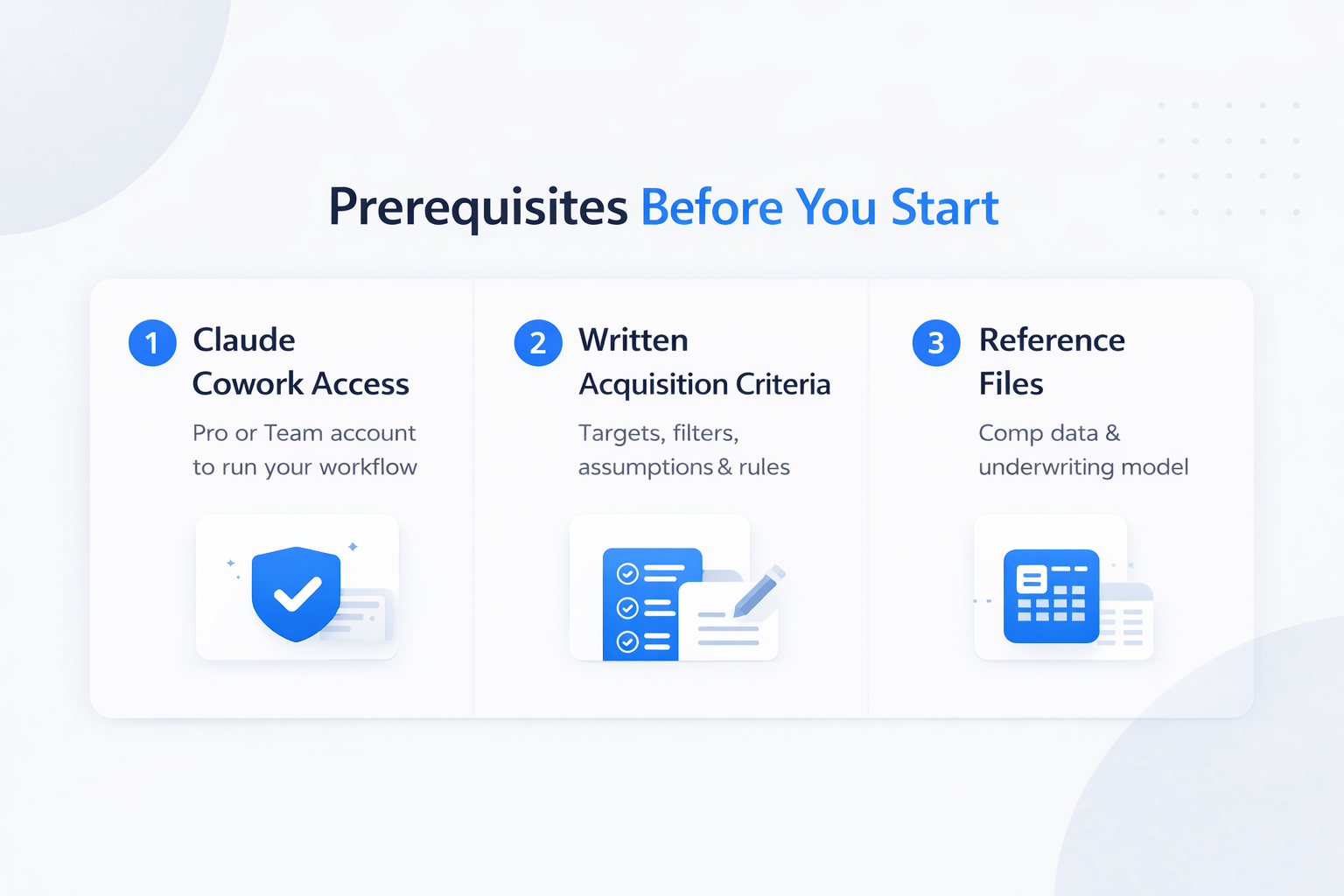
Before building, prepare these three things:
1. Claude Cowork Access
You need a Pro or Team account. This is where the workflow runs.
2. Written Acquisition Criteria
Document everything your analyst does:
-
Return targets
-
Deal filters
-
Assumptions
-
Decision rules
3. Reference Files
Prepare:
-
Comp data (Excel)
-
Your underwriting model
These files act as the system’s source of truth.
Mapping Your Acquisition Criteria
This step defines how the system thinks.
Your document should include:
-
Return targets (IRR, equity multiple, yield)
-
Property criteria (type, location, size)
-
Submarket preferences
-
Financing assumptions
-
Revenue assumptions
-
Expense assumptions
-
Capex budgets
-
Rent control rules
-
Tenant buyout logic
Write everything clearly. If it lives in your head, put it on paper.
Building Your Reference Files
You need two main files.
Comp Data File
Include:
-
Rent comps
-
Sales comps
-
Submarket breakdowns
Keep it updated regularly.
Underwriting Model Template
Use your real model.
-
Keep the structure clean
-
Label inputs clearly
-
Avoid unnecessary complexity
Reference File Structure Example
| File Type | Purpose | Format |
|---|---|---|
| Comp Data | Validate rents and sales | Excel |
| Model Template | Output underwriting | Excel |
Setting Up Claude Cowork
Create a working folder and organize files inside it.
Then:
-
Set the working directory
-
Store files in one place
-
Ensure the skill saves correctly
This step avoids issues later.
Building the AI Workflow
Start by telling the system what you want.
A simple prompt works best. Then, let it ask questions.
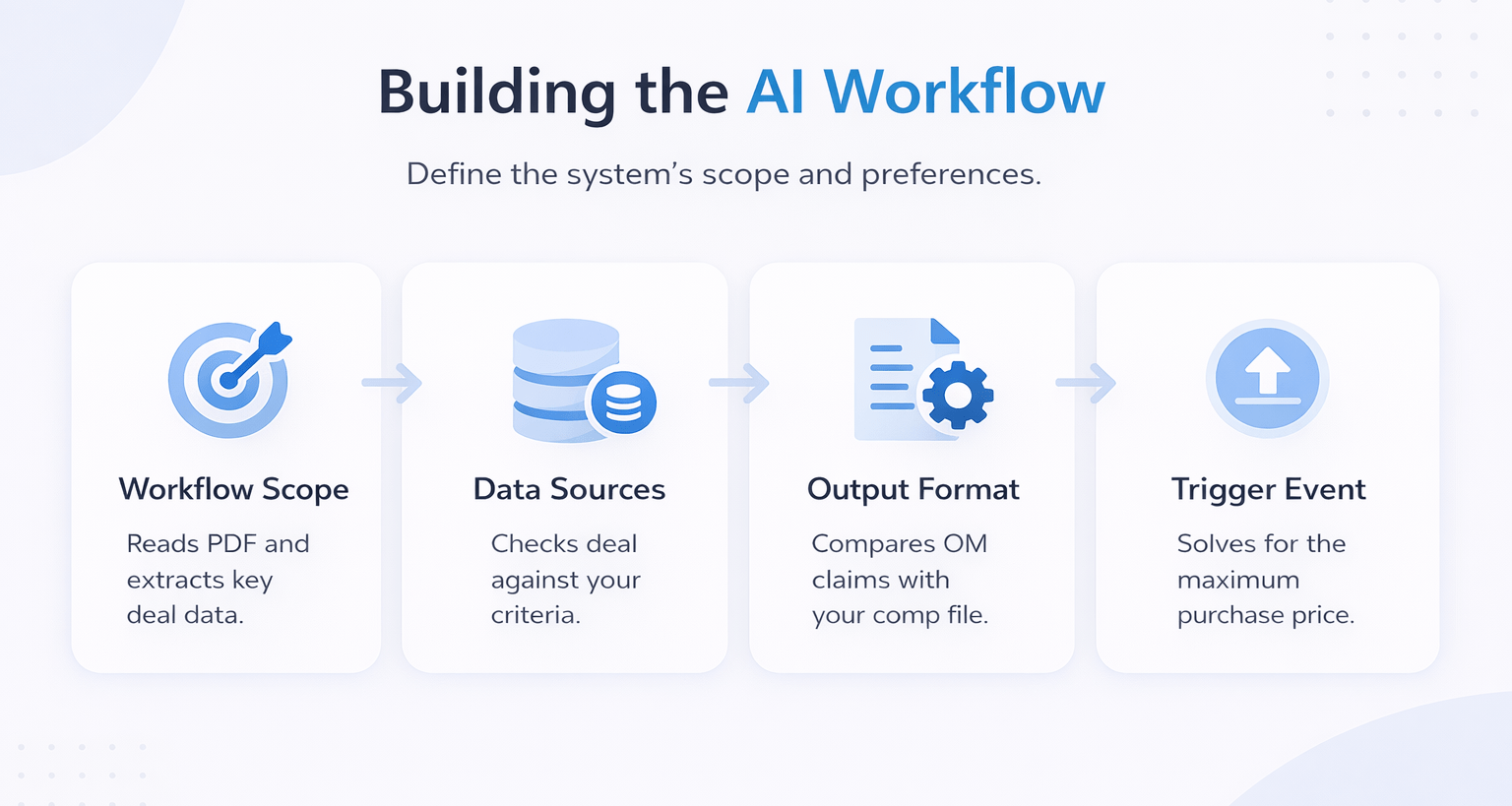
Key decisions include:
-
Workflow scope
-
Data sources
-
Output format
-
Trigger (OM upload)
The system builds scripts step by step and checks its own work.
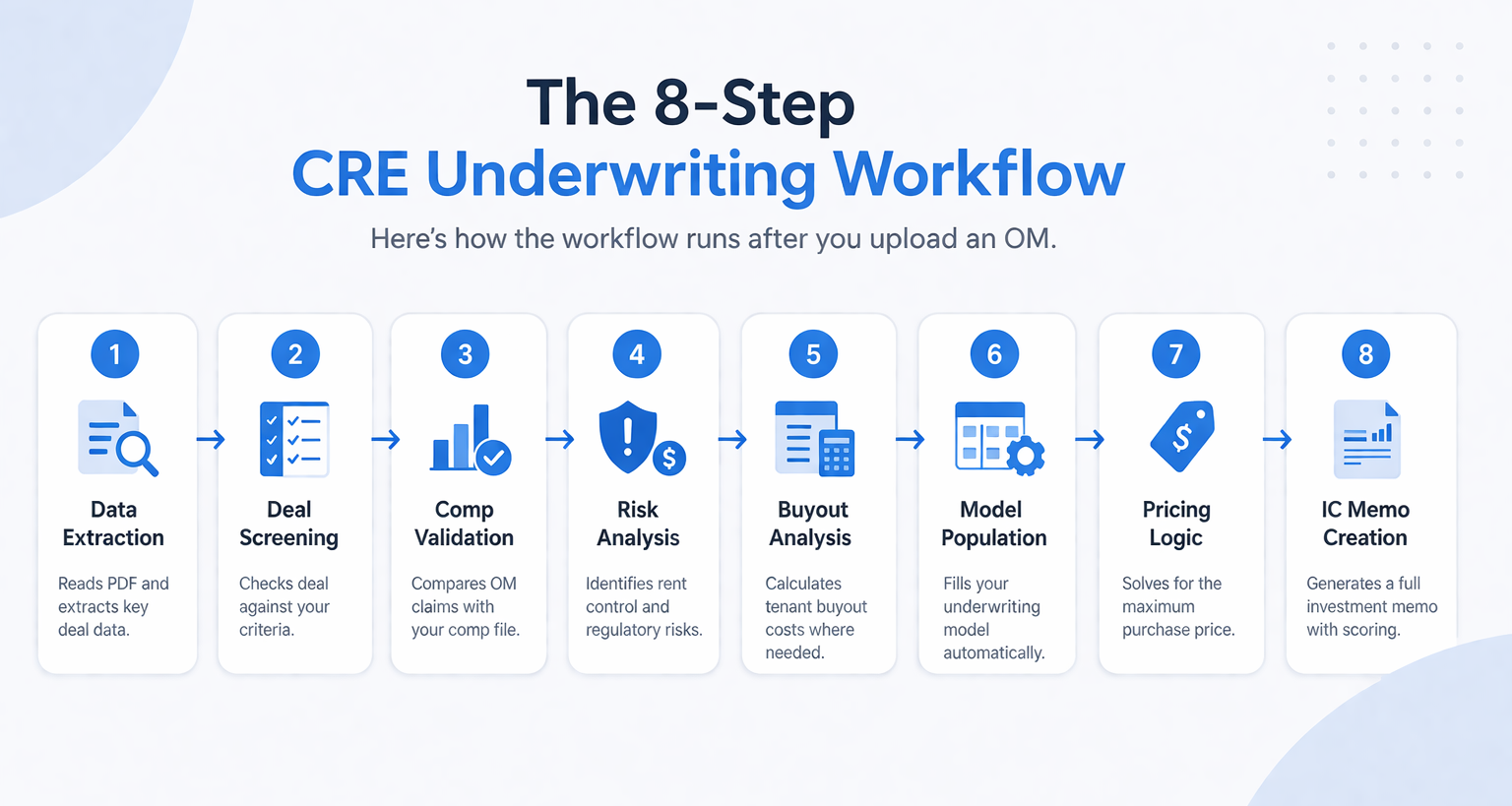
Understanding the 8-Step Pipeline
Here’s how the workflow runs after you upload an OM.
Step 1: Data Extraction
Reads PDF and extracts key deal data.
Step 2: Deal Screening
Checks deal against your criteria.
Step 3: Comp Validation
Compares OM claims with your comp file.
Step 4: Risk Analysis
Identifies rent control and regulatory risks.
Step 5: Buyout Analysis
Calculates tenant buyout costs where needed.
Step 6: Model Population
Fills your underwriting model automatically.
Step 7: Pricing Logic
Solves for the maximum purchase price.
Step 8: IC Memo Creation
Generates a full investment memo with scoring.
Testing with Real Deals
I tested the system using real OMs.
Deal Example Comparison
| Deal Type | Result | Recommendation |
|---|---|---|
| Vacant 7-unit | High price flagged | Strong Pursue |
| Rent-controlled 16-unit | High risk | Conditional Pursue |
The system handled both deals at the same time.
Iterating to Production Quality
The first version will not be perfect.
Common fixes include:
-
Data format mismatches
-
Incorrect assumptions
-
Model adjustments
However, updates are simple. You just explain the issue, and the system fixes it.
Limitations You Should Know
AI is powerful, but not perfect.
Key limitations
-
Context limits in long workflows
-
No real-time data connections
-
Model population may need review
-
Templates may need customization
Therefore, expect some iteration before full reliability.
Time Investment and ROI
Time Breakdown
| Phase | Time Required |
|---|---|
| Build | 2–4 hours |
| Iteration | 2–3 sessions |
| Per Deal | 10–20 minutes |
Manual underwriting takes 4–8 hours per deal.
As a result, the time savings scale quickly—especially when reviewing multiple deals weekly.
FAQs Regarding AI Acquisition Underwriting Workflow Guide
Do I need coding skills?
No, the system handles all code.
-
Writes scripts
-
Maintains workflows
-
Runs automation
Conclusion: You only provide inputs and feedback.
Can I use my own model?
Yes, it uses your exact template.
-
Reads structure
-
Fills inputs
-
Matches format
Conclusion: Your workflow stays consistent.
How long does it take per deal?
Usually 10–20 minutes.
-
Faster for simple deals
-
Slower for complex ones
Conclusion: Much faster than manual work.
Can this work for other asset types?
Yes, with adjustments.
-
Update criteria
-
Change assumptions
-
Use new comps
Conclusion: Framework stays the same.
What if the output is wrong?
You can fix it easily.
-
Flag errors
-
Provide feedback
-
System updates logic
Conclusion: Improves over time.
Does it replace analysts?
No, it supports them.
-
Speeds work
-
Standardizes output
-
Reduces errors
Conclusion: It enhances productivity.
Is real-time data supported?
Not fully yet.
-
Uses static files
-
Needs updates
-
APIs are limited
Conclusion: Data must be maintained manually.
Is it worth the time investment?
Yes, for active deal flow.
-
Saves hours per deal
-
Improves consistency
-
Scales easily
Conclusion: ROI increases with volume.
The Opportunity
This approach changes how acquisition teams work. Instead of spending hours per deal, teams can review more opportunities with consistent logic. As adoption grows, early users will gain a clear advantage.
Standardize Your Plan Review Workflow
Join AI for CRE, where 600+ CRE professionals use structured workflows to identify issues early, reduce rework, and improve timelines across Lakeland, Florida, and surrounding markets.
Get proven frameworks, real workflows, and tested systems. As a result, you can turn AI into a repeatable process across every development project.
