
How to Create AI-Generated CRE Investor Decks: Complete Guide (2026)
If you’re still building investor decks manually — assembling slides, pulling rent comps, and rebuilding pro formas — you’re spending 6–8 hours on work that AI can now handle in under an hour. This AI CRE investor deck creation guide explains how modern tools are transforming these workflows and reducing repetitive effort across commercial real estate teams.
In addition, this guide walks through real-tested workflows, tools, and outcomes so you can understand what actually works. While AI does not replace judgment or deal expertise, it significantly improves efficiency. Therefore, the goal here is simple: help you save time while improving consistency across your investor materials.
Why AI CRE Investor Deck Creation Still Takes Time
Every CRE professional knows the process.
First, you start with an old template. Then you update basic details like the address, images, and deal summary. However, once you reach the market section, the workload increases significantly.
You need to:
- Pull rent comps
- Analyze comparable sales
- Update underwriting assumptions
- Verify multiple data sources
As a result, even a single deck can take an entire day. Furthermore, working on multiple deals compounds the problem.
AI helps by removing repetitive tasks. However, it does not eliminate the need for oversight.
AI Tools Worth Testing in 2026
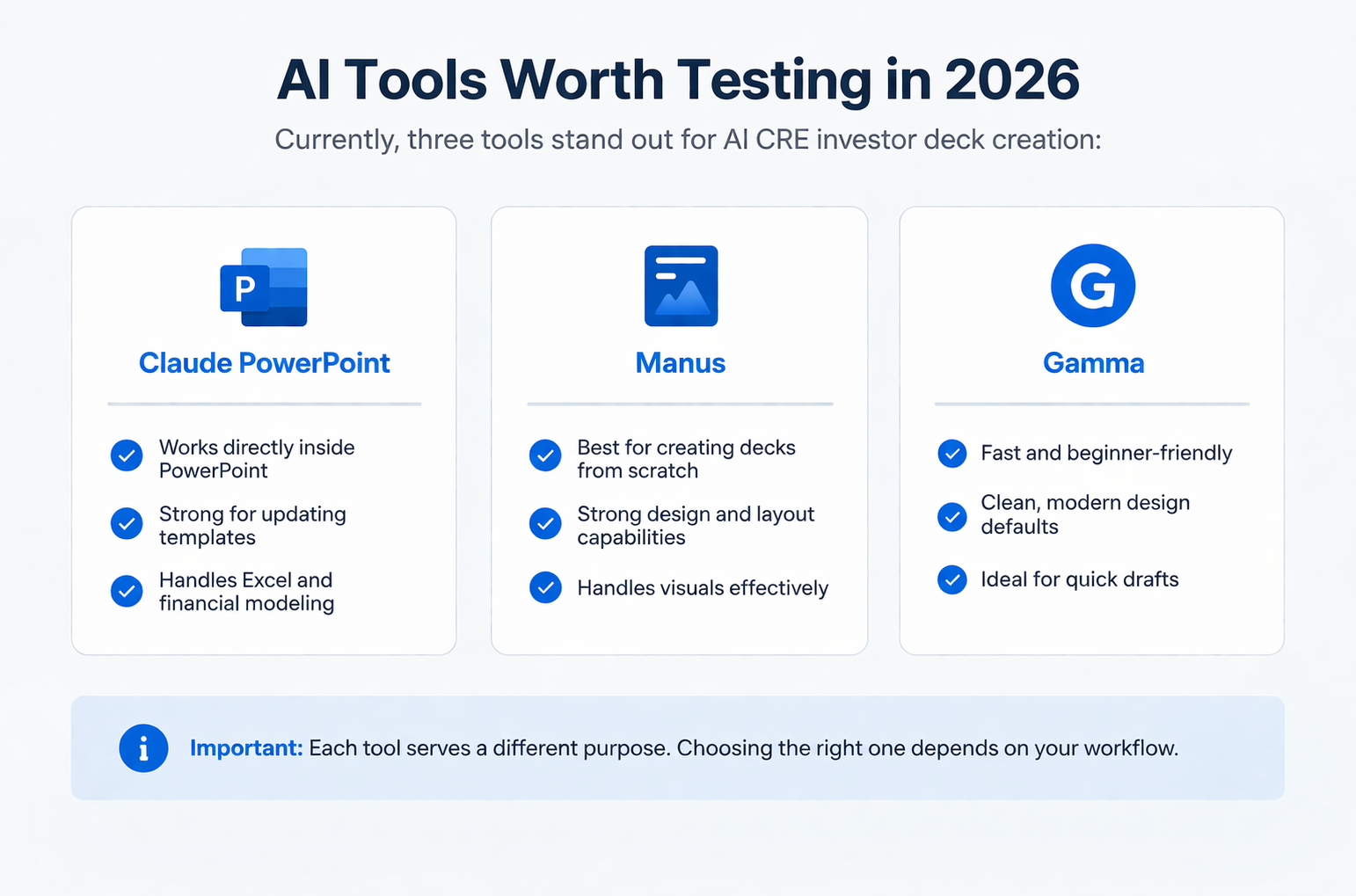
Currently, three tools stand out for AI CRE investor deck creation:
Claude PowerPoint
- Works directly inside PowerPoint
- Strong for updating templates
- Handles Excel and financial modeling
- Performs autonomous web research
Manus
- Best for creating decks from scratch
- Strong design and layout capabilities
- Handles visuals effectively
Gamma
- Fast and beginner-friendly
- Clean, modern design defaults
- Ideal for quick drafts
Important: Each tool serves a different purpose. Therefore, choosing the right one depends on your workflow.
What You Need Before You Start
Creating From Scratch
- AI tool access
- Offering memorandum (PDF)
- Underwriting model
- 30–45 minutes of active time
For Updating Templates
- Existing OM template
- New property data
- Rent roll and photos
- “Ask before edits” is enabled
For Both
- Clear deal brief:
- Equity structure
- Preferred return
- Target IRR
- Value-add strategy
Without this clarity, AI will make assumptions — and those assumptions can lead to errors.
Workflow 1: AI CRE Investor Deck Creation From Scratch
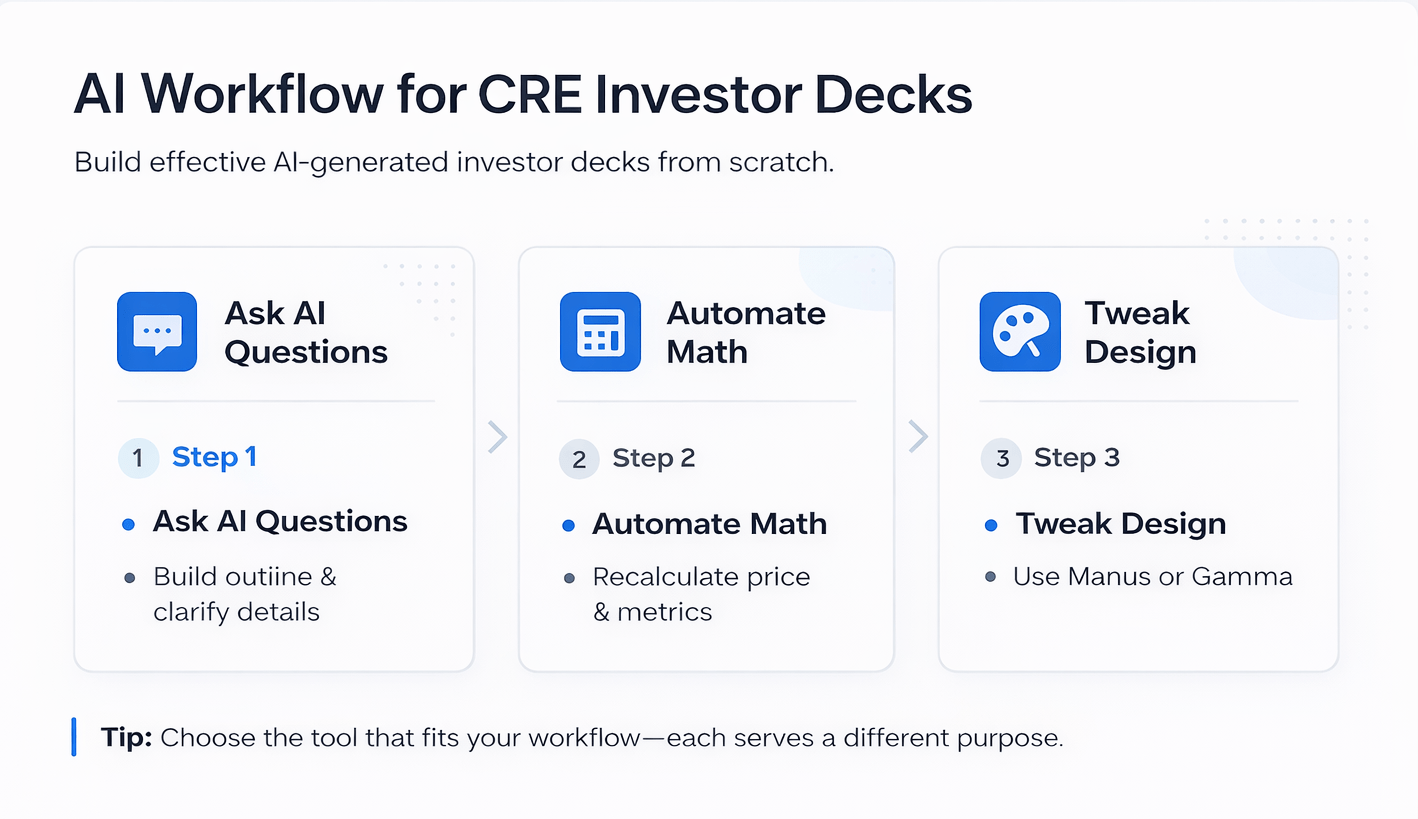
Step 1: Ask AI to Ask Questions
Before generating anything, instruct AI to:
- Build an outline
- Ask clarifying questions
This improves accuracy and prevents incorrect outputs.
Step 2: Automated Re-Underwriting
AI recalculates:
- Purchase price
- Return metrics
- Renovation impact
As a result, your deck reflects optimized deal assumptions rather than raw inputs.
Step 3: Design Limitations
Although the analysis is strong, the design output is still basic.
Therefore:
- Use Claude for calculations
- Use Manus or Gamma for design
Workflow 2: Updating an Existing Template
This is where AI performs best.
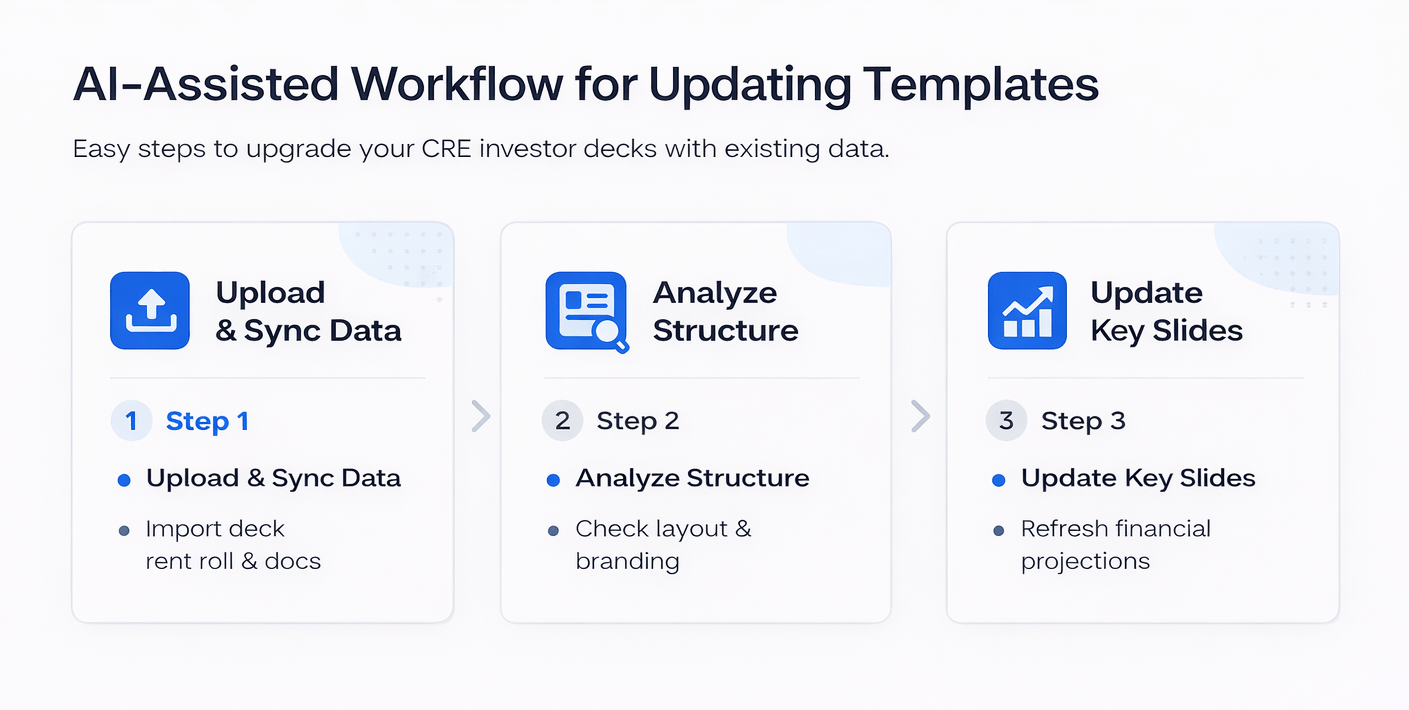
Step 1: Upload Template + Data
Provide:
- Existing deck
- New OM
- Rent roll
- Supporting documents
Step 2: AI Analyzes Structure
AI studies:
- Layout
- Tables
- Branding
- Formatting
This ensures consistency.
Step 3: Slide-by-Slide Updates
AI updates:
- Investment summary
- Financial projections
- Rent comps
- Comparable sales
In addition, it performs market research automatically.
Autonomous Market Research
AI identifies missing data and searches for:
- Market rents
- Sales comps
- Vacancy rates
For example, it may pull:
- Submarket rent averages
- Price per unit
- Recent transactions
However, verification is still required before use.
AI vs Manual Time Comparison
| Task | Manual Time | AI Active Time | Total AI Time |
|---|---|---|---|
| OM Template Update (22 slides) | 6–8 hours | 30–45 min | 60–90 min |
| Market Rent Research | 45–60 min | 0 min | Included |
| Comparable Sales Research | 30–45 min | 0 min | Included |
| Deck From Scratch | 4–6 hours | 1–2 hours | 3–4 hours |
Insight:
Although total time still exists, active effort drops significantly. Therefore, you can handle multiple deals simultaneously.
What You Actually Get After AI Processing
Once completed, you receive:
- Fully updated investor deck
- Rebuilt financial projections
- Market data integration
- Comparable sales analysis
- Updated investment highlights
Manual Work Still Needed
- Photo insertion
- Minor formatting fixes
- Data verification
Performance Breakdown of AI Capabilities
| Capability | Performance Level | Notes |
|---|---|---|
| Template Repopulation | High | Very accurate and consistent |
| Financial Analysis | High | Strong re-underwriting ability |
| Market Research | Medium-High | Needs verification |
| Design Output | Medium | Better with Manus/Gamma |
| Photo Handling | Low | Manual step required |
What AI Does Well vs Where It Falls Short
Strengths
- Fast template updates
- Financial recalculations
- Automated research
- Background processing
Limitations
- Weak design from scratch
- Context limits on large decks
- No proper photo handling
- Requires human validation
Tips for Better AI CRE Investor Deck Creation
- Always enable “ask before edits.”
- Let AI clarify before building
- Match the tool to the task
- Verify all outputs
- Plan for long deck limits
- Use strong templates
FAQs Regarding AI CRE Investor Deck Creation
1. Can AI build a full investor deck from scratch?
Yes, but the design may be basic.
- Strong calculations
- Accurate structure
- Weak visuals
Conclusion: Combine tools for best results.
2. Does AI perform market research automatically?
Yes, it can search and extract data.
- Rent comps
- Sales comps
- Market trends
Conclusion: Always verify accuracy.
3. How long does it take to update a deck?
Typically 60–90 minutes total.
- Minimal active time
- Automated processing
Conclusion: Major efficiency gain.
4. Is AI better than manual workflows?
For speed, yes.
- Reduces repetitive tasks
- Improves consistency
Conclusion: Best used as support.
5. What is the biggest limitation?
Design quality.
- Layout issues
- Formatting inconsistencies
Conclusion: Use design tools alongside AI.
6. Can AI handle large presentations?
Yes, but it may require restarting.
- Context limits exist
- Easy to resume
Conclusion: Plan workflow accordingly.
7. Do I need to verify AI outputs?
Yes, always.
- Public data sources
- Possible inaccuracies
Conclusion: Human review is critical.
8. What impacts output quality the most?
Your input data.
- Clear instructions
- Strong templates
Conclusion: Better input = better results.
9. Which AI tool is best for beginners?
Gamma is the easiest to start with.
- Simple interface
- Fast output
- Minimal setup
Conclusion: Ideal for quick drafts.
10. Can AI replace analysts in CRE?
No, it supports them instead.
- Handles repetitive work
- Assists with data processing
- Leaves judgment to humans
Conclusion: AI augments, not replaces.
11. How accurate are AI-generated financial models?
Generally reliable but not perfect.
- Good for initial drafts
- Needs review for assumptions
- Sensitive to input quality
Conclusion: Always validate numbers.
12. Is AI suitable for institutional-level decks?
Partially, with refinement.
- Strong data handling
- Weak design output
Conclusion: Requires manual polishing.
Standardize Your Investor Deck Workflow
Join AI for CRE, where 600+ CRE professionals are using tools like this to streamline investor deck creation, eliminate inconsistent outputs, and scale their deal pipeline with confidence.
Get access to proven templates, step-by-step workflows, and real deal setups, and start turning AI into a repeatable system for every deal.
