

How to Screen Multiple Deals at Once with AI
The bottleneck in acquisitions is not finding deals—it is screening them fast enough. With an AI parallel deal underwriting workflow, you can process multiple OMs at once instead of spending hours underwriting each deal individually.
As a result, instead of dedicating an entire day to four deals, you can run all of them simultaneously with one prompt. I tested this by processing four multifamily OMs in parallel using an AI underwriting skill, which generated four complete pro formas with go/no-go verdicts in minutes.
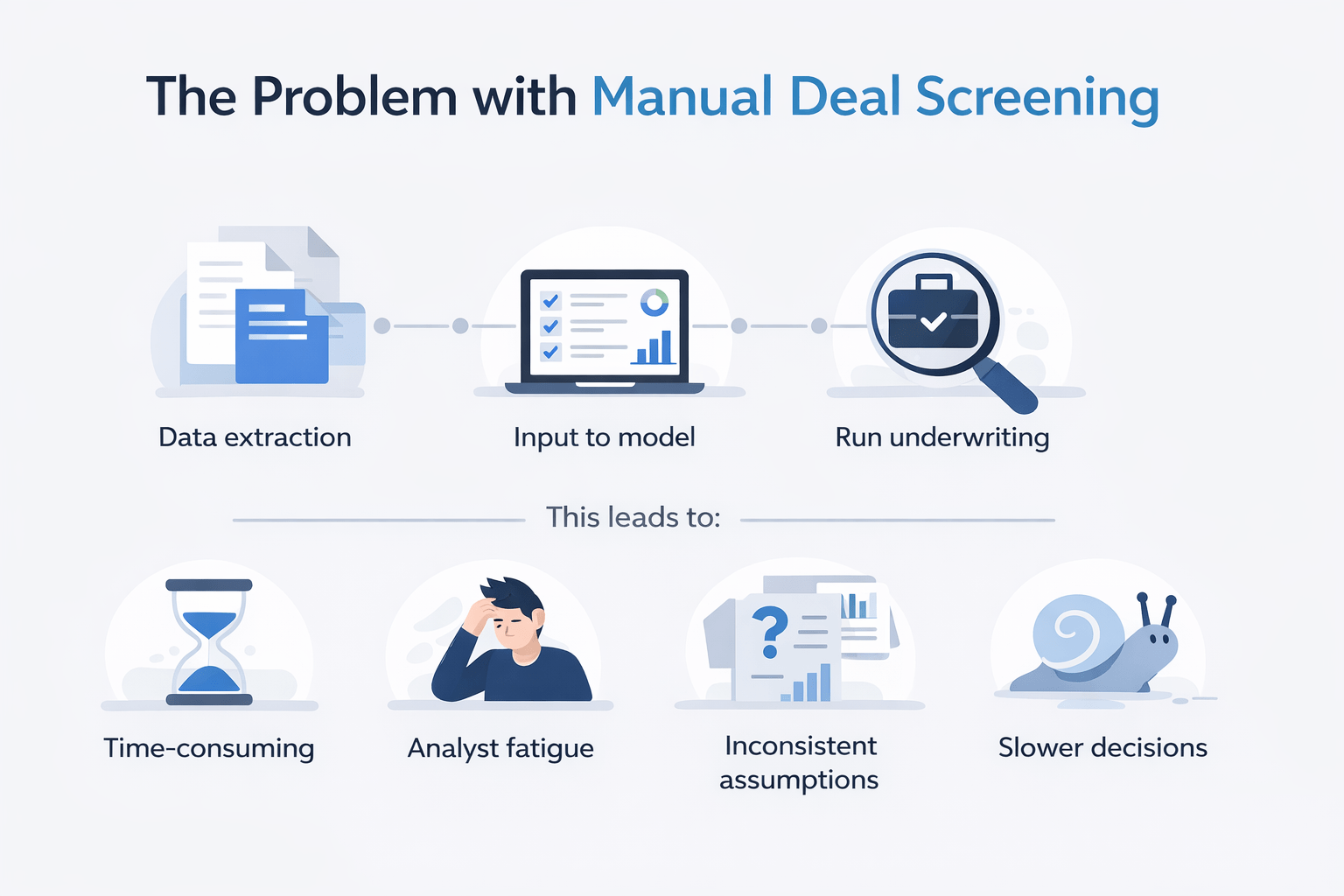
The Problem with Manual Deal Screening
When multiple OMs arrive at once, the process becomes repetitive:
- Extract data from each OM
- Input data into your model
- Run underwriting
- Review assumptions
- Repeat for every deal
However, this creates several issues:
- Time-consuming workflows
- Analyst fatigue
- Inconsistent assumptions
- Slower decision-making
Therefore, scaling acquisitions becomes difficult.
The AI Parallel Deal Underwriting Workflow
This workflow combines:
- A custom underwriting skill
- A centralized file system
- Parallel AI agents
Using Claude Cowork, I pointed the system to a folder containing four OMs and ran a single instruction to process them simultaneously.
What Happened
- AI detected the underwriting skill automatically
- Multiple agents launched in parallel
- Each property was processed independently
- Full pro formas were generated
As a result, completed underwriting models were delivered within minutes.
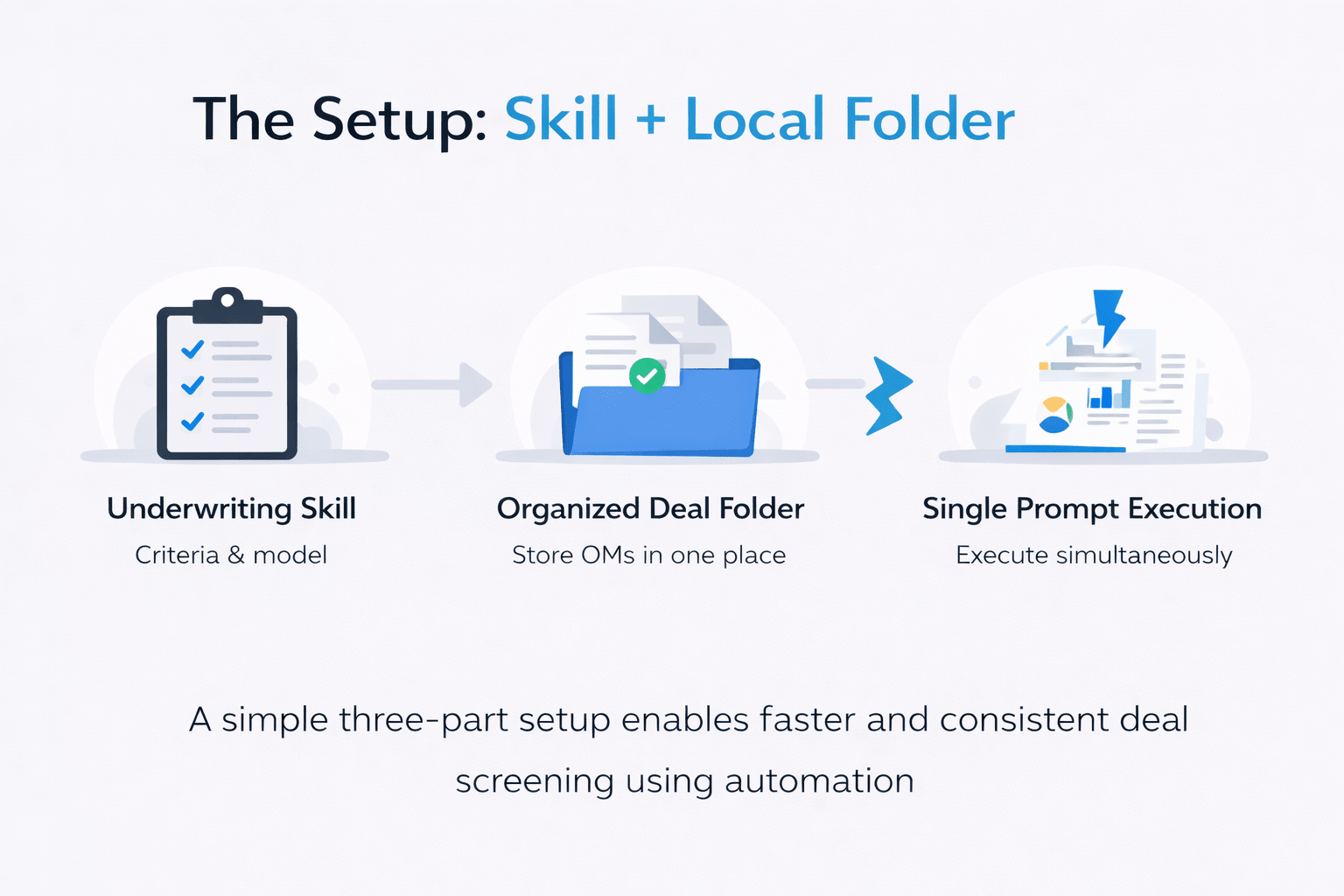
The Setup: Skill + Local Folder
To make this work, you need:
1. Custom Underwriting Skill
Includes:
- Acquisition criteria
- Assumptions
- Excel underwriting model
2. Organized Deal Folder
- Store all OMs in one location
- Ensure files are ready before processing
3. Single Prompt Execution
Example instruction:
- Underwrite all deals simultaneously
- Apply the same model and assumptions
- Deliver completed outputs
This enables parallel execution.
What the AI Output Looked Like
Each property was analyzed independently and returned with a clear verdict.
Example Results
- A smaller six-unit property priced around $900K
- Low returns
- Inefficient debt structure
- Immediate pass
- An eight-unit opportunity
- Strong IRR potential
- Minor assumption adjustments needed
- Worth deeper review
- A larger sixteen-unit building
- Moderate performance
- Expense assumptions required refinement
- Needs further analysis
- A vacant seven-unit asset priced at $3.9M
- Negative projected returns
- High execution risk
- Requires major reassessment
As a result, each opportunity was quickly categorized for next steps.
Deal Screening Comparison Table
| Process Step | Manual Workflow | AI Workflow |
|---|---|---|
| Data extraction | 30–45 mins | Automated |
| Model population | 30–45 mins | Automated |
| Analysis | 30–60 mins | Automated |
| Total per deal | 2–3 hours | Minutes |
| Multiple deals (4 deals) | Full day | Minutes |
This demonstrates the scalability advantage.
Why QA Still Matters
AI handles the first pass, but human review is essential.
What to Check
- Debt assumptions
- Expense ratios
- Renovation budgets
- Rent growth assumptions
For example:
- Insurance costs may be underestimated
- Expenses may be missing
- Rent assumptions may be unrealistic
Therefore, AI speeds up analysis but does not replace judgment.
Why Parallel Processing Changes Everything
The biggest advantage is not just speed—it is consistency.
Key Benefits
- Same assumptions across all deals
- No analyst fatigue
- Uniform decision-making
- Faster pipeline movement
As a result, teams can focus only on high-potential opportunities.
Time Savings Breakdown
| Task | Manual Time | AI Workflow |
|---|---|---|
| Single deal underwriting | 2–3 hours | Minutes |
| Four deals | 1 full day | Minutes |
| QA review | 30–60 mins | ~30 mins |
Overall, this dramatically increases efficiency.
When to Use This Workflow
This approach is ideal for:
- High-volume acquisitions teams
- Investors reviewing multiple deals weekly
- Firms scaling deal pipelines
Especially when screening 20+ opportunities per week.
Tips for Better Results
- Build a reliable underwriting skill first
- Test outputs on known deals
- Use consistent assumptions
- Always run QA checks
- Organize files before processing
In addition, refine the workflow over time for better accuracy.
FAQs Regarding AI Parallel Deal Underwriting Workflow
What is an AI parallel deal underwriting workflow?
It allows multiple deals to be underwritten simultaneously using AI.
- Processes multiple OMs at once
- Applies consistent assumptions
- Generates full models
It significantly improves screening speed and efficiency.
How does parallel processing work in AI underwriting?
AI launches multiple agents to handle separate analyses.
- Each agent processes one property
- Uses the same model
- Produces independent outputs
It enables simultaneous evaluation.
Do you still need to review AI outputs?
Yes, human review is essential.
- Validate assumptions
- Check accuracy
- Adjust inputs
It ensures reliable decision-making.
What tools are required for this workflow?
You need:
- AI workspace tool
- Underwriting skill
- Excel model
These components enable automation.
How many deals can be processed at once?
Multiple opportunities can be analyzed simultaneously.
- Depends on system capability
- Scales with workflow design
- Works well for batch processing
It supports high-volume pipelines.
What is the biggest advantage of this workflow?
The biggest advantage is speed with consistency.
- Faster analysis
- Uniform outputs
- Reduced manual work
It transforms acquisition workflows.
What is the biggest limitation?
AI still requires oversight.
- Needs QA review
- Depends on assumptions
- Requires setup
Proper validation ensures accuracy.
Who benefits most from this approach?
High-volume acquisition teams benefit the most.
- Investors
- Analysts
- Portfolio managers
It helps scale deal evaluation efficiently.
Scale Your Deal Screening Process
Join the AI for CRE Collective, where 650+ CRE professionals are using workflows like this to underwrite multiple opportunities in parallel, eliminate repetitive analysis, and focus only on the deals that matter.
Get access to real prompts, skill setups, and step-by-step workflows—so you can turn your acquisitions process into a fast, scalable system.
