
How to Build a Custom AI Underwriting Skill for CRE Acquisitions
Most acquisition teams underwrite deals the same way every time—same model, same assumptions, same criteria, and the same process from OM to verdict. With an AI real estate underwriting skill, you can automate this entire workflow and turn a repetitive process into a scalable system.
As a result, instead of manually analyzing each deal, you can upload an offering memorandum and let AI extract data, apply filters, populate your model, and deliver a go/no-go decision in minutes. I built this using an AI tool connected to our actual underwriting model, and the results significantly improved speed and consistency.
What Is an AI Real Estate Underwriting Skill
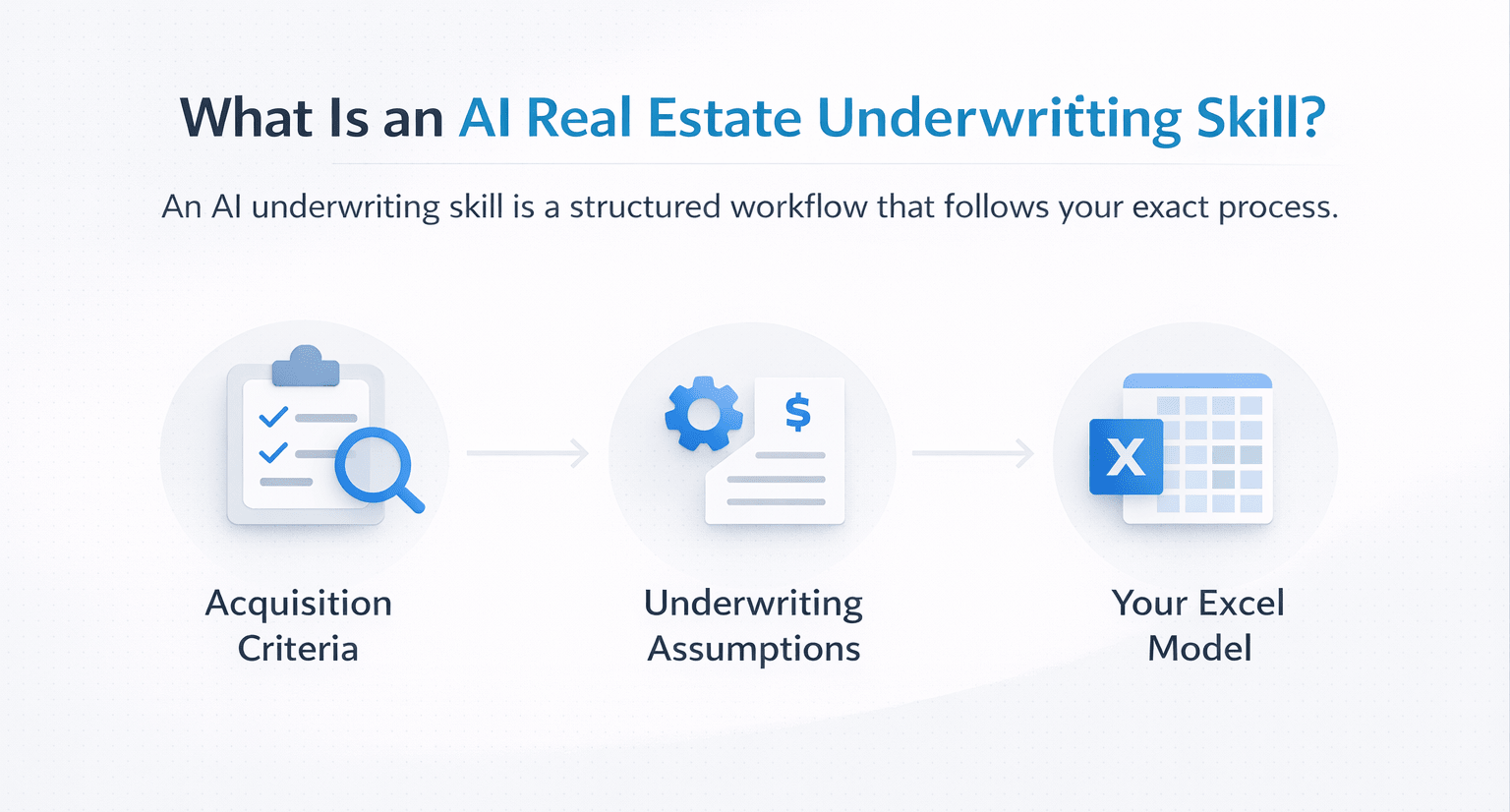
An underwriting skill is a structured AI workflow that follows your exact process.
It includes:
- Acquisition criteria
- Underwriting assumptions
- Your actual Excel model
Therefore, the AI does not guess—it follows your system.
What Goes Into an Underwriting Skill
1. Acquisition Criteria
Your deal filters determine whether a property qualifies.
- Target market (e.g., LA multifamily)
- Return thresholds
- Unit count requirements
- Vintage preferences
- Cap rate minimums
2. Underwriting Assumptions
These are the inputs normally entered into your model.
- Rent growth
- Renovation premiums
- Expense ratios
- Debt terms
- Renovation costs
- Disposition costs
The more detailed these are, the better the output.
3. Your Actual Model
This is the most important component.
Include your full Excel model with:
- Rent roll
- Pro forma
- Debt schedule
- Cash flow projections
- IRR calculations
As a result, the AI produces usable outputs instead of generic estimates.
Underwriting Skill Components Overview
| Component | Purpose | Impact on Output |
|---|---|---|
| Acquisition Criteria | Filters deals | Eliminates bad opportunities |
| Assumptions | Defines inputs | Ensures consistency |
| Excel Model | Performs calculations | Produces real outputs |
Step-by-Step: How to Build an AI Underwriting Skill
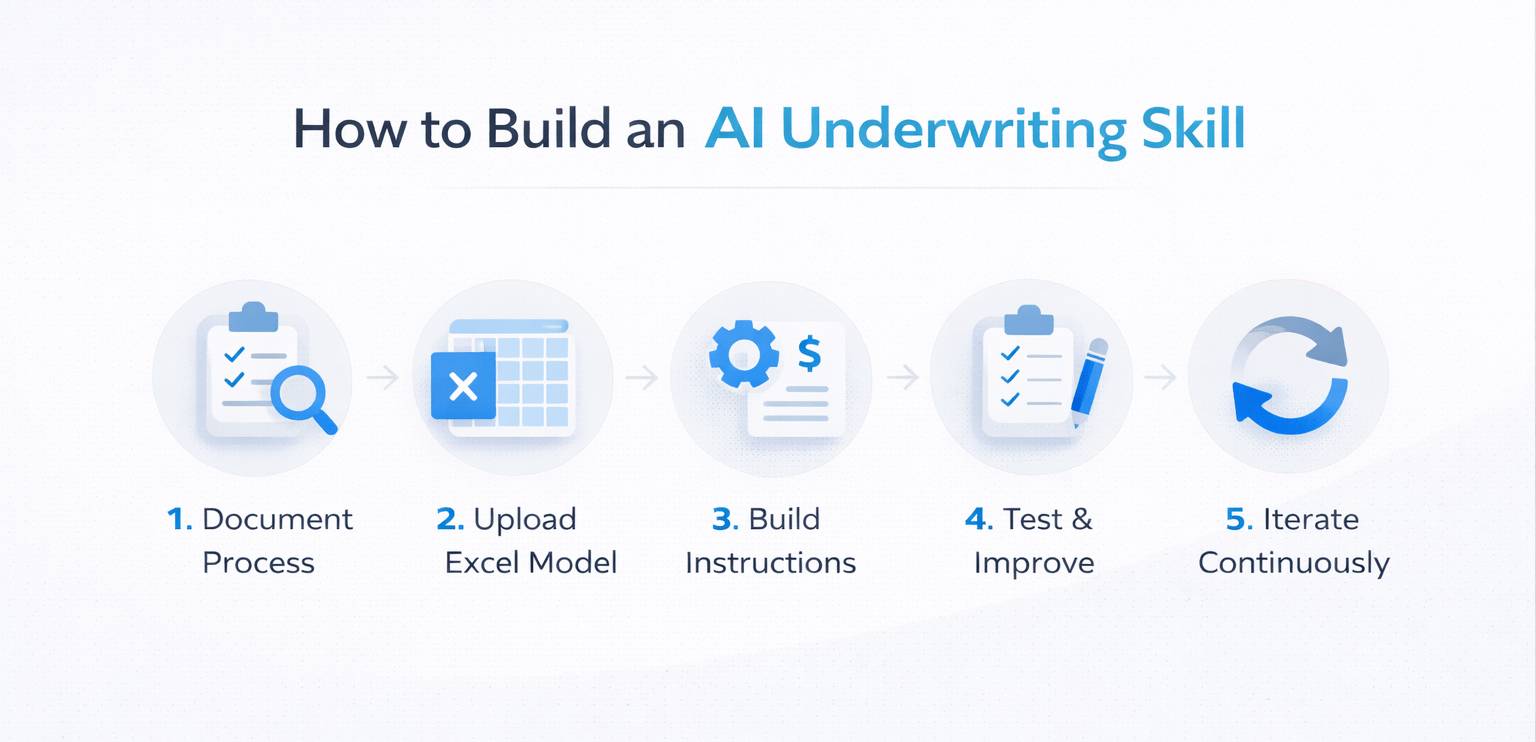
1. Document Your Process
Write everything down from start to finish.
- Deal screening criteria
- Assumptions used
- Calculation methods
This step ensures accuracy.
2. Include Your Model
Upload your actual Excel model.
- Do not summarize it
- Provide a full structure
- Include all formulas
This makes the output actionable.
3. Build the Skill
Create instructions that tell the AI:
- Extract property data
- Apply filters
- Run regulatory checks
- Populate the model
- Deliver a verdict
4. Test on Real Deals
Run the skill using actual OMs.
Check for:
- Incorrect assumptions
- Unrealistic outputs
- Missing data
5. Iterate and Improve
Refine continuously.
- Adjust assumptions
- Improve instructions
- Re-test outputs
Typically, 5–7 iterations are needed for accuracy.
Why Custom AI Underwriting Beats Generic AI
Generic AI outputs:
- Use default assumptions
- Ignore your process
- Produce inconsistent results
Custom underwriting skills:
- Follow your exact model
- Apply your criteria
- Match your decision-making
Therefore, the output reflects your team’s actual workflow.
Time Savings Comparison
| Task | Manual Process | AI Workflow |
|---|---|---|
| Data extraction | 30–60 mins | Automated |
| Model input | 30–60 mins | Automated |
| Analysis & decision | 30 mins | Automated |
| Total time per deal | 1.5–2 hours | Minutes |
This allows teams to analyze multiple deals simultaneously.
Key Benefits of AI Underwriting Skills
- Standardized analysis
- Faster deal screening
- Reduced human error
- Scalable workflows
- Consistent decision-making
As a result, acquisitions teams can focus on higher-value tasks.
When to Use This Workflow
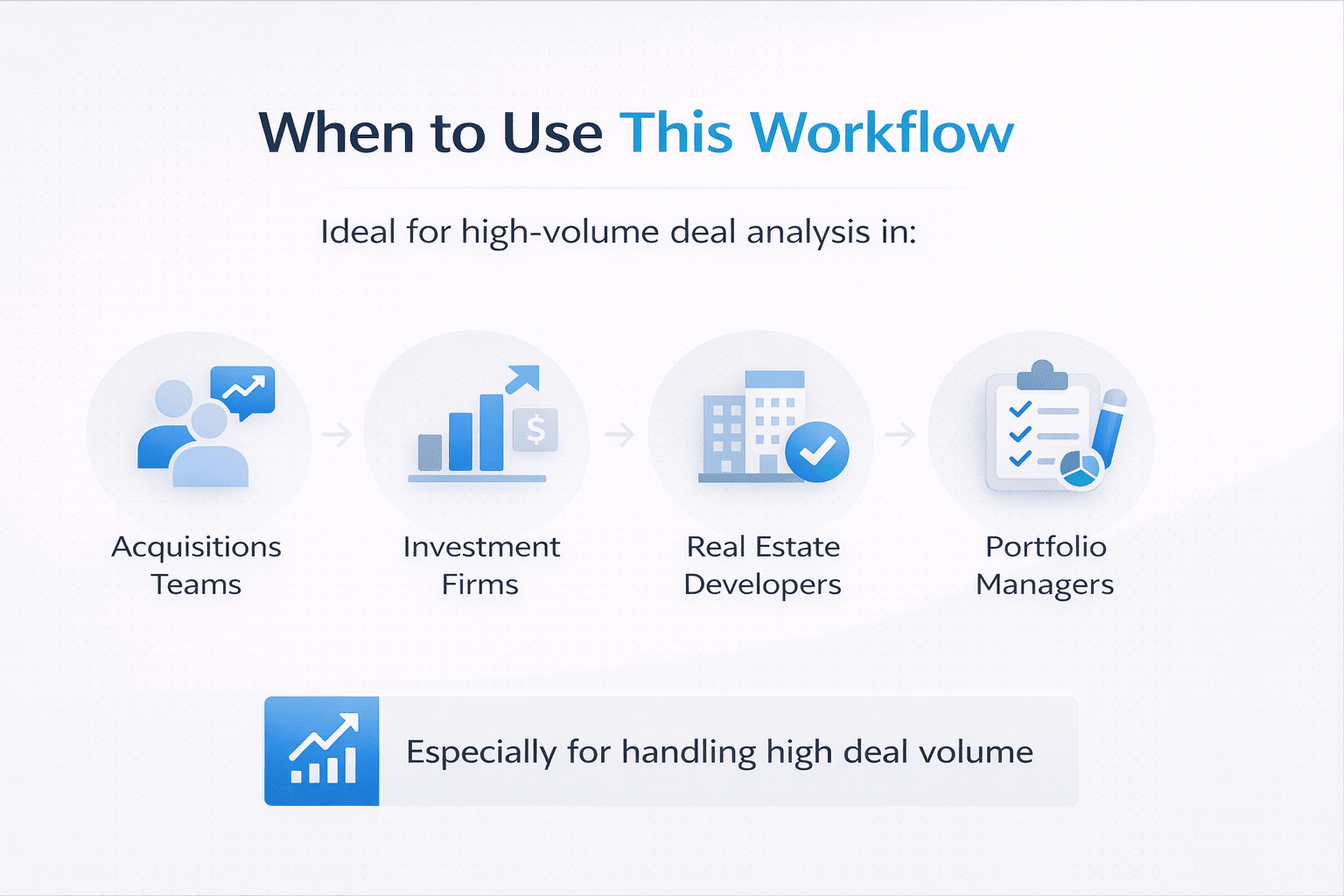
This approach is ideal for:
- Acquisitions teams
- Investment firms
- Real estate developers
- Portfolio managers
Especially when handling high deal volume.
Tips for Better Results
- Be extremely detailed in documentation
- Use your real model, not summaries
- Test with previously underwritten deals
- Track and fix errors during iteration
- Minimize AI assumptions
In addition, always validate outputs before making decisions.
FAQs Regarding AI Real Estate Underwriting Skill
What is an AI real estate underwriting skill?
It is an AI workflow that automates deal analysis using your process.
- Applies your criteria
- Uses your assumptions
- Runs your model
It standardizes and accelerates underwriting.
How does AI populate an underwriting model?
It extracts and inputs data automatically.
- Reads offering memorandums
- Applies assumptions
- Fills Excel models
It eliminates manual data entry.
Why is using your own model important?
Because it ensures accuracy.
- Reflects your process
- Uses your formulas
- Matches your outputs
It avoids generic results.
How many iterations are needed?
Typically, 5–7 iterations.
- Identify errors
- Adjust assumptions
- Improve instructions
This ensures reliable performance.
Can this replace analysts?
No, it supports them.
- Handles repetitive work
- Speeds up analysis
- Improves consistency
Human judgment is still essential.
What is the biggest risk?
Incorrect assumptions.
- Bad inputs lead to bad outputs
- Needs validation
- Requires refinement
Careful setup reduces this risk.
How fast is the workflow?
It takes only minutes.
- Upload files
- Run skill
- Review results
It replaces hours of manual work.
What is the biggest benefit?
The biggest benefit is scalability.
- Analyze multiple deals
- Maintain consistency
- Improve speed
It transforms acquisition workflows.
Build Scalable Underwriting Workflows
Join the AI for CRE Collective, where 650+ CRE professionals are building AI underwriting skills, automating deal analysis, and scaling acquisitions workflows using real-world models and data.
Get access to real templates, step-by-step setups, and proven workflows—so you can turn your underwriting process into a repeatable, automated system.
