
How to Prompt AI for Construction Plan Review
Most people upload construction documents to AI and type something like “review these plans.” However, the output is often vague, generic, and not very useful. With the right structure, an AI construction review prompt framework can turn that vague output into clear, actionable plan reviews that actually catch real issues.
Why Most AI Plan Reviews Fail
In most cases, the problem is not the tool—it is the prompt.
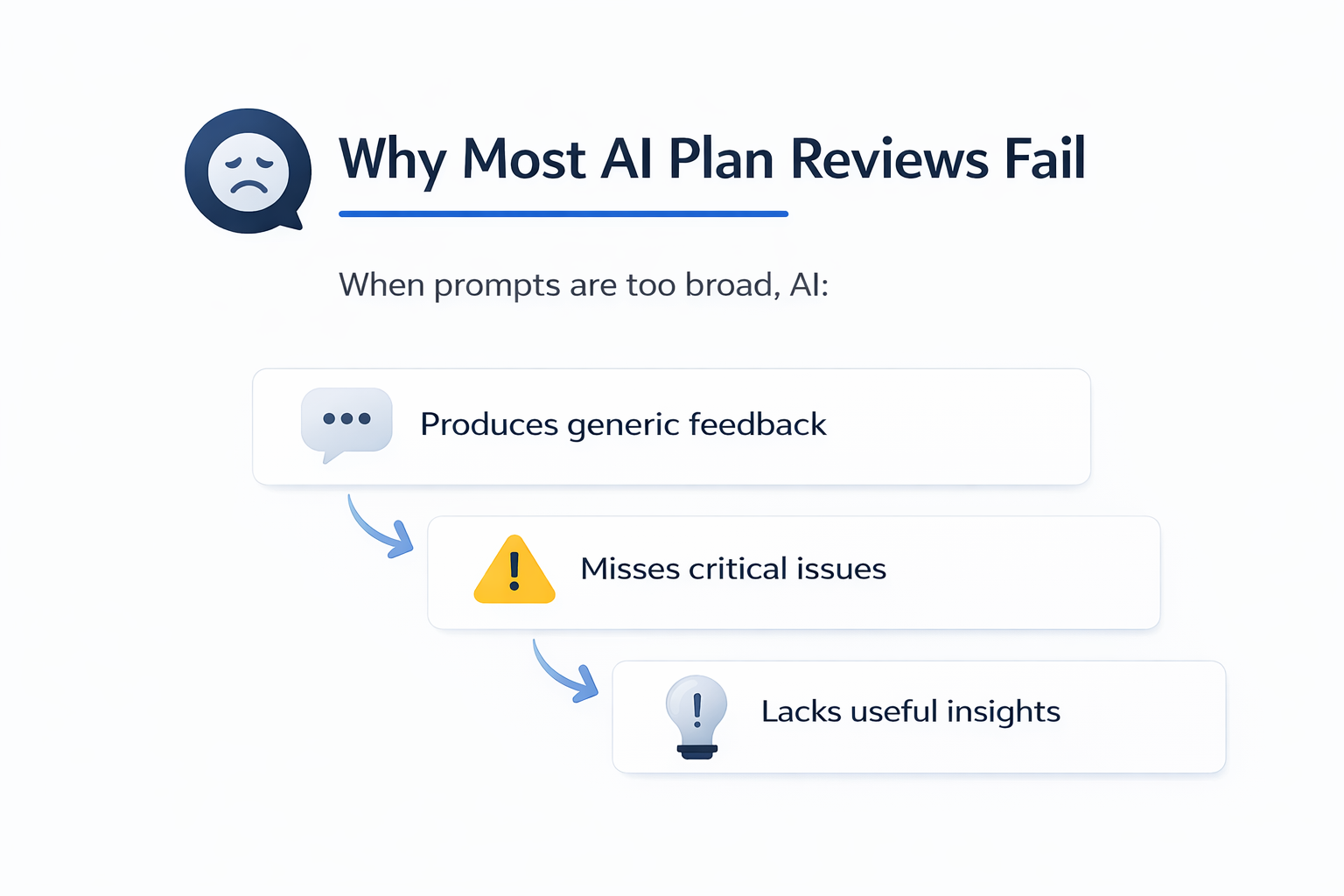
When prompts are too broad, AI:
-
Produces generic feedback
-
Misses critical issues
-
Lacks useful insights
On the other hand, structured prompts guide AI step by step. As a result, the output becomes clearer and more practical for real-world plan review.
The Five-Category AI Construction Review Prompt Framework
I tested this framework on a 4-unit condo project in West Hollywood. The results were much better than open-ended prompts.
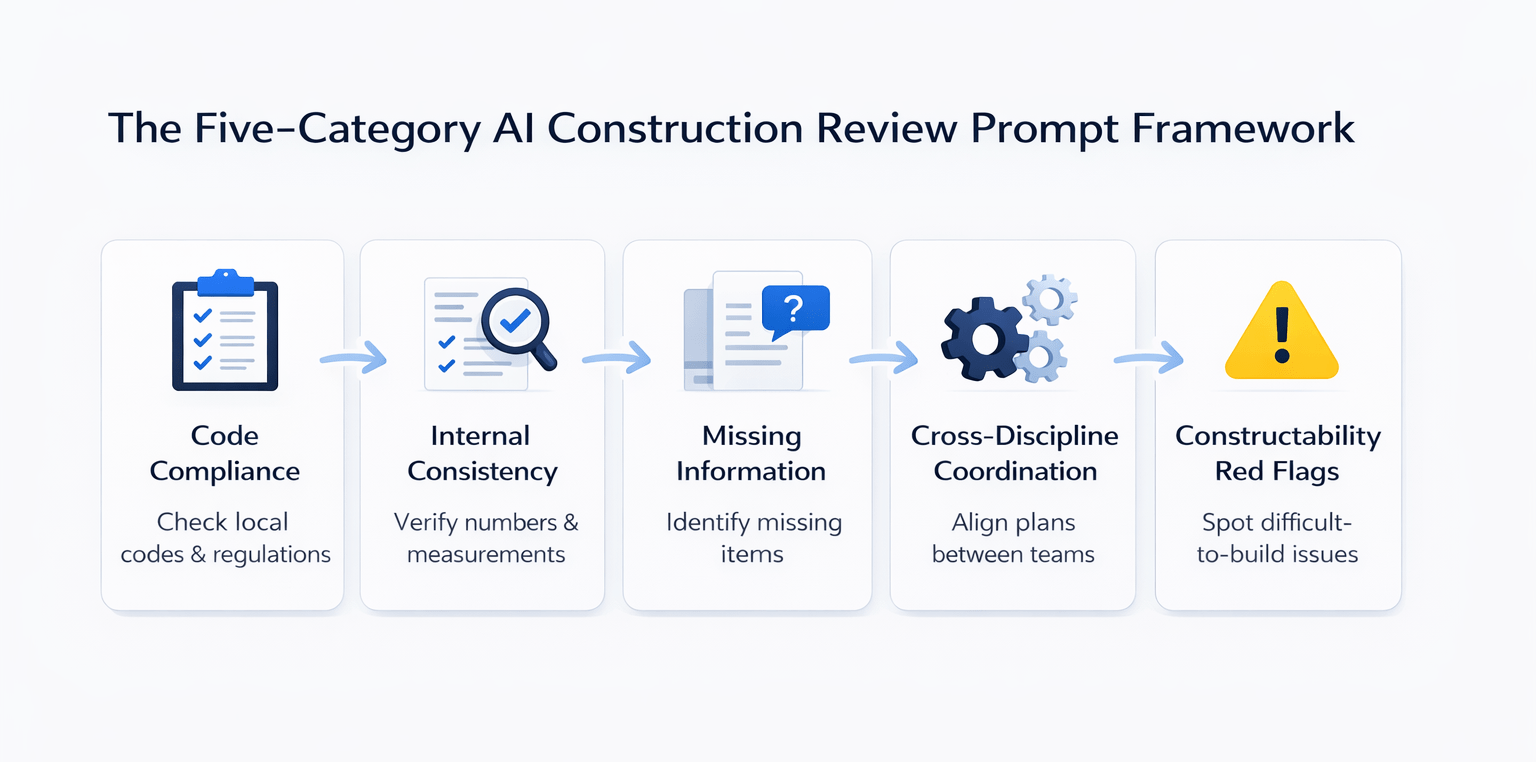
Code Compliance
What to Ask
“Review these construction documents for compliance with building codes, zoning rules, and local requirements. This project is in [jurisdiction]. Check height limits, setbacks, parking, accessibility, and local codes.”
Why Jurisdiction Matters
Local codes vary by city. Therefore, adding the location helps AI use the correct rules instead of general ones.
What It Caught
-
Building height at 42.2 ft vs 35-ft limit
-
EV charging below code
-
Outdated code reference (2021 vs 2022 CBC)
-
Possible affordable housing fee trigger
Internal Consistency
What to Ask
“Check all numbers across every sheet. Compare site plan, floor plans, and summaries. Flag any mismatches.”
Why This Works
Plans are updated over time. Because of this, numbers often change on one sheet but not others.
What It Caught
-
Area mismatches across sheets
-
Unsupported open space transfers
-
Inconsistent setback values
Missing Information
What to Ask
“Identify missing items required for permit submission in [jurisdiction]. Include calculations, drawings, and documents.”
Why This Matters
Cities do not review incomplete plans. As a result, missing items always cause delays.
What It Caught
-
Missing retaining wall calculations
-
No haul route plan for excavation
-
Missing landscape details
-
No staging plan
Cross-Discipline Coordination
What to Ask
“Check alignment between architectural, structural, and MEP drawings.”
Why AI Helps
Each consultant reviews their own work. However, conflicts between disciplines are often missed.
What It Caught
-
Grid line mismatches
-
MEP conflicts with the structure
-
Foundation size differences
Constructability Red Flags
What to Ask
“Identify anything difficult or impractical to build.”
Why This Saves Money
Buildability issues cause real problems during construction. Therefore, catching them early reduces risk.
What It Caught
-
Garage ramp at 20% grade
-
160+ truck trips through a residential area
-
Easement blocking construction access
-
Retaining wall concerns
Framework Summary Table
| Category | Purpose | Key Benefit |
|---|---|---|
| Code Compliance | Check regulations | Avoid violations |
| Internal Consistency | Verify numbers | Reduce corrections |
| Missing Information | Find gaps | Prevent delays |
| Cross-Discipline Coordination | Align drawings | Reduce conflicts |
| Constructability Red Flags | Check buildability | Avoid costly issues |
How to Use This Framework
When uploading documents:
-
Combine all five categories in one prompt
-
Include location and project type
-
Add unit count or size
-
Be specific
As a result, AI produces focused and useful feedback instead of general comments.
Tools That Work with This Approach
This framework was tested using:
-
Claude Cowork (Opus 4.6)
-
Manus
Claude is faster and more structured. Meanwhile, Manus goes deeper with research. However, the framework works with any strong AI tool.
Realistic Expectations
AI is not perfect, but it is very useful as a pre-check.
What It Does Well
-
Finds code issues
-
Detects inconsistencies
-
Flags missing items
-
Highlights build risks
What It Does Not Do
-
Replace engineers
-
Handle complex calculations
-
Fully interpret local codes
Expected Performance
AI can catch about 60–80% of issues a city reviewer would find.
Time & Efficiency Impact
| Factor | Traditional Review | AI Framework |
|---|---|---|
| Time | Several days | Minutes |
| Cost | High | Low |
| Revisions | Multiple | Fewer |
| Quality | Variable | Improved |
Therefore, this approach reduces delays and improves submission quality.
FAQs Regarding AI Construction Review Prompt Framework
Can AI review construction documents effectively?
Yes, AI can find major issues when guided properly.
-
Detects inconsistencies
-
Flags missing details
-
Identifies risks
-
Improves early review
For more on how AI processes structured inputs, see OpenAI (https://openai.com/research/).
Why do most AI reviews fail?
Because the prompts are too broad.
-
No structure
-
Missing details
-
Weak instructions
-
Poor results
Google AI (https://ai.google/) explains how better prompts improve output.
How important is location in prompts?
It is very important for accuracy.
-
Determines code rules
-
Affects zoning limits
-
Changes requirements
-
Improves results
You can explore local codes at Municode (https://library.municode.com/).
Can this reduce permit delays?
Yes, it helps avoid common issues before submission.
-
Fewer revisions
-
Faster approvals
-
Better plans
-
Less back-and-forth
PMI (https://www.pmi.org/) shares insights on process efficiency.
Does AI replace architects or engineers?
No, it only supports their work.
-
Helps with early review
-
Improves speed
-
Needs validation
-
Not a final authority
AIA (https://www.aia.org/) outlines professional standards.
What projects benefit from this?
Most construction projects can use this framework.
-
Residential
-
Commercial
-
Mixed-use
-
Small projects
Dodge Construction Network (https://www.construction.com/) covers industry trends.
Can AI detect coordination issues?
Yes, when prompted correctly.
-
Finds mismatches
-
Flags conflicts
-
Improves alignment
-
Reduces errors
NIBS (https://www.nibs.org/) discusses coordination practices.
How much time does this save?
It reduces review time from days to minutes.
-
Faster checks
-
Quick feedback
-
Fewer revisions
-
Better workflow
Gartner (https://www.gartner.com/) highlights workflow efficiency trends.
Review Smarter Before You Submit
Join the AI for CRE Collective, where 600+ CRE professionals are using structured frameworks like this to catch plan issues before they turn into costly delays.
Get access to proven prompts, full demos, and the 12-month Perplexity Pro access—and start running faster, more accurate construction document reviews today.
